

HotFloor camera-shake mod
Keep the view steadier with Disable camera shake. This free toggle stops new camera shakes during gameplay while you focus on the path ahead.

Control new camera shakes
Enable Steady Camera and switch on Disable camera shake. Turn the toggle off to allow new shakes again. A shake already in progress finishes naturally.
Keep your other camera settings
The toggle targets camera shake. Normal camera movement and the motion-blur setting keep their usual behavior.
Available presentation modifiers
Disable camera shakeFree
Turn off new camera shakes during gameplay for a steadier view.
Switch on Disable camera shake while Steady Camera is enabled. Turn it off to restore new shakes.
A shake already in progress finishes naturally. Normal camera movement and motion blur keep their usual behavior.
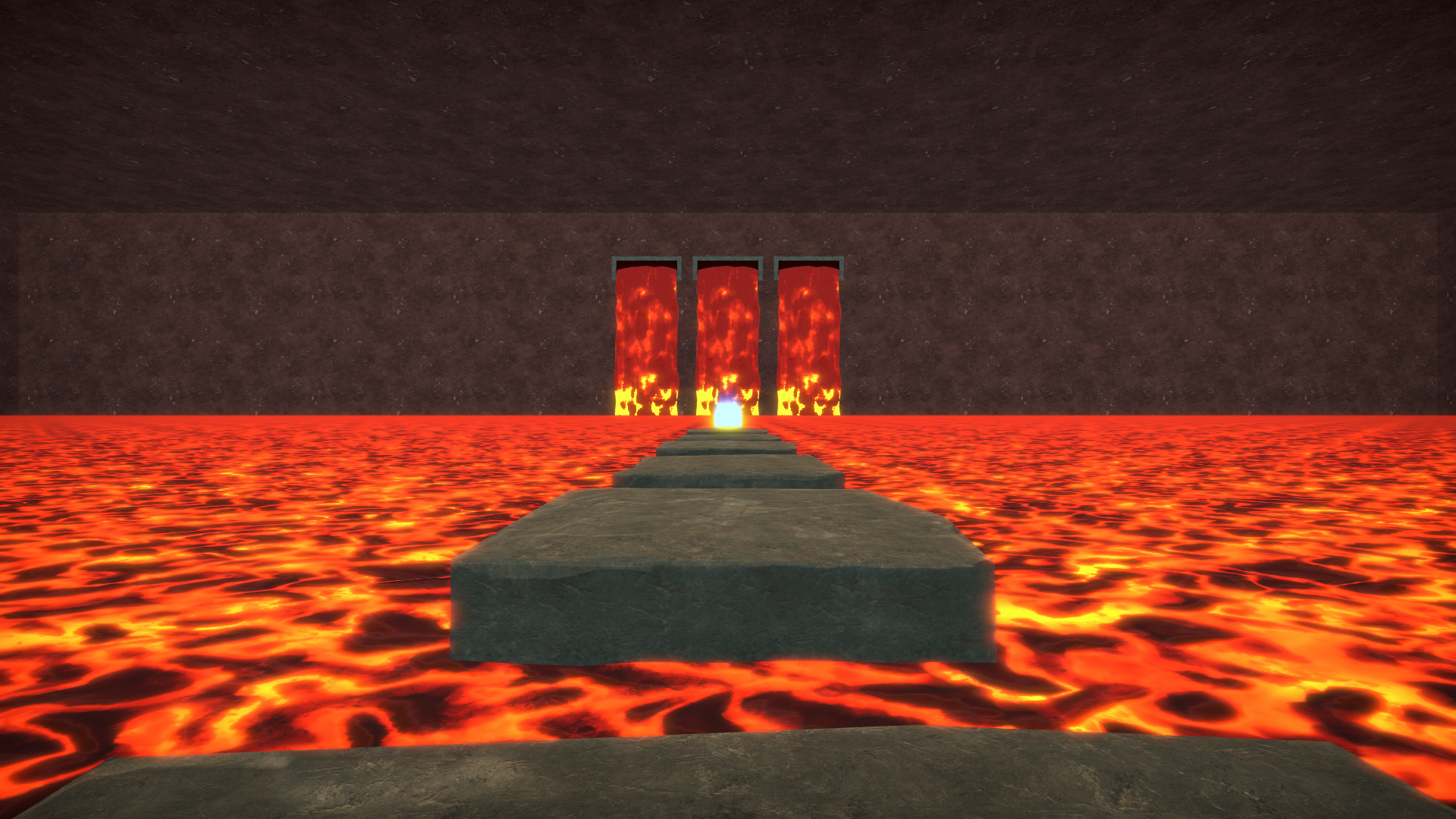
Keep the view steady
Switch off new camera shakes during gameplay.
Questions about presentation modifiers
- Why can a shake finish after I turn the toggle on?
- The control stops new shakes. It lets a shake that has already started finish naturally.
Using these features
Choose the feature in the Windows app after connecting your game. Check its requirements before making a change.
Setup for HotFloor →