

Presentation Modifiers
1 optionSwitch new camera shakes off or restore the original effect.
View presentation modifiers →Keep a steadier view as you run, jump and glide over lava in HotFloor. The free Steady Camera toggle stops new camera shakes while leaving normal camera movement in place.

Start with free mods
Download Bytonian Mods for Windows and try these free features. Choose one to see how it works and any requirements.
Turn off new camera shakes during gameplay for a steadier view.
Switch on Disable camera shake while Steady Camera is enabled. Turn it off to restore new shakes.
A shake already in progress finishes naturally. Normal camera movement and motion blur keep their usual behavior.
Disable new camera shakes while playing, then turn them back on whenever you prefer the original effect. The control leaves normal camera movement and the game's motion-blur setting alone.
Install Bytonian Mods for Windows, open HotFloor and enable Steady Camera. Switch on Disable camera shake when you want to stop new shakes.
Cross the lava
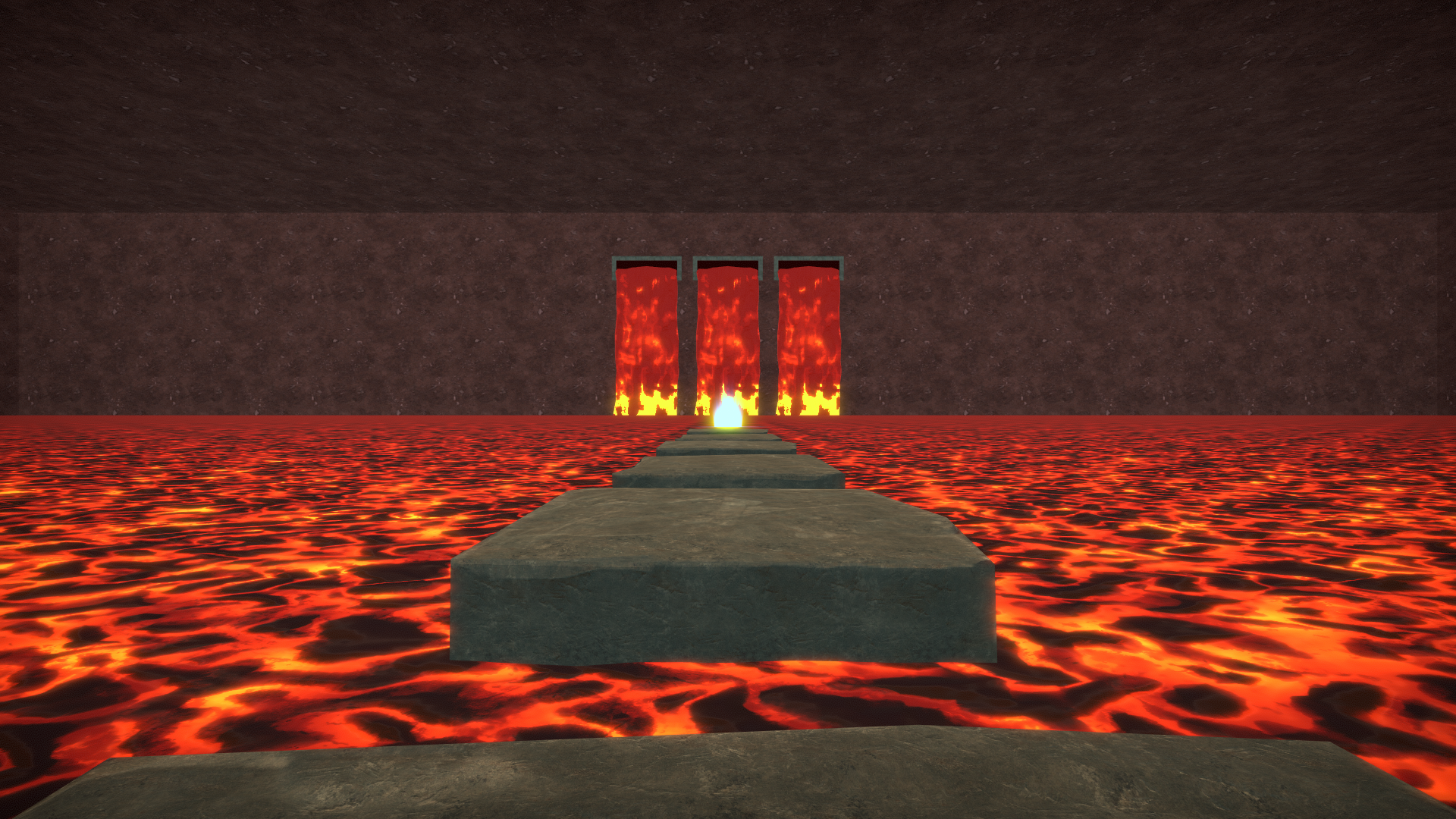
Stone platforms lead across HotFloor's lava-filled first level.
Switch new camera shakes off or restore the original effect.
View presentation modifiers →Download the Windows app and follow the setup prompts.
Open HotFloor and select it in Bytonian Mods. Follow the app’s connection prompts.
Review the available options in the app and choose the ones that suit how you play.