

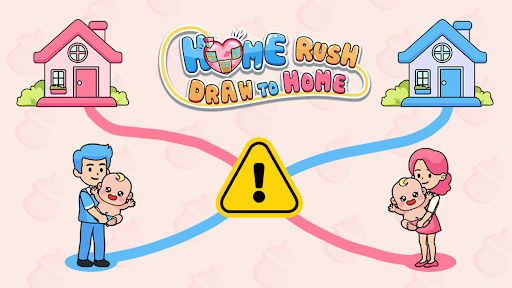
Choose your balance and board
Use Coins to set or adjust the current balance. Normal puzzle selects boards from 1 to 120; Milk puzzle selects boards from 1 to 50 when milk mode is open.

Revisit a board
Choose the normal puzzle you want to play, then apply the change. The board restarts, so finish any route you want to keep first. Earlier selections preserve higher unlocked normal progress.
Milk puzzle works after normal progress reaches level 16. Open milk mode, choose the milk puzzle number and apply it. Selecting a higher puzzle may also raise milk progress.
Adjust coins
Refresh the coin balance before setting a new total or adding or subtracting coins. The Home screen displays the updated amount.
Use the setup on the overview page to connect the game. These controls describe changes during play; no promise is made that every change remains after reopening the game.
Available resources
CoinsPremium
Set, add or subtract coins from the current balance.
Refresh first, then enter the amount and apply. Check the Home screen for the new balance.
Before you use it: Changes the coin balance in your current game.
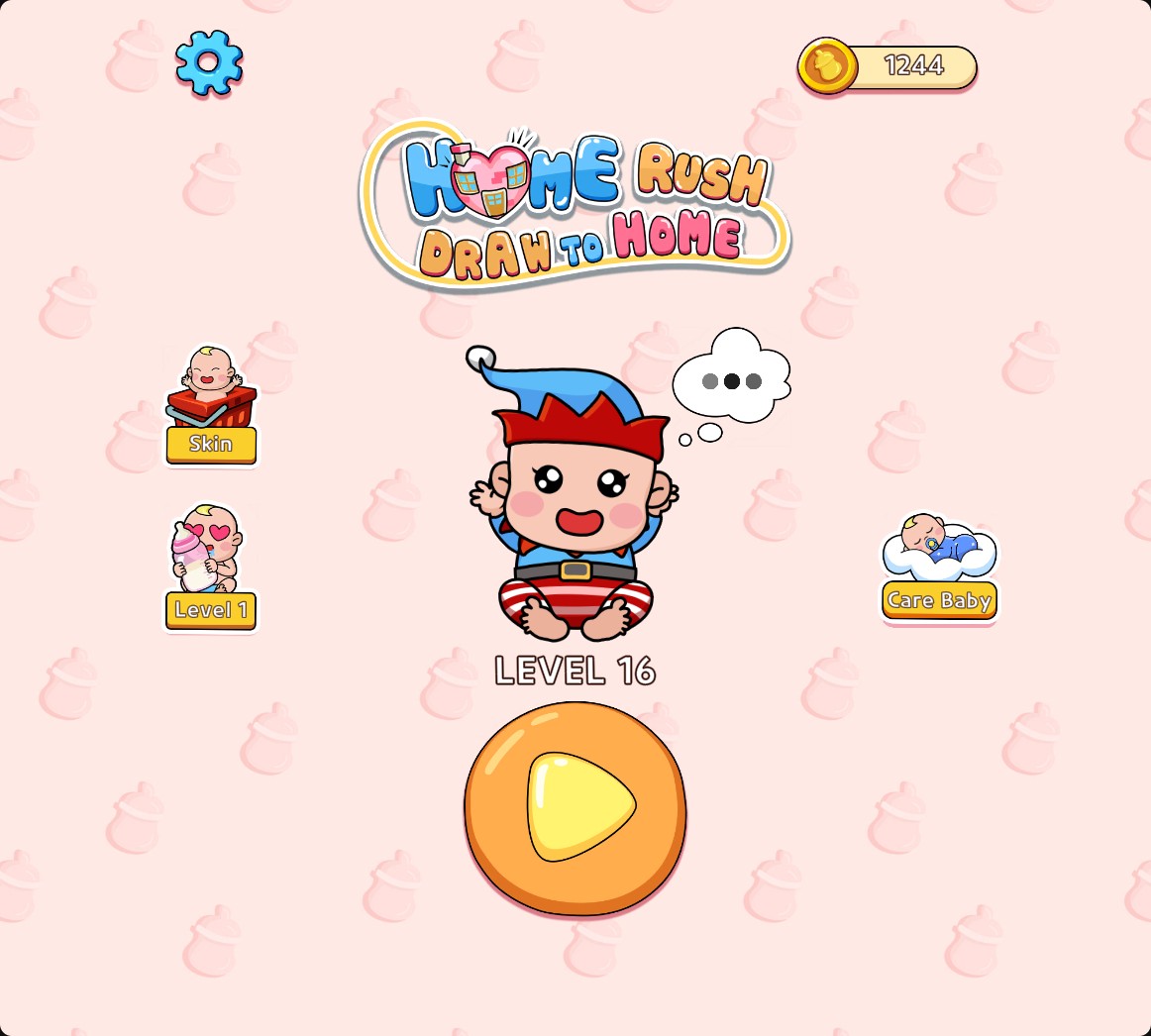
Choose your coin balance
Set the coin balance you want for your current game. The Home screen here shows 1,244 coins.
Milk puzzlePremium
Choose a milk puzzle from 1 to 50.
Reach normal level 16, open milk mode, refresh and apply the milk puzzle number.
Before you use it: Restarts the board. Selecting a higher puzzle may also raise milk progress.
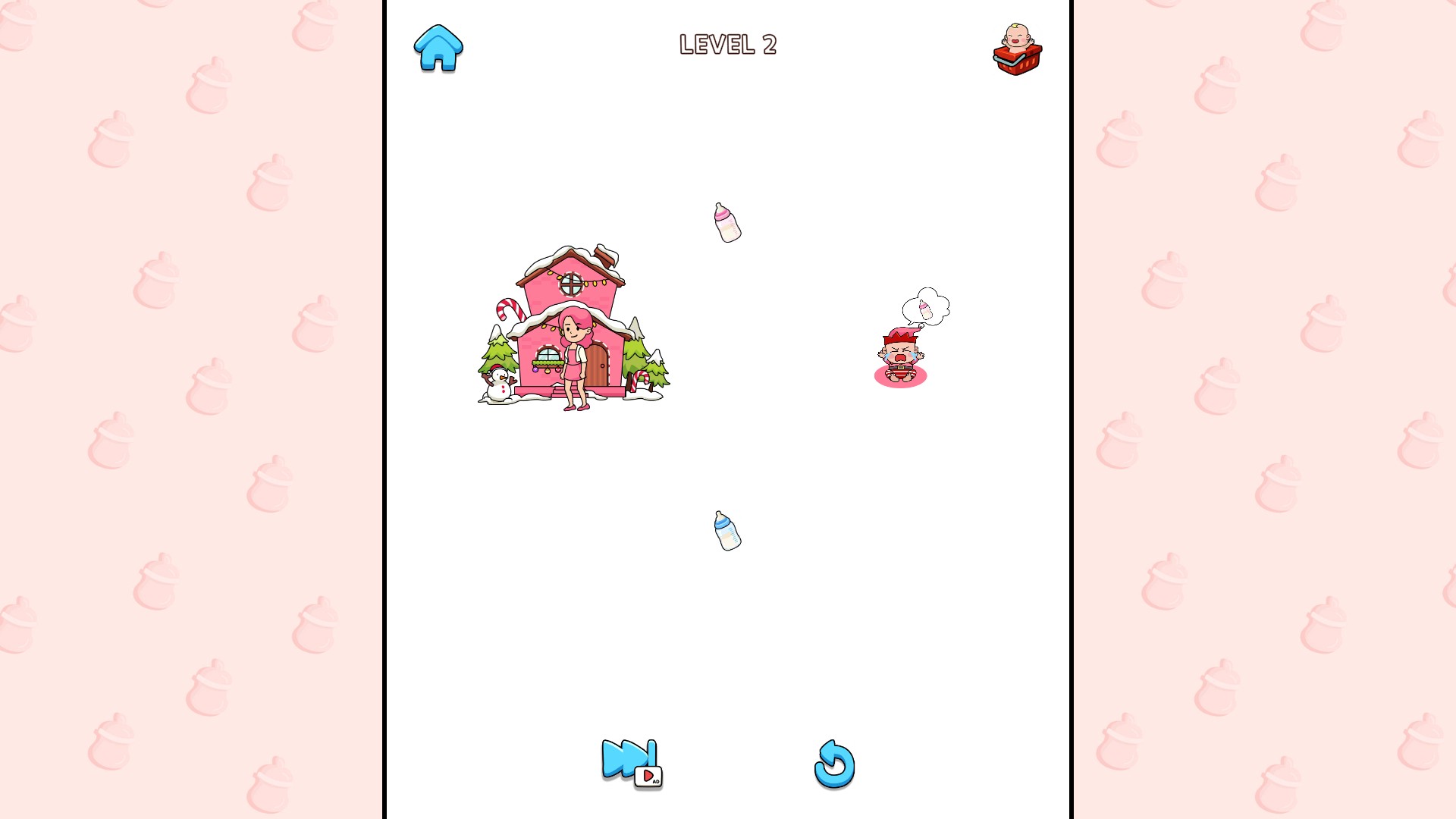
Choose a milk puzzle
Milk Level 2 adds bottles to collect along the route. Milk mode requires normal level 16.
Normal puzzlePremium
Choose a normal puzzle from 1 to 120.
Apply the puzzle number to load its board. Higher unlocked normal progress is preserved when choosing an earlier puzzle.
Before you use it: Restarts the board. Selecting a higher puzzle may also raise normal progress.
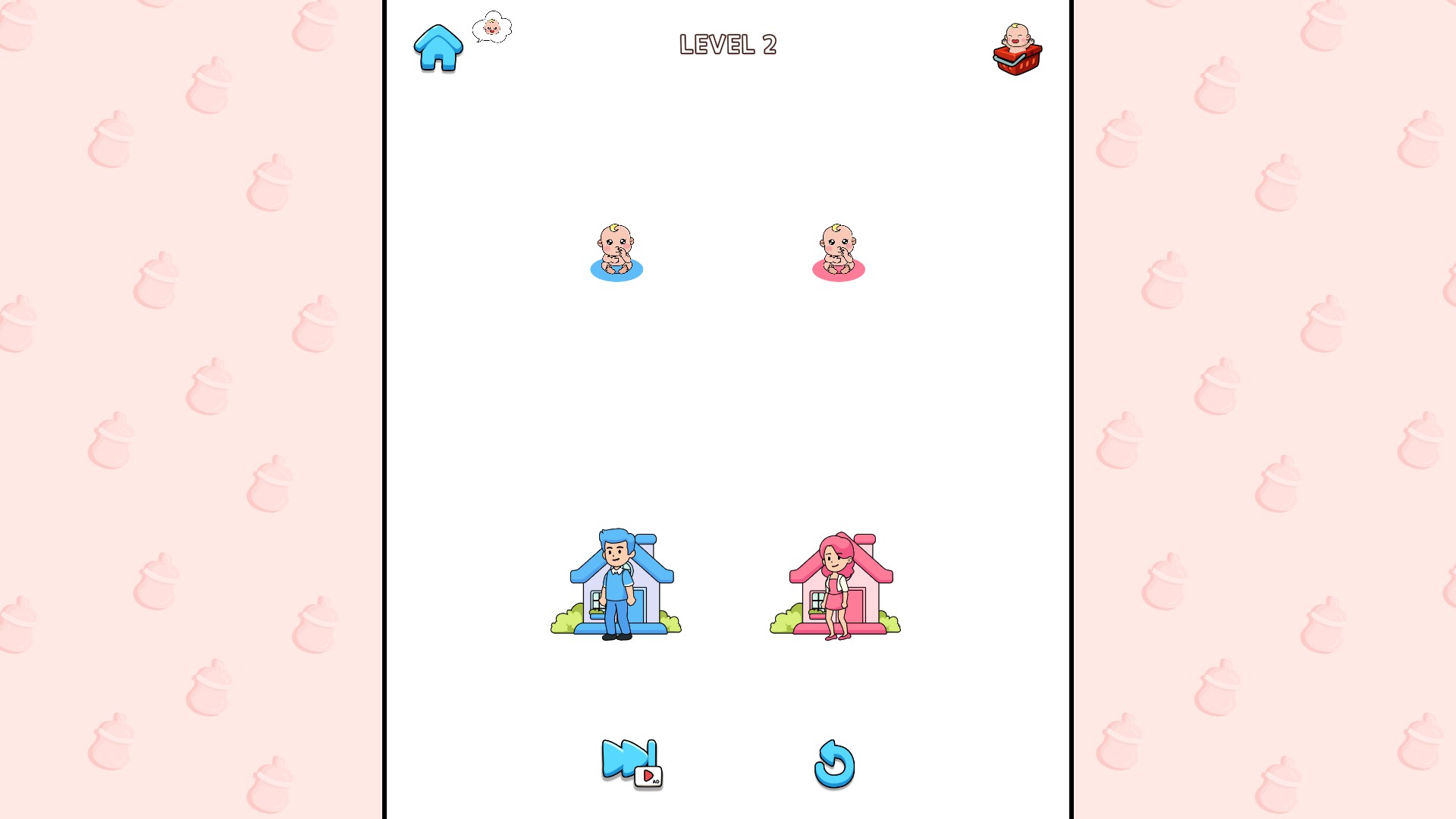
Return to a familiar puzzle
Choose a normal puzzle and plan a different route. Level 2 brings two families onto the board.
More ways to customise Home Rush - Draw to Home
- Home Rush - Draw to Home game actions
Choose Elf babies or snowy cottages for normal puzzles.
Using these features
Choose the feature in the Windows app after connecting your game. Check its requirements before making a change.
Setup for Home Rush - Draw to Home →