

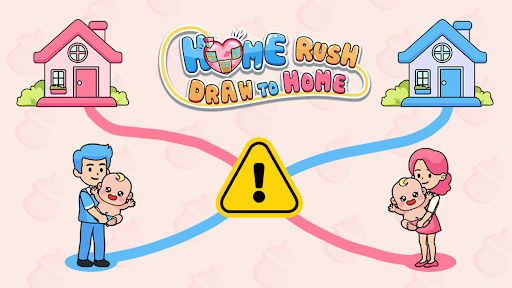
Give each family a different look
Baby appearance switches between the original babies and Elf outfits. House appearance switches between the original houses and snowy cottages.

Baby appearance
Choose Original or Elf, then apply. The babies keep their blue or pink family colors, making it easy to match them to the right parent.
Baby appearance is the free appearance control. It restarts the normal puzzle when applied.
House appearance
Choose Original or Snowy cottage to change the houses. Snowy cottages add festive lights, candy canes and snow while the parents keep their original clothes.
Applying the house appearance also restarts the normal puzzle. Use the overview setup to connect the game before choosing either appearance.
Available game actions
Baby appearanceFree
Choose the original babies or their Elf outfits.
Select Original or Elf, then apply to reload the normal puzzle.
Before you use it: Supports these two appearances. Applying restarts the normal puzzle.
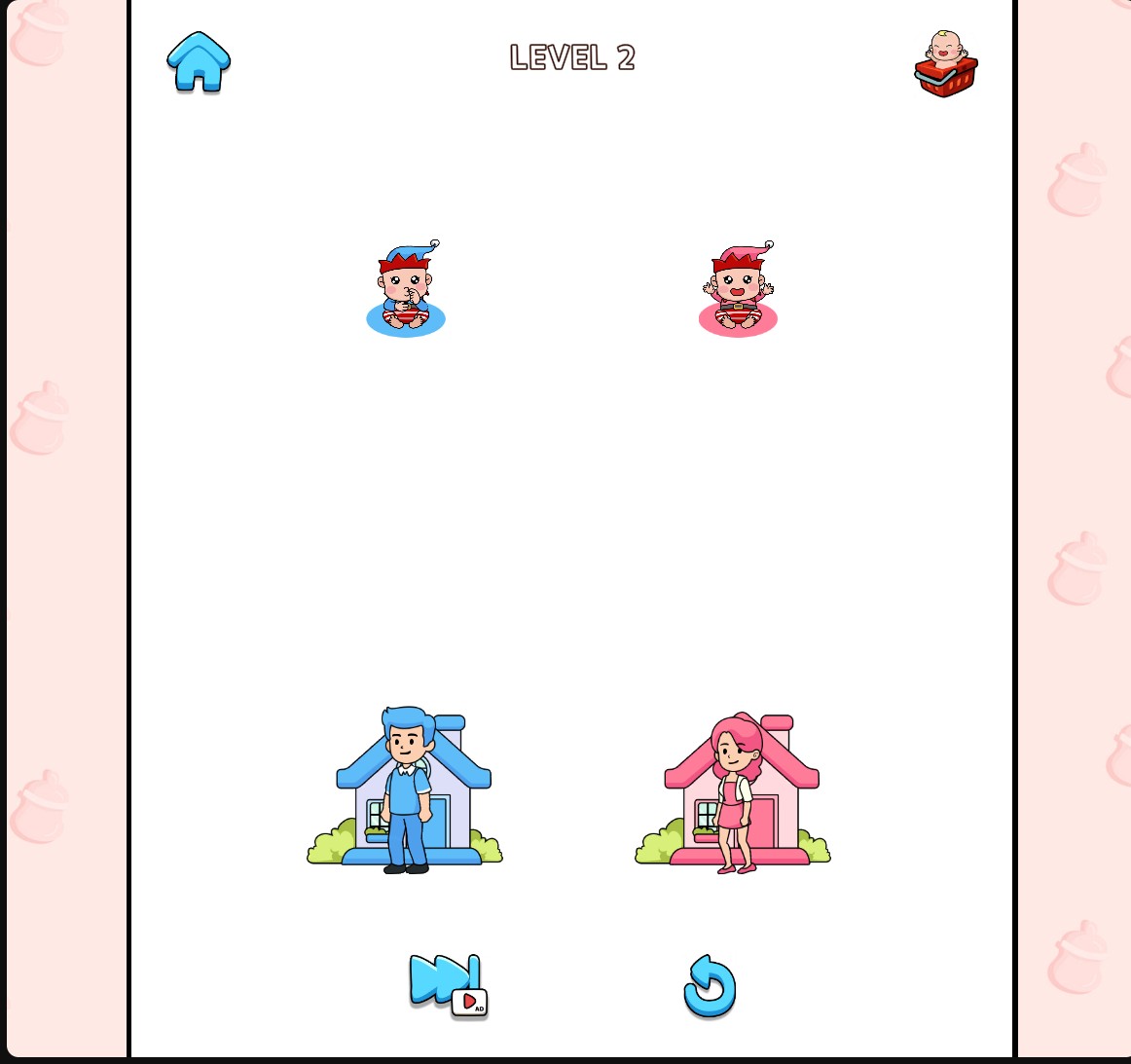
Dress the babies as Elves
Choose the Elf baby appearance while keeping each family's blue or pink color easy to follow.
House appearancePremium
Choose the original houses or snowy decorated cottages.
Select Original or Snowy cottage, then apply.
Before you use it: Restarts the normal puzzle. Parents keep their original clothes.
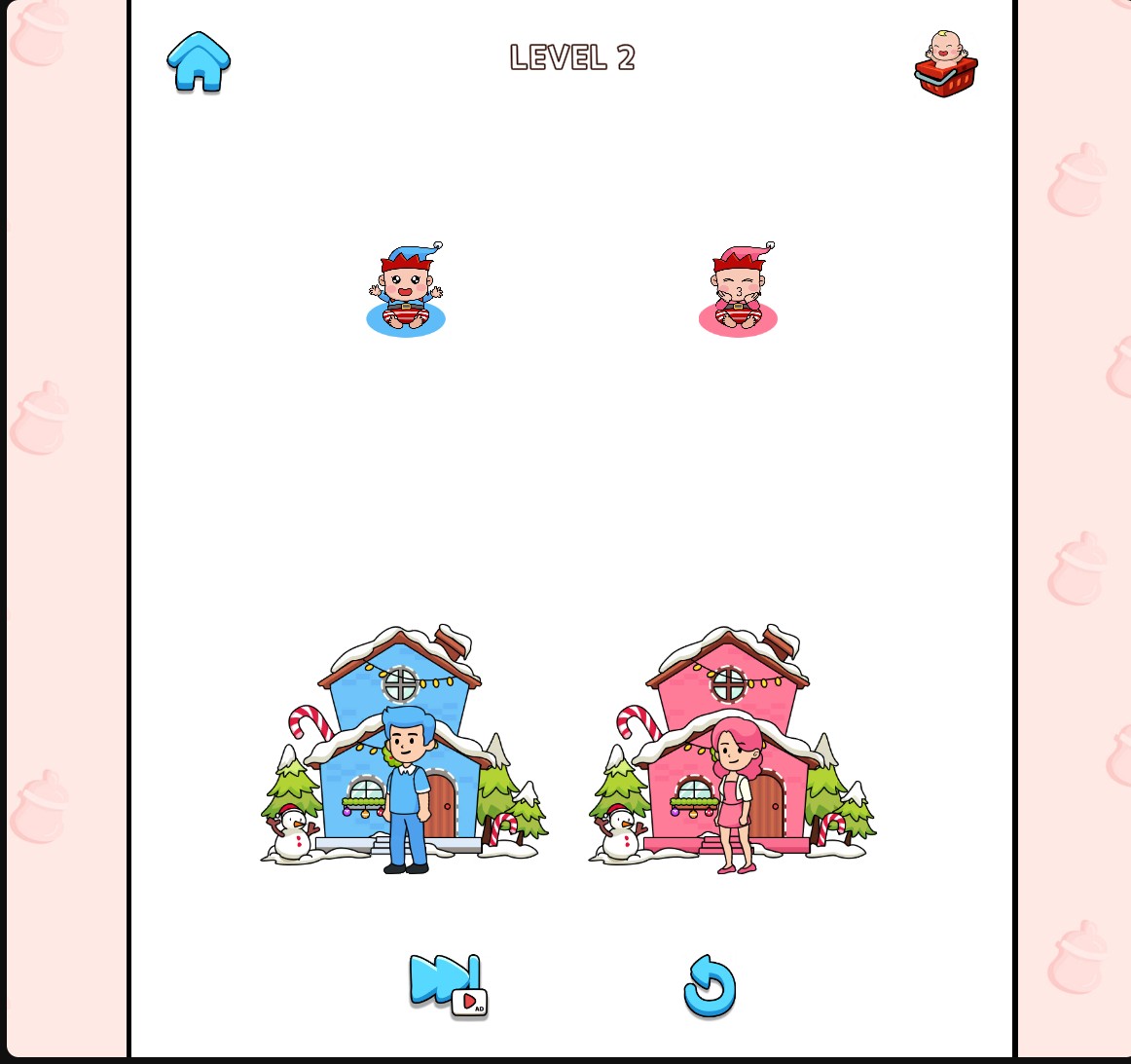
Give the houses a snowy look
Switch to snowy cottages decorated with lights and candy canes.
More ways to customise Home Rush - Draw to Home
- Home Rush - Draw to Home resources
Adjust coins or choose a normal or milk puzzle.
Using these features
Choose the feature in the Windows app after connecting your game. Check its requirements before making a change.
Setup for Home Rush - Draw to Home →