


Coins and keys while you play
Want to change a balance without leaving the game? The Coins and Keys cards let you set a total or add an amount. Coins are free and support up to 1,000,000; the Premium Keys card stays within the game’s three-key limit.

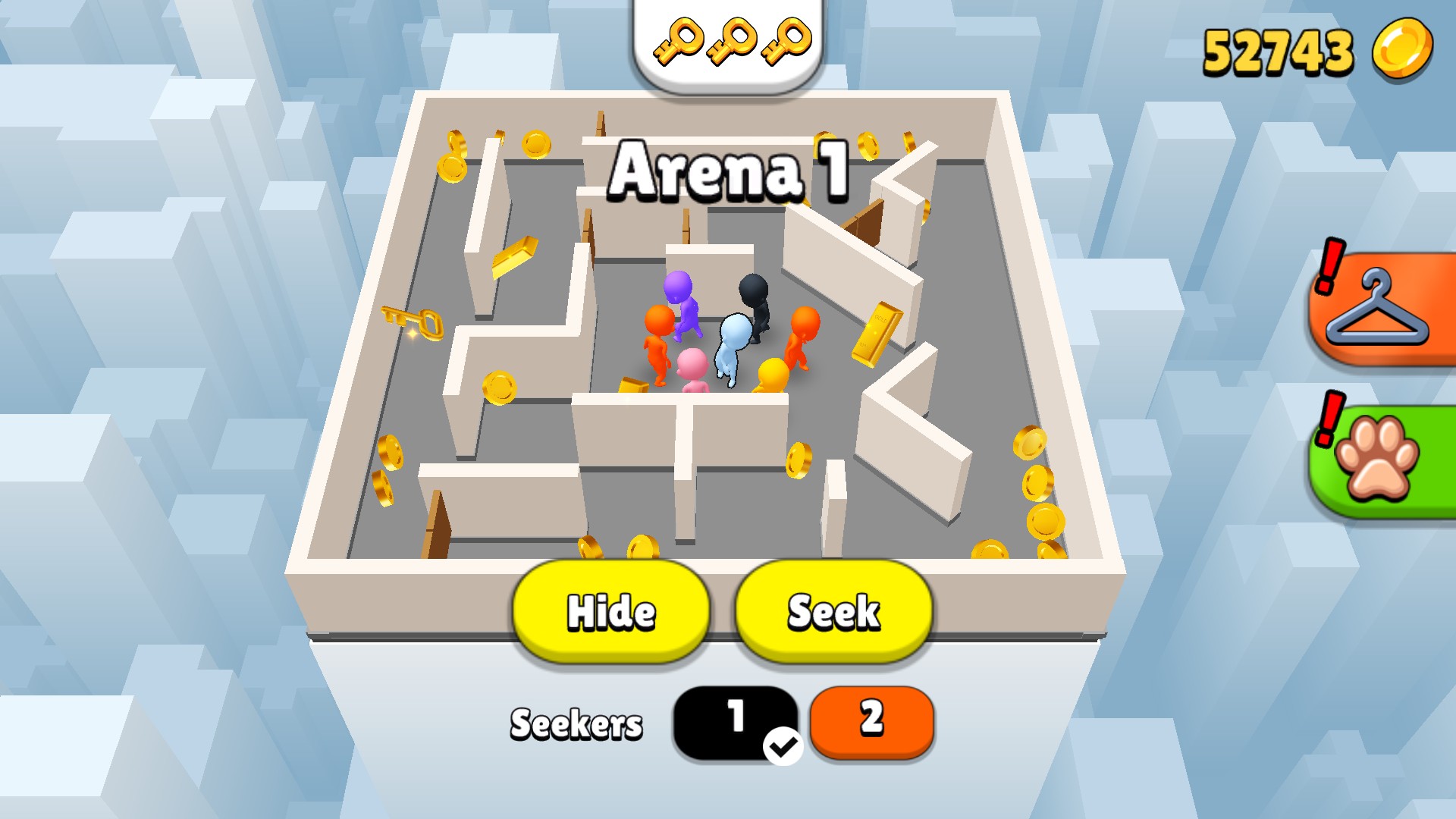
Choose your coin balance
Set your coins while playing. Here, the balance is 52,743 with three keys ready.
Let the round finish before closing
Coin changes appear on the HUD immediately. Finish a round before closing or reloading if you want the game to keep them. Key changes update the visible key count; this control does not promise a particular treasure reward.
Available resources
CoinsFree
Set your coins to a balance you choose, or add more while the game stays open.
Before you use it: Finish a round before closing or reloading; an unsaved change can be lost.
KeysPremium
Set your key count from zero to three, or add a key within that limit.
Before you use it: Three is the game’s maximum. This changes the key count, without promising a particular reward.
More ways to customise Hide N Seek
- Hide N Seek customise
Choose coins for Apply & reload, then finish a round to keep the change.
- Hide N Seek game actions
Use 30-second invisibility or X-ray vision, with separate Stop controls.
Using these features
Choose the feature in the Windows app after connecting your game. Check its requirements before making a change.
Setup for Hide N Seek →