

Resources
2 optionsChange coins while playing or choose up to three keys.
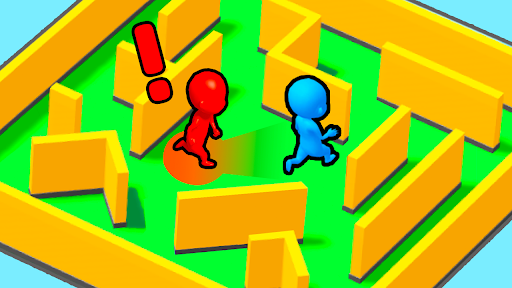
View resources →A good hiding spot can buy you time; a missed corner can cost you the round. Hide N Seek lets you hide from the seekers or search the maze for the other players. Choose your coin balance, adjust your keys or try a short burst of invisibility and X-ray vision.
Choose your side
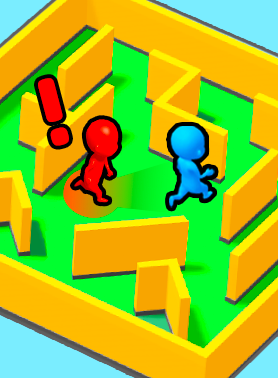
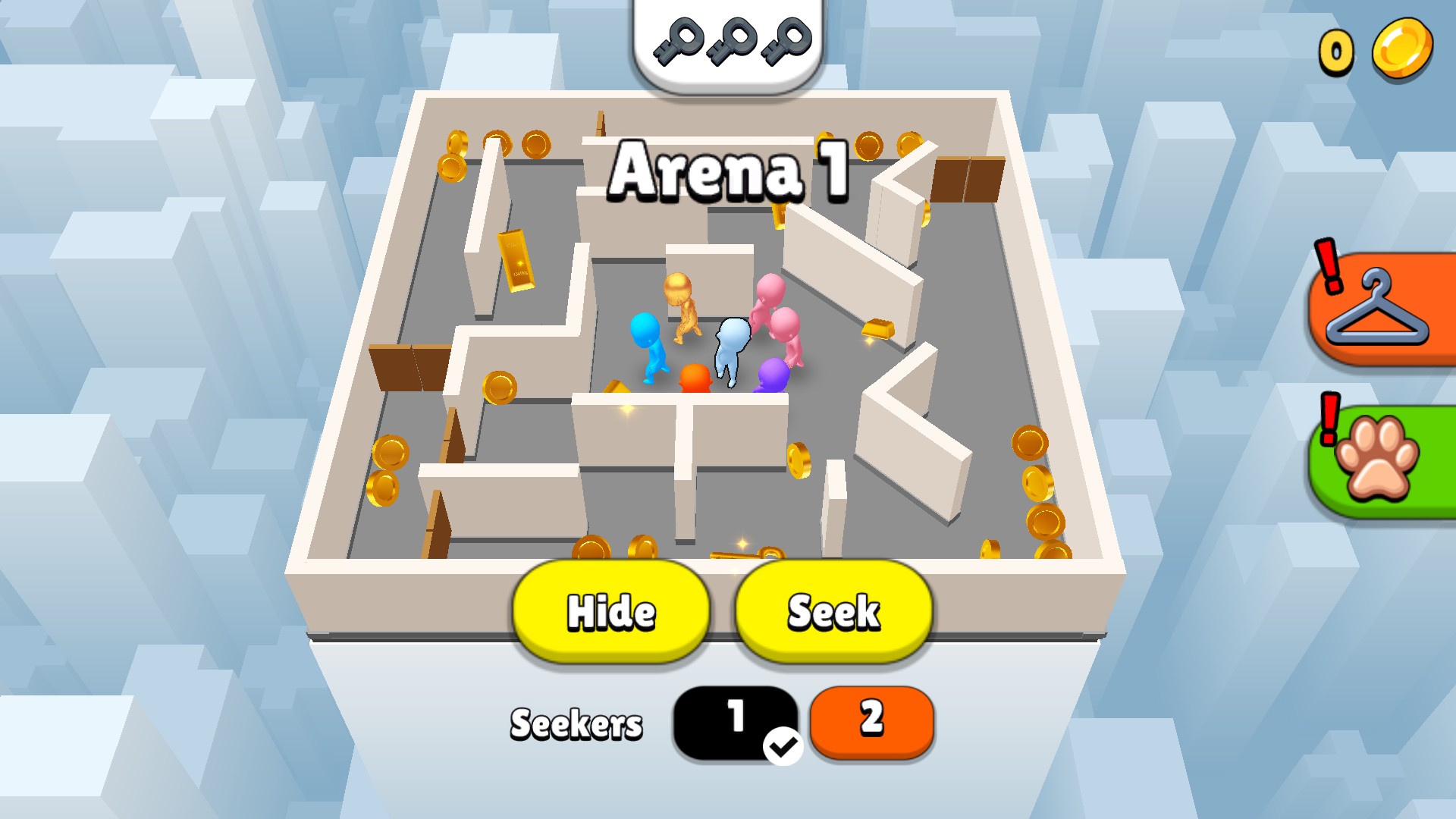
Hide from the seekers or hunt down the other players in Hide N Seek.
Customize lets you choose coins before returning to the game. Resources gives you coin and key controls while you play. For a different way through the maze, Game Actions has two powers that last 30 seconds.
Change coins while playing or choose up to three keys.
View resources →Choose coins for Apply & reload, then finish a round to keep the change.
View customise →Use 30-second invisibility or X-ray vision, with separate Stop controls.
View game actions →Download the Windows app and follow the setup prompts.
Set up the browser extension in Chrome or Edge, then open the supported YouTube Playable. Follow the connection guide if the game is already running.
Review the available options in the app and choose the ones that suit how you play.