

More stars for Museum purchases
Add 100 stars while browsing the wand shop in single-player. Use your balance for the Museum’s purchases, including wands and locked 2D puzzles.

Add to your balance
Enable Stars, open the Museum’s wand shop in single-player and use Add 100 stars. Each use adds 100 to your current balance.
Choose an unlock
Browse the Museum and select an item you want. Purchases use the game’s normal prices and confirmation controls.
Available resources
Add 100 starsPremium
Add 100 stars to spend on Museum purchases.
Open the wand shop in single-player, then use Add 100 stars.
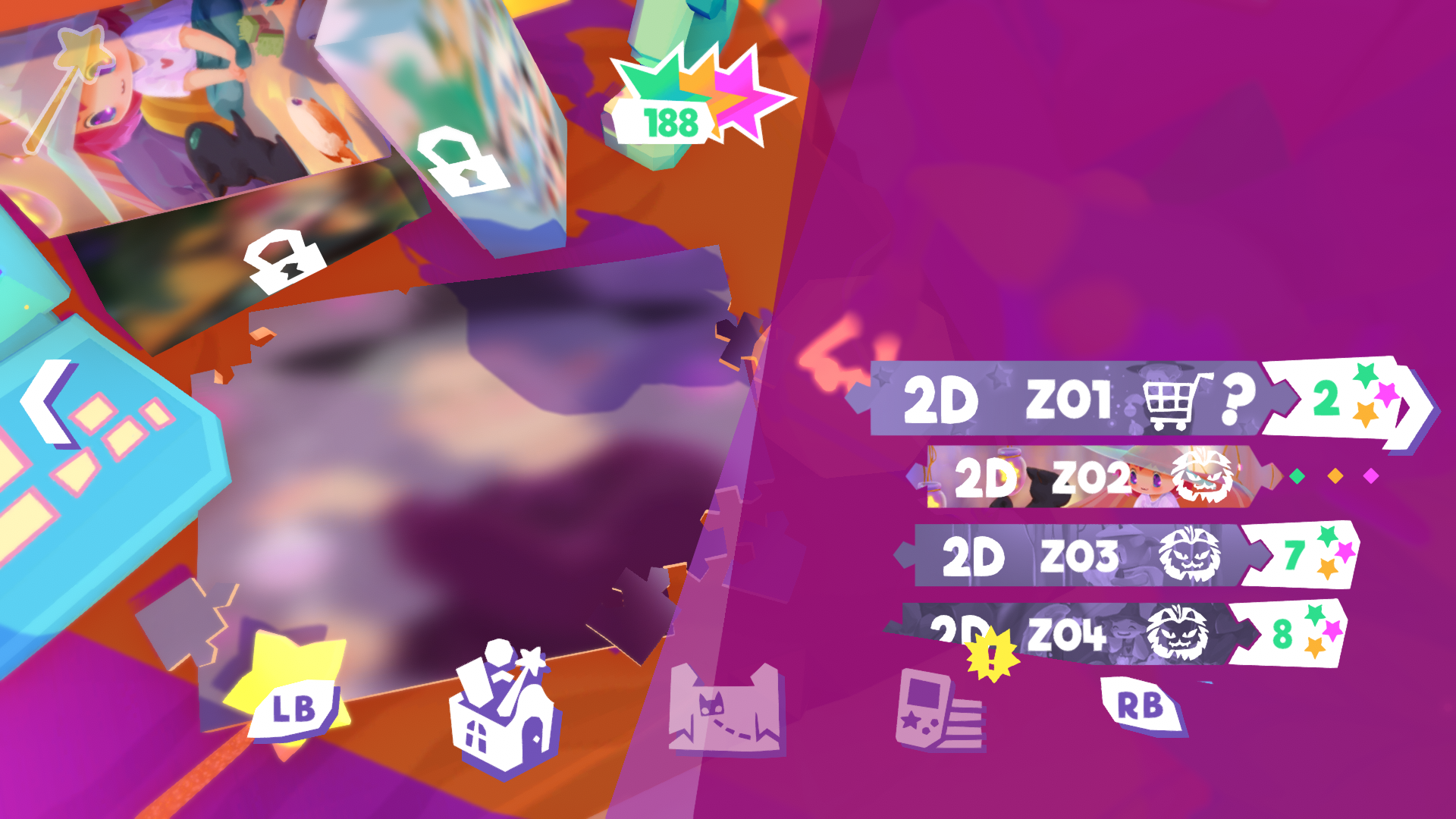
Stars ready for Museum unlocks
Add 100 stars from the single-player wand shop, then use your balance for Museum purchases.
More ways to customise Harmony's Odyssey
- Harmony's Odyssey game actions
Finish the current single-player level with one action.
Using these features
Choose the feature in the Windows app after connecting your game. Check its requirements before making a change.
Setup for Harmony's Odyssey →