

Complete a level and continue
Use Complete level when you want to move past the single-player puzzle you are playing. One action brings up the game’s results screen, where Continue is available.

Use it during an active puzzle
Enable Completion, enter a single-player level and finish any tutorial prompt. Keep the game unpaused, then use Complete level.
What happens to the puzzle?
The action finishes the level through the game’s completion flow. It does not rearrange the puzzle pieces into a solution.
Available game actions
Complete levelFree
Finish the current single-player level and open its results screen.
Use during an active, unpaused level after closing tutorial prompts.
The action completes the level without arranging its pieces into a solution.
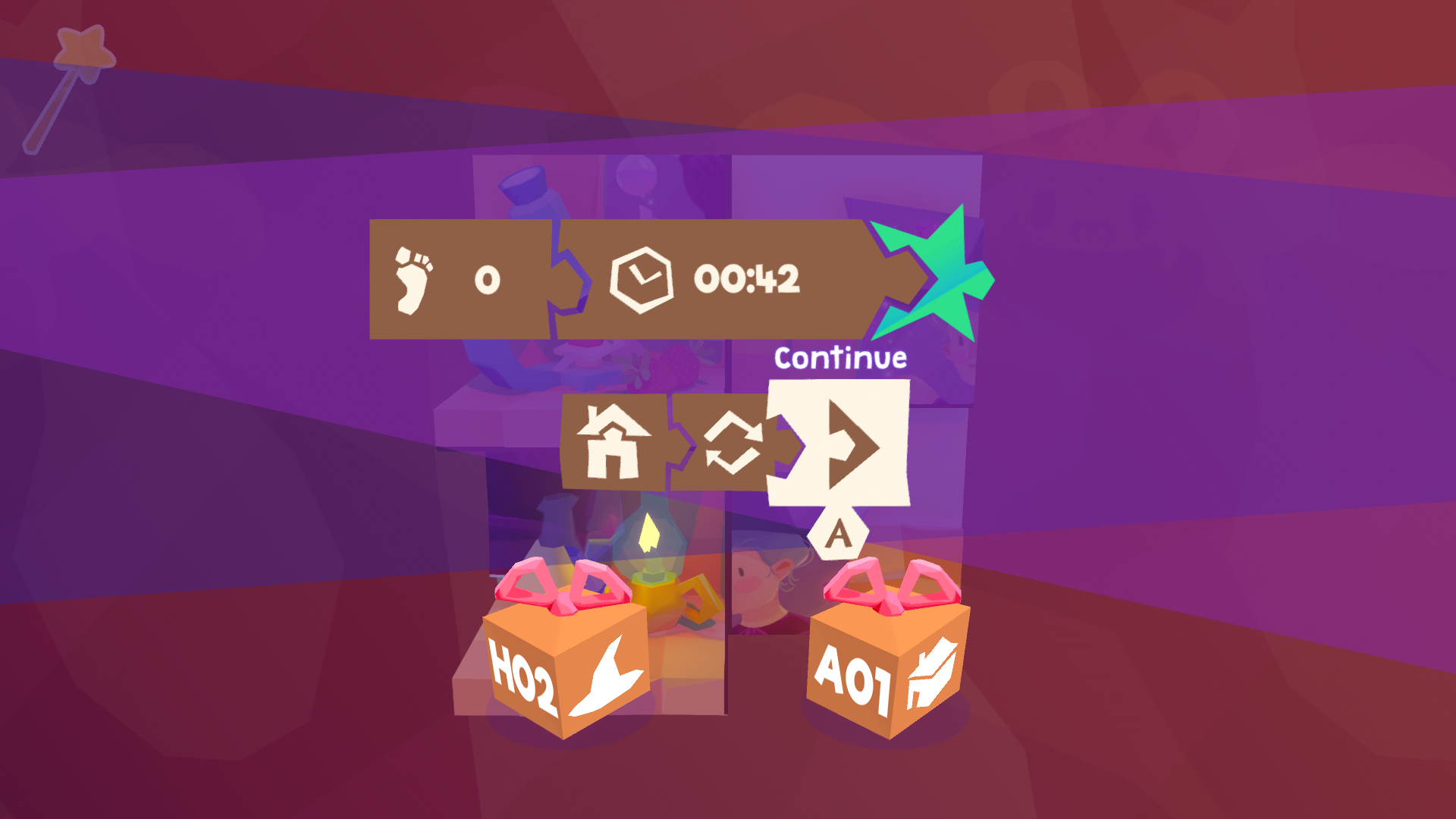
Complete a level and continue
Complete the current single-player level with one action. The game’s results screen appears with Continue available.
More ways to customise Harmony's Odyssey
- Harmony's Odyssey resources
Add 100 stars from the single-player wand shop.
Using these features
Choose the feature in the Windows app after connecting your game. Check its requirements before making a change.
Setup for Harmony's Odyssey →