

Whole-hair styling and salon controls
Change the current customer's hair together instead of treating every strand individually, or clear the falling snow from your view. Choose a seated customer first.
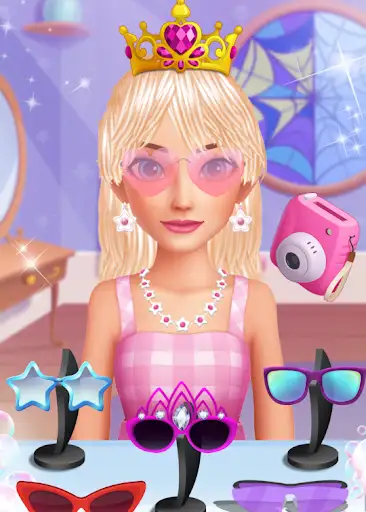
Two ways to change the hairstyle
Comb All Hair applies the game's own comb treatment across the customer's strands. It can bring a side-swept style into a forward fringe, but it does not offer a direction selector.
Give the whole hairstyle a fresh color with Recolor All Hair. Choose a customer and press the action; the default color is red.
Keep the view clear
Hide Salon Snow removes the moving flakes while leaving the winter room intact. It is a one-press hide action; disabling its package does not automatically turn the snow back on.
Available game actions
Comb All HairFree
Comb the current customer's hair strands together in one press.
Choose a salon customer, then press Comb All Hair to apply the game's comb treatment across their hairstyle.
Before you use it: The comb direction follows the game's styling; there is no direction selector.
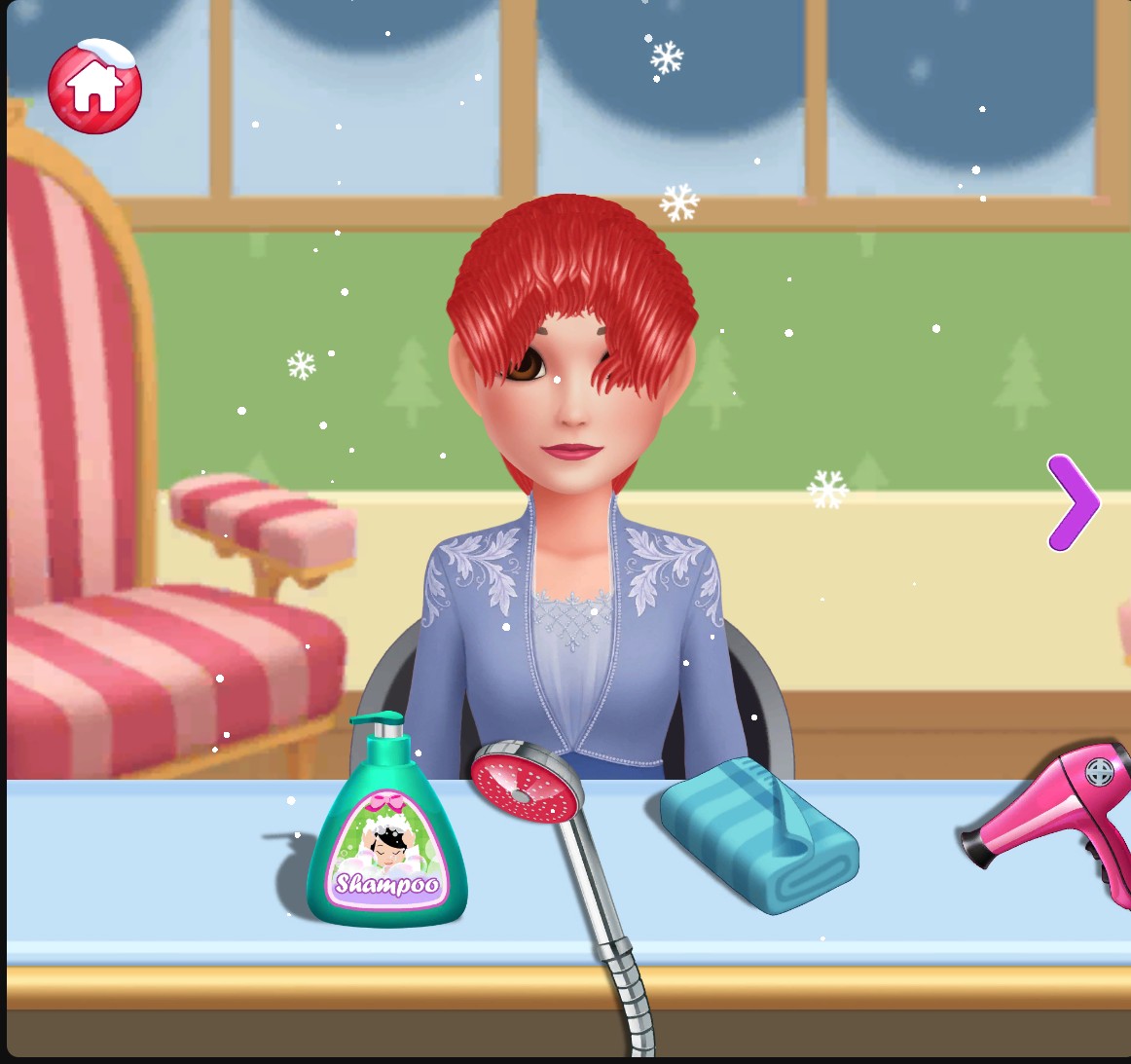
Hair combed in one action
Comb the whole hairstyle into a forward fringe in one action.
Hide Salon SnowPremium
Hide the falling snow overlay for a clearer view of the styling chair.
Press Hide Salon Snow while the winter salon is open.
Before you use it: The winter background stays. This one-press action does not automatically restore snow when its package is disabled.
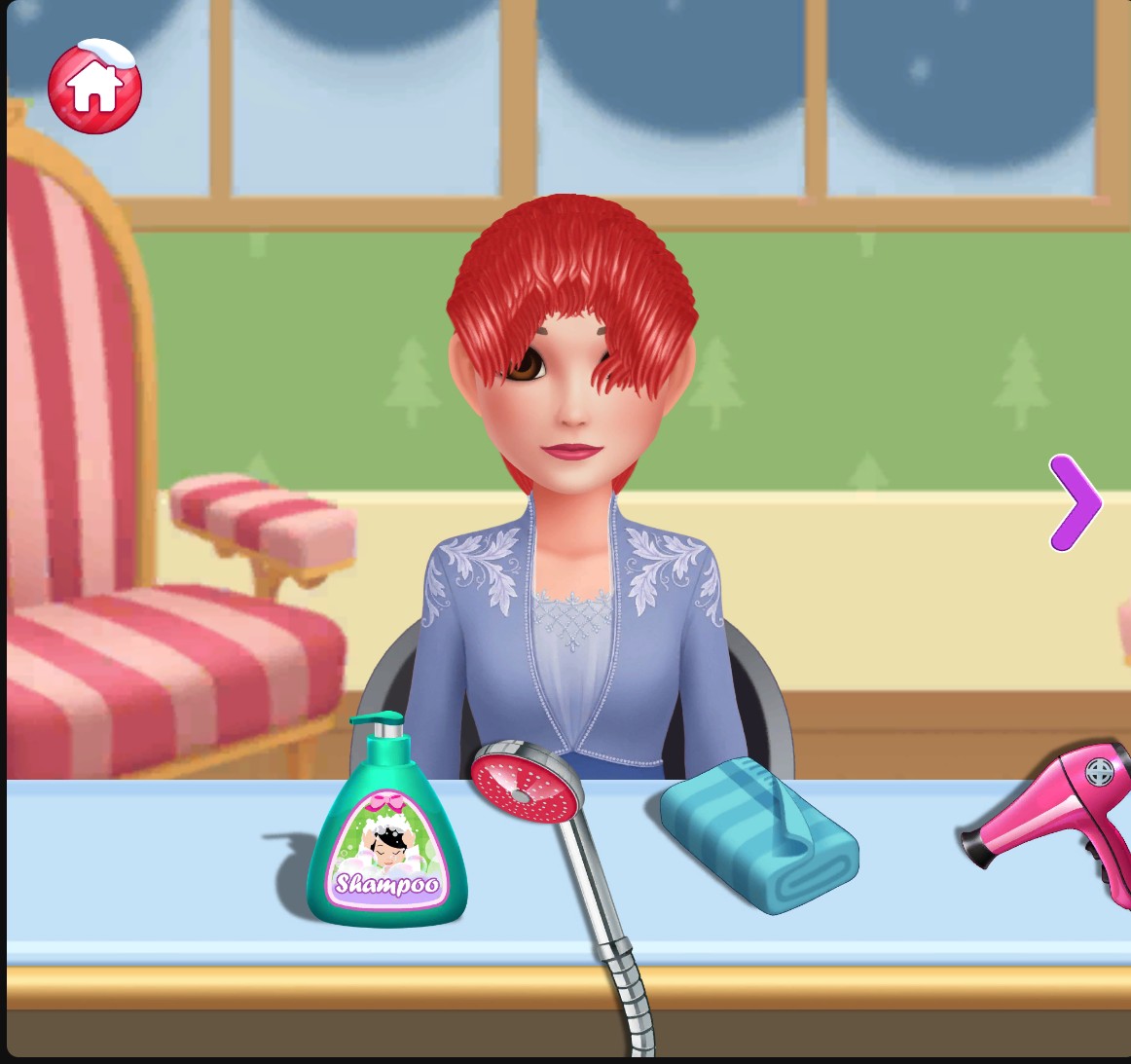
A clearer salon view
The falling snow overlay is hidden while the winter room, current hairstyle and salon tools remain visible.
Recolor All HairPremium
Give your customer's whole hairstyle a fresh color in one action.
Choose a seated customer and press Recolor All Hair. Leave the color at its default for the red look shown here.
Before you use it: Applies to the customer currently seated in your salon.
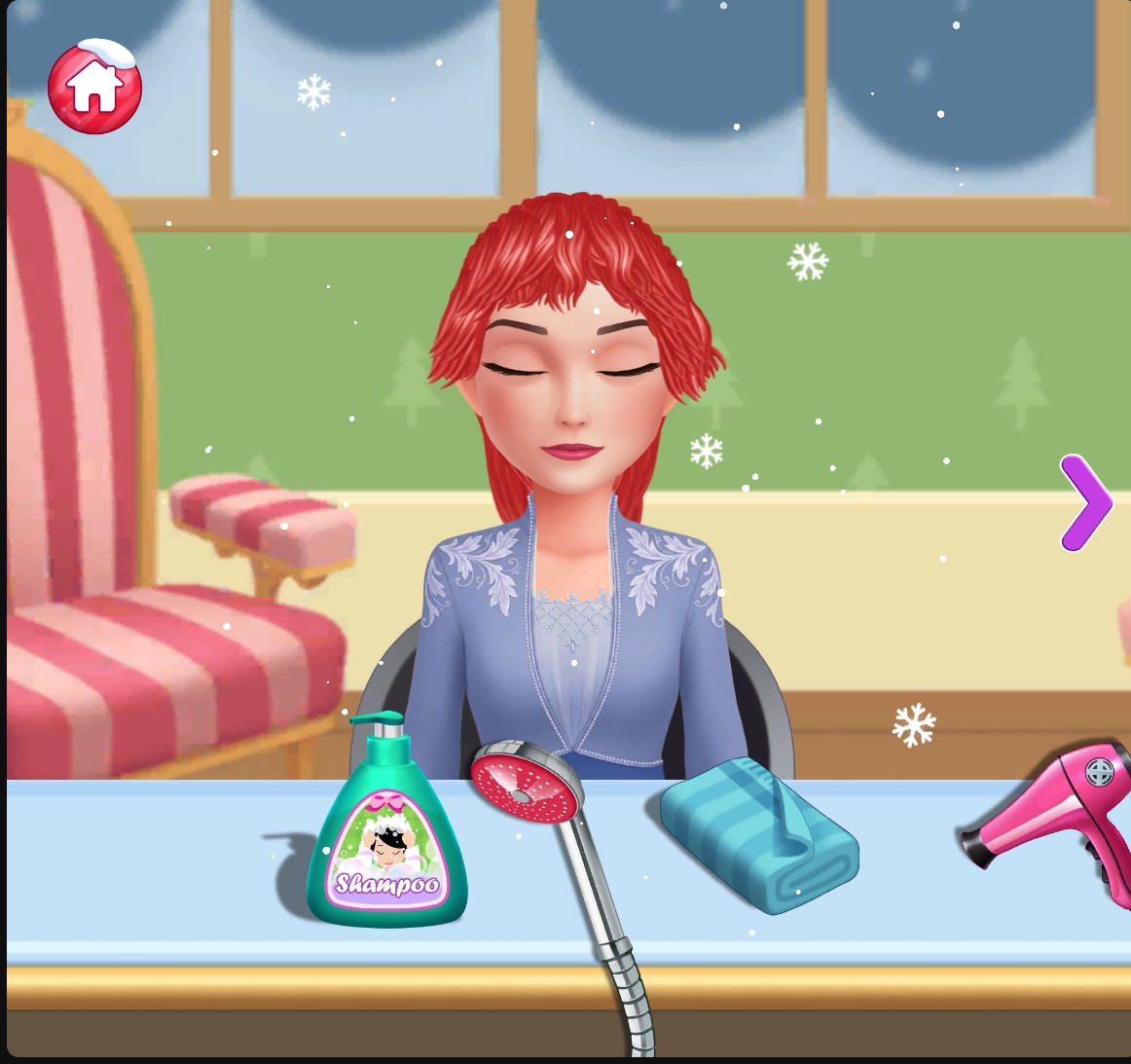
A fresh red look
Give your customer's whole hairstyle a fresh red look in one action.
Using these features
Choose the feature in the Windows app after connecting your game. Check its requirements before making a change.
Setup for Hair Salon: Beauty Salon Game →