

Game Actions
3 optionsComb the whole hairstyle, give it a fresh color or hide the falling snow.
View game actions →Pick a customer, bring out the salon tools and experiment with a new hairstyle. These controls help with whole-hair color, combing and the view around your styling chair.
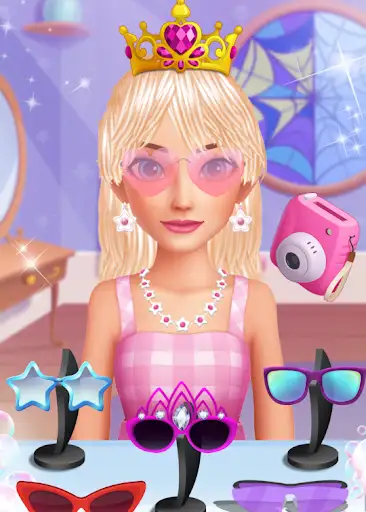
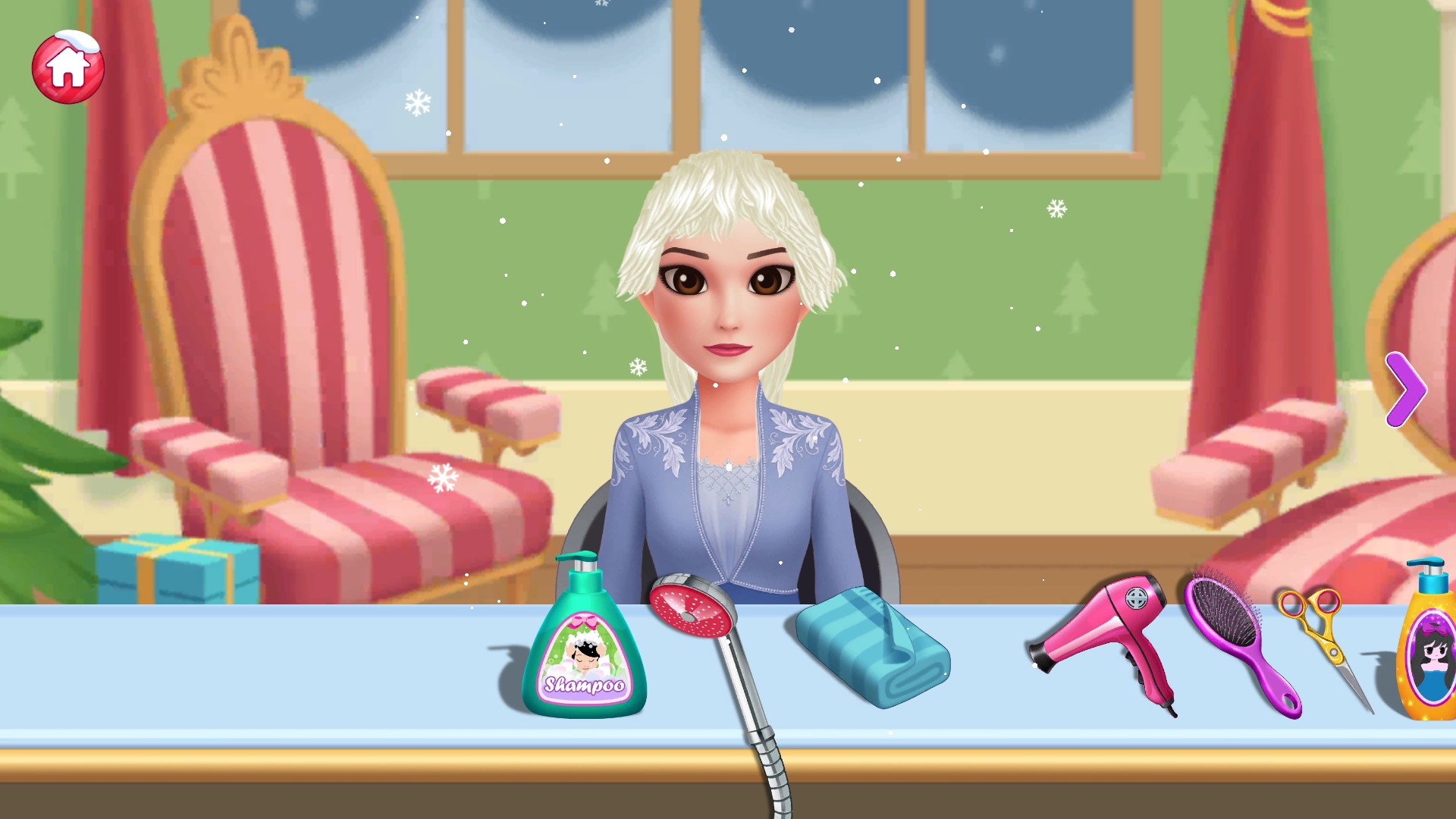
The salon lets you work directly on a customer's hair with tools such as shampoo, a shower, scissors and a brush. The available mods add a few whole-hair shortcuts alongside that hands-on styling.
Open the game through your connected Bytonian Mods browser and choose a customer before using a styling control. Comb All Hair is free; Recolor All Hair and Hide Salon Snow are premium options.
The controls affect the current salon session. They do not unlock customers, remove ads or promise that a hairstyle will carry over when the game reloads.
A new look starts in the salon
Choose a customer and experiment with washing, cutting, coloring and styling their hair using the tools arranged across the salon table.
Comb the whole hairstyle, give it a fresh color or hide the falling snow.
View game actions →Download the Windows app and follow the setup prompts.
Set up the browser extension in Chrome or Edge, then open the supported YouTube Playable. Follow the connection guide if the game is already running.
Review the available options in the app and choose the ones that suit how you play.