

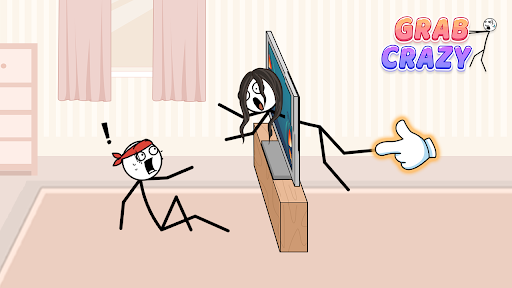
Get guidance or move on
Keep working on a puzzle with a gesture hint, or leave it behind and start the next challenge. These actions give you two different ways to keep playing.

Show a gesture hint
Open the puzzle you want help with, then press Show hint. A pointing-hand guide appears in the puzzle to give you a nudge.
Skip the current puzzle
Press Skip puzzle when you want to move on. When the next scene appears, choose Tap to play to start its new objective.
Available game actions
Show hintFree
Show a gesture hint when you need a nudge in the current puzzle.
Open a puzzle, then press Show hint to bring up its gesture guide.
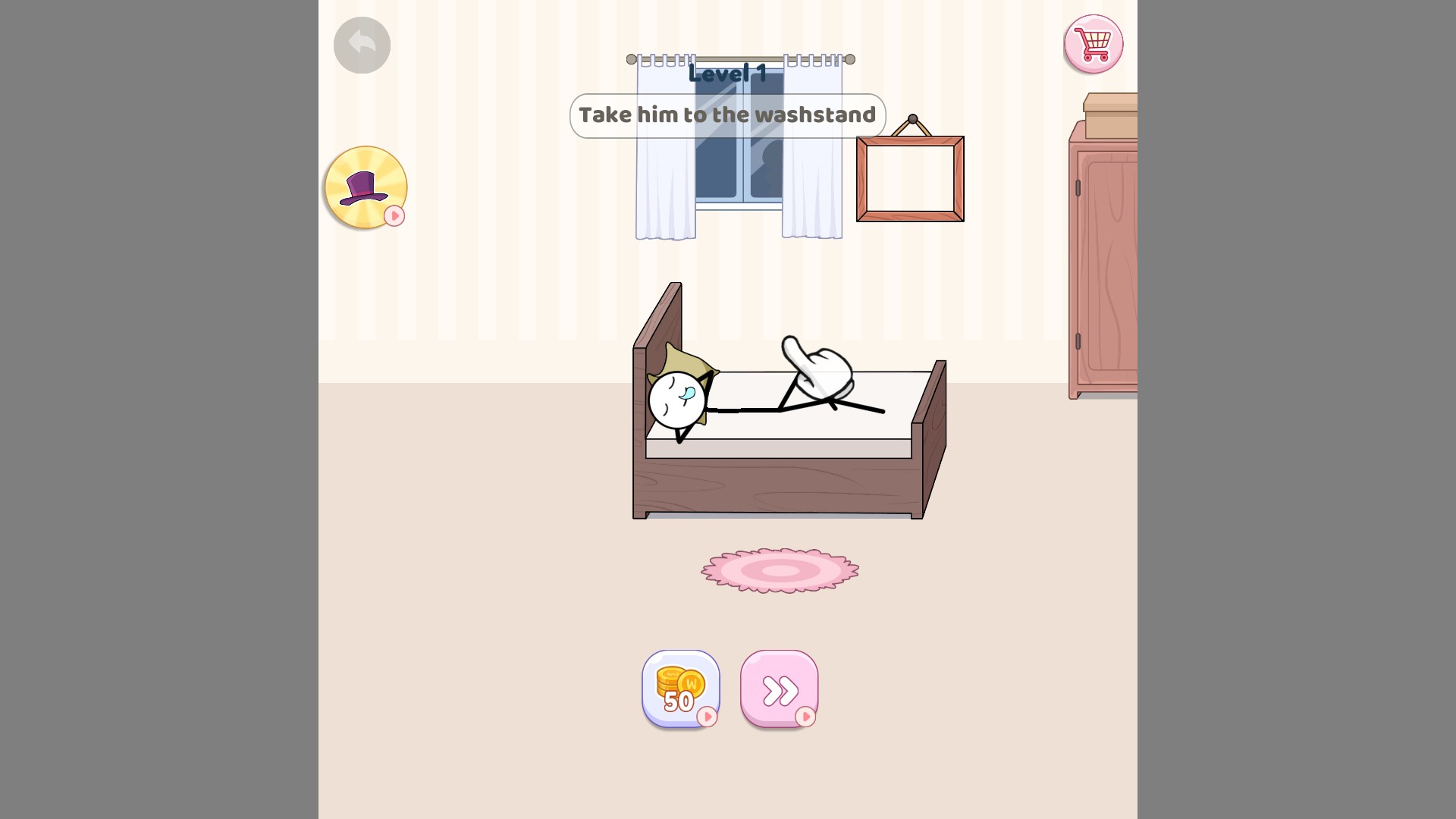
A hint when you get stuck
Bring up a gesture hint for the current puzzle.
Skip puzzlePremium
Move past the current puzzle and continue to the next one.
Press Skip puzzle, then choose Tap to play when the next scene appears.
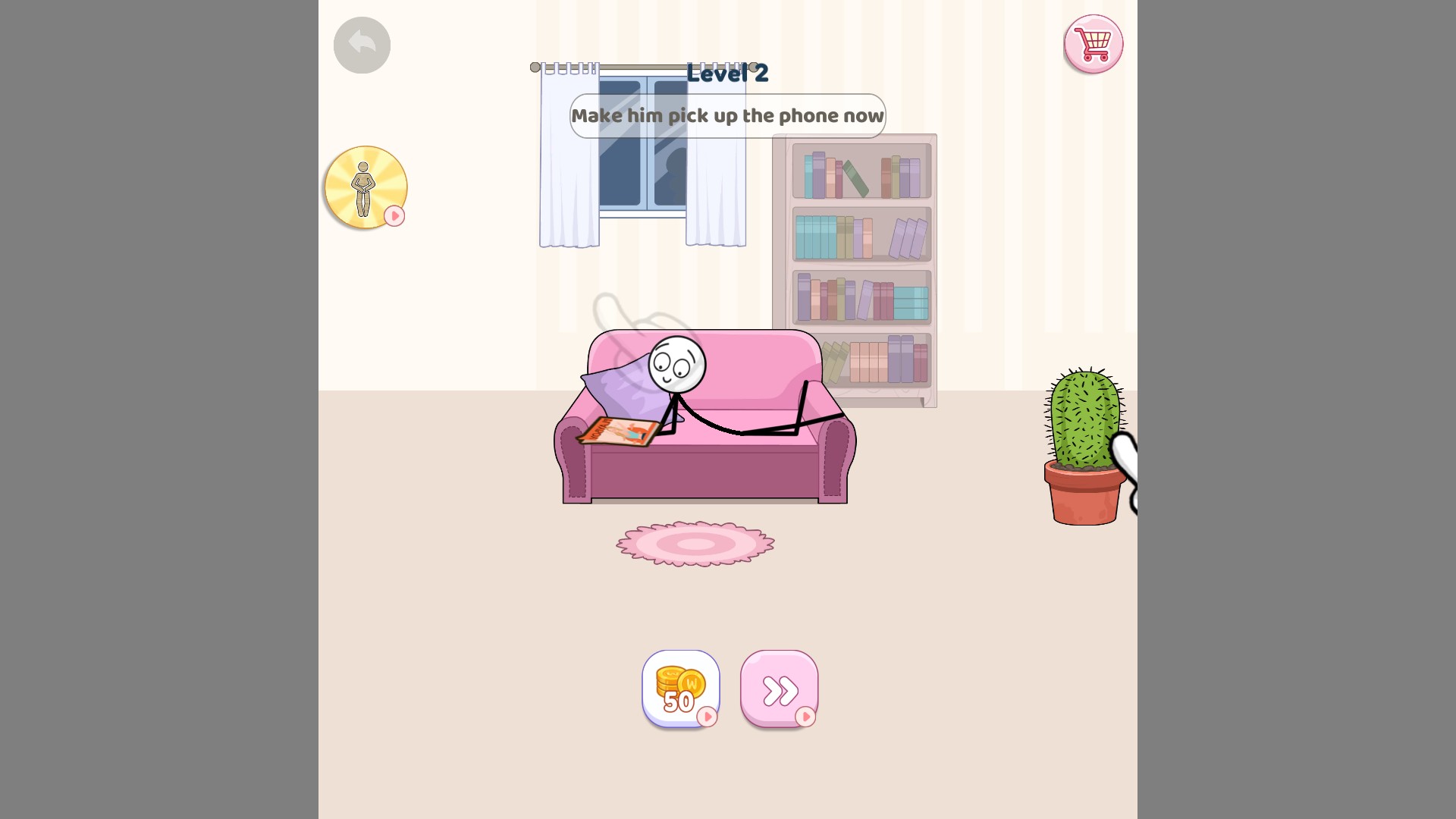
Continue with the next puzzle
Skip a puzzle when you want to move on, then tap to play the next one.
Questions about game actions
- Does showing a hint finish the puzzle?
- Show hint displays guidance. Use Skip puzzle if you want to move on to the next puzzle instead.
Using these features
Choose the feature in the Windows app after connecting your game. Check its requirements before making a change.
Setup for Grab Crazy →