

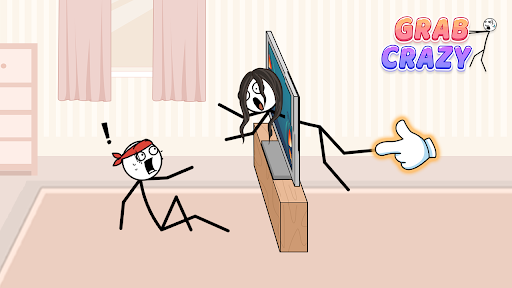
Game Actions
2 optionsUse a hint for guidance or skip the puzzle and start the next one.
View game actions →Grab Crazy turns everyday tasks into stick-figure puzzles, from getting out of bed to answering the phone. Use a hint to see a gesture guide, or skip ahead when you would rather try the next puzzle.

The free hint control brings up a gesture guide for your current puzzle. The Premium skip control moves you on to the next one, where Tap to play starts the new challenge.
Use a hint for guidance or skip the puzzle and start the next one.
View game actions →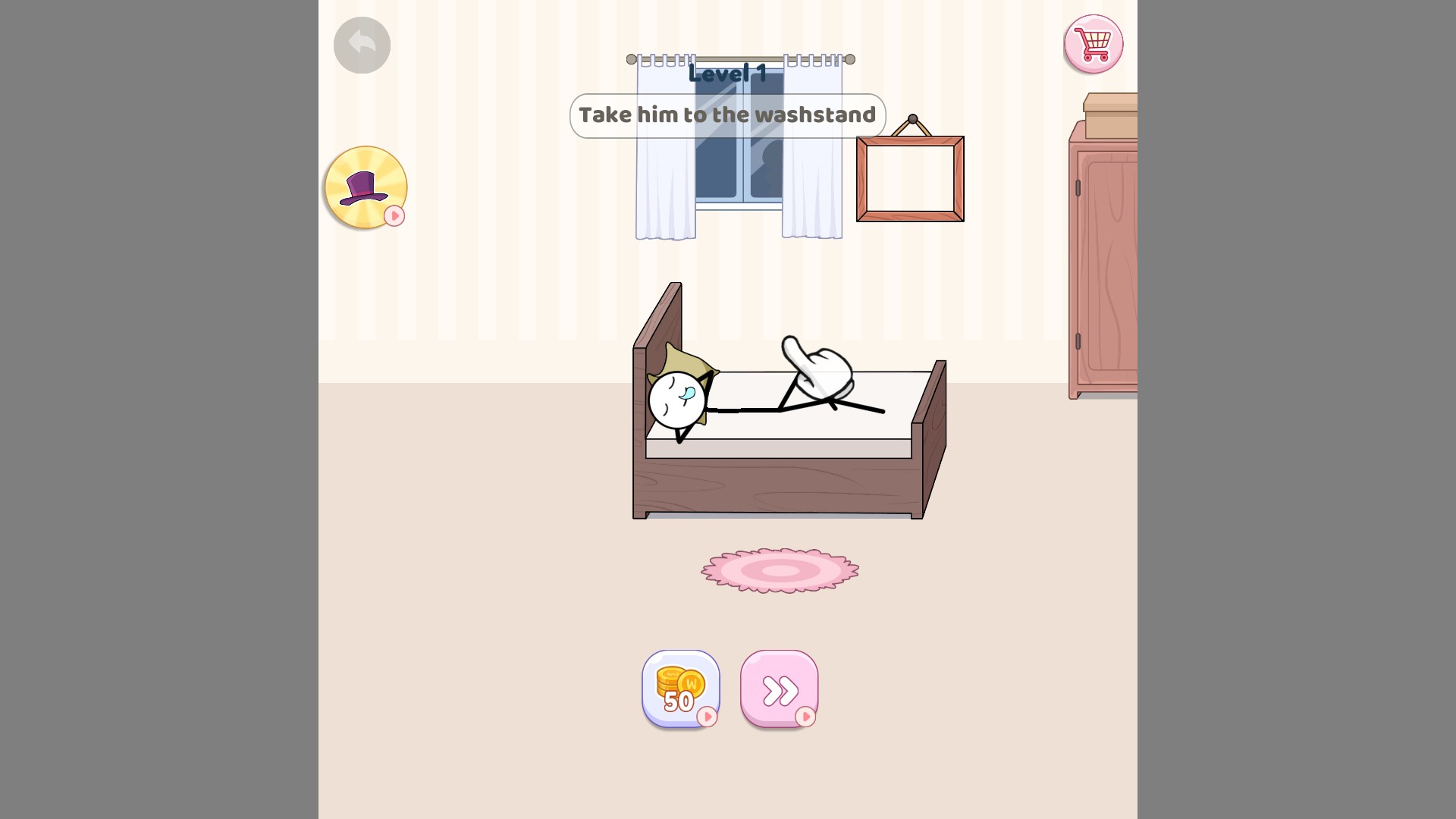
A hint when you get stuck
Bring up a gesture hint for the current puzzle.
Download the Windows app and follow the setup prompts.
Set up the browser extension in Chrome or Edge, then open the supported YouTube Playable. Follow the connection guide if the game is already running.
Review the available options in the app and choose the ones that suit how you play.