

Customize Gems and Go Escape Pack Progress
Choose a gem balance for cosmetic purchases, or adjust the Go Escape pack's completed-level count to reach a later puzzle.
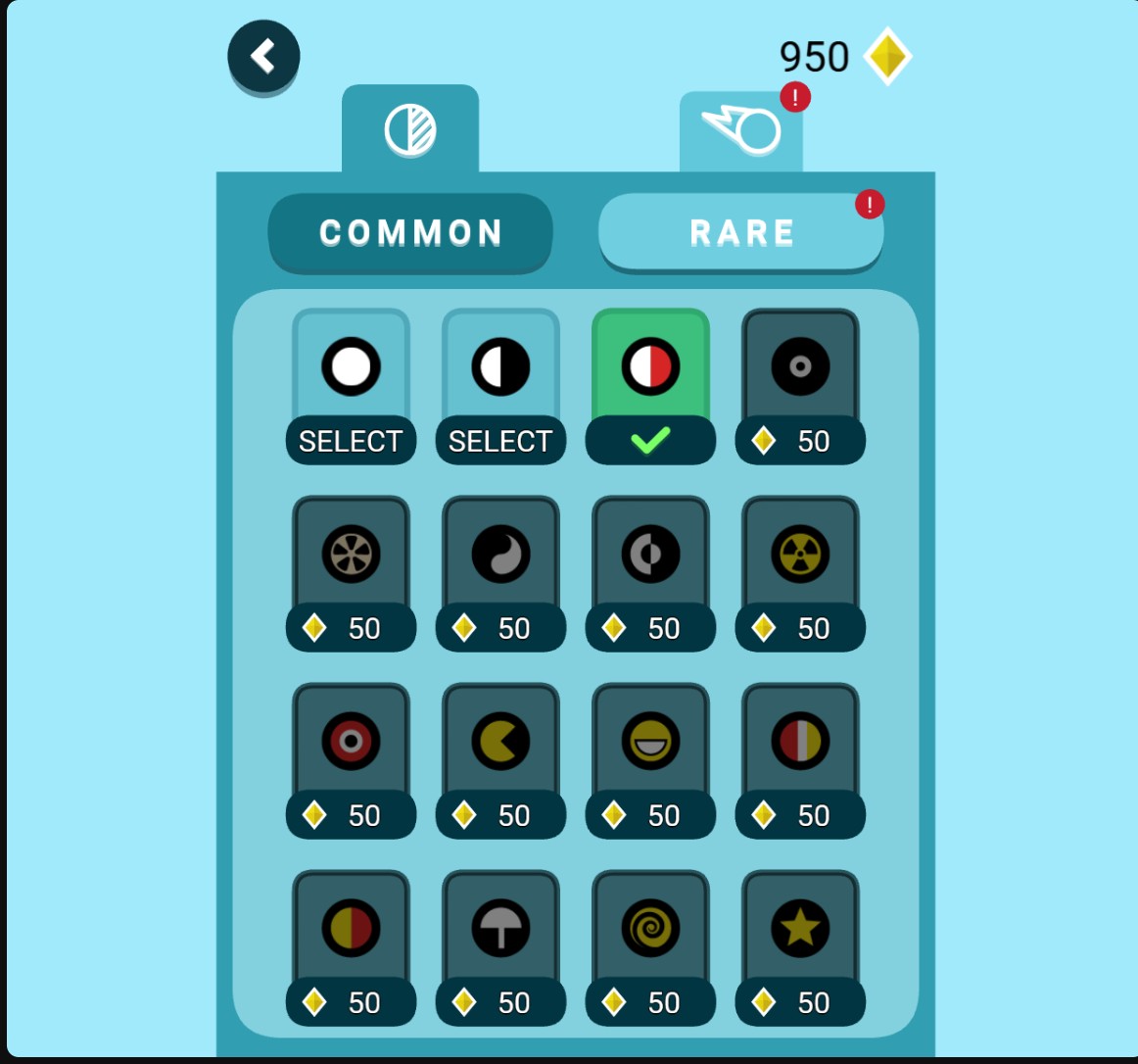
Choose a new ball design with Gems
Buy a ball design at its normal gem price and select it in the collection.
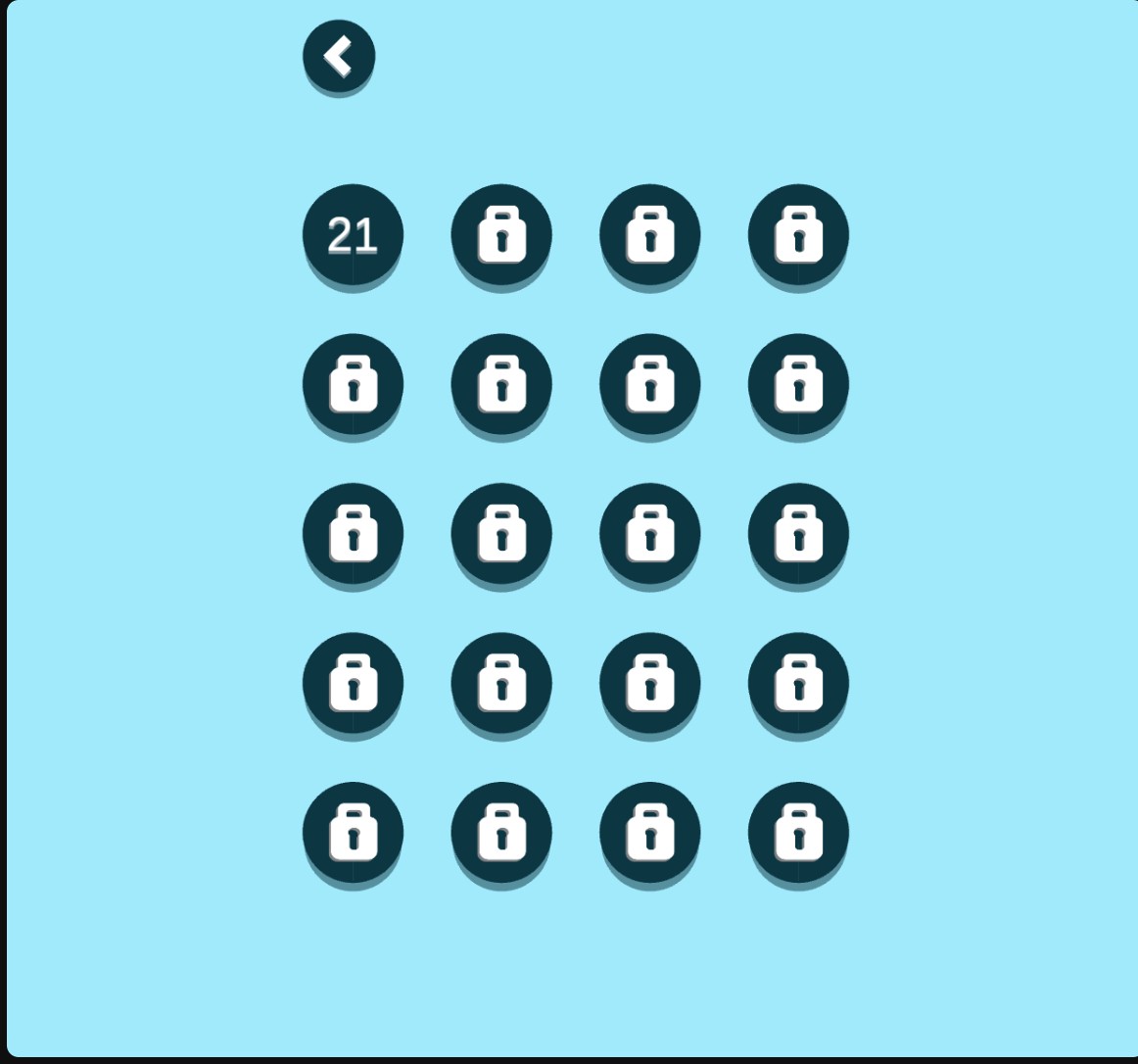
Open the next Go Escape level
Choose your completed-level count for the Go Escape pack, then select the next level from the menu.
Prepare Your Gems Balance
On a new game, buy the zero-cost second ball design in the collection or finish a level first. Then enter your Gems amount and apply it. Return to the collection and buy the design you want at its normal price.
Choose Your Pack Progress
Complete a level first, then choose a completed-level count from 0 to 199 and apply it. The next level becomes available in the Go Escape pack's menu. For example, 20 opens Level 21.
Keep Progress Changes Deliberate
A lower completed-level count can lock later levels again. This control changes access in the Go Escape pack; it does not award completion rewards or automatically unlock reward cosmetics.
Available customise
GemsFree
Choose your gem balance to buy ball designs in the collection.
On a new game, buy the zero-cost second ball design or finish a level first. Enter your Gems amount, apply it and open the collection.
Before you use it: Collection items still use their normal gem prices.
Go Escape pack progressPremium
Choose how many Go Escape levels are marked complete to open the next level.
Complete a level first. Choose a completed-level count and apply it, then open the Go Escape level menu. A count of 20 opens Level 21.
Before you use it: Lowering the count can lock later levels. This changes access without granting completion rewards or reward cosmetics.
Questions about customise
- Does this change To the Moon progress?
- The progress control edits the Go Escape pack only.
Using these features
Choose the feature in the Windows app after connecting your game. Check its requirements before making a change.
Setup for Go Escape! →