

Customise
2 optionsTwo separate controls for your collection balance and Go Escape level access.
View customise →Drop the ball onto narrow platforms, time your jumps and avoid the spikes on the way to the exit. Go Escape! combines obstacle puzzles with a collection of ball designs and trails.
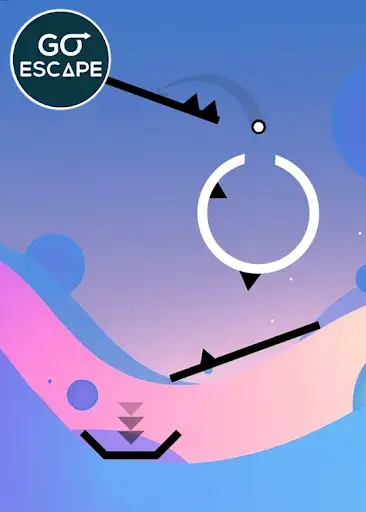
The Free Gems setting lets you choose a balance for normal collection purchases. Buy a design at its listed price, then select it for your ball.
Premium Go Escape pack progress changes how many levels are marked complete in that pack. Set the count to 20 to make Level 21 available, then enter it from the level menu. The level's obstacles still apply.
Two separate controls for your collection balance and Go Escape level access.
View customise →Download the Windows app and follow the setup prompts.
Set up the browser extension in Chrome or Edge, then open the supported YouTube Playable. Follow the connection guide if the game is already running.
Review the available options in the app and choose the ones that suit how you play.