
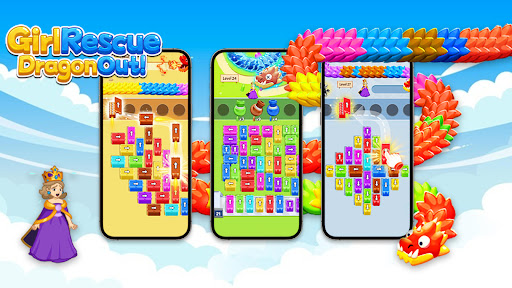
Choose the level you want to play
Set your current rescue level, then use the title screen's level button to enter its board. Pick an earlier puzzle or move ahead to a different challenge.
Requires the Windows app and the Bytonian Mods browser extension for Chrome or Edge. Browser setup guide

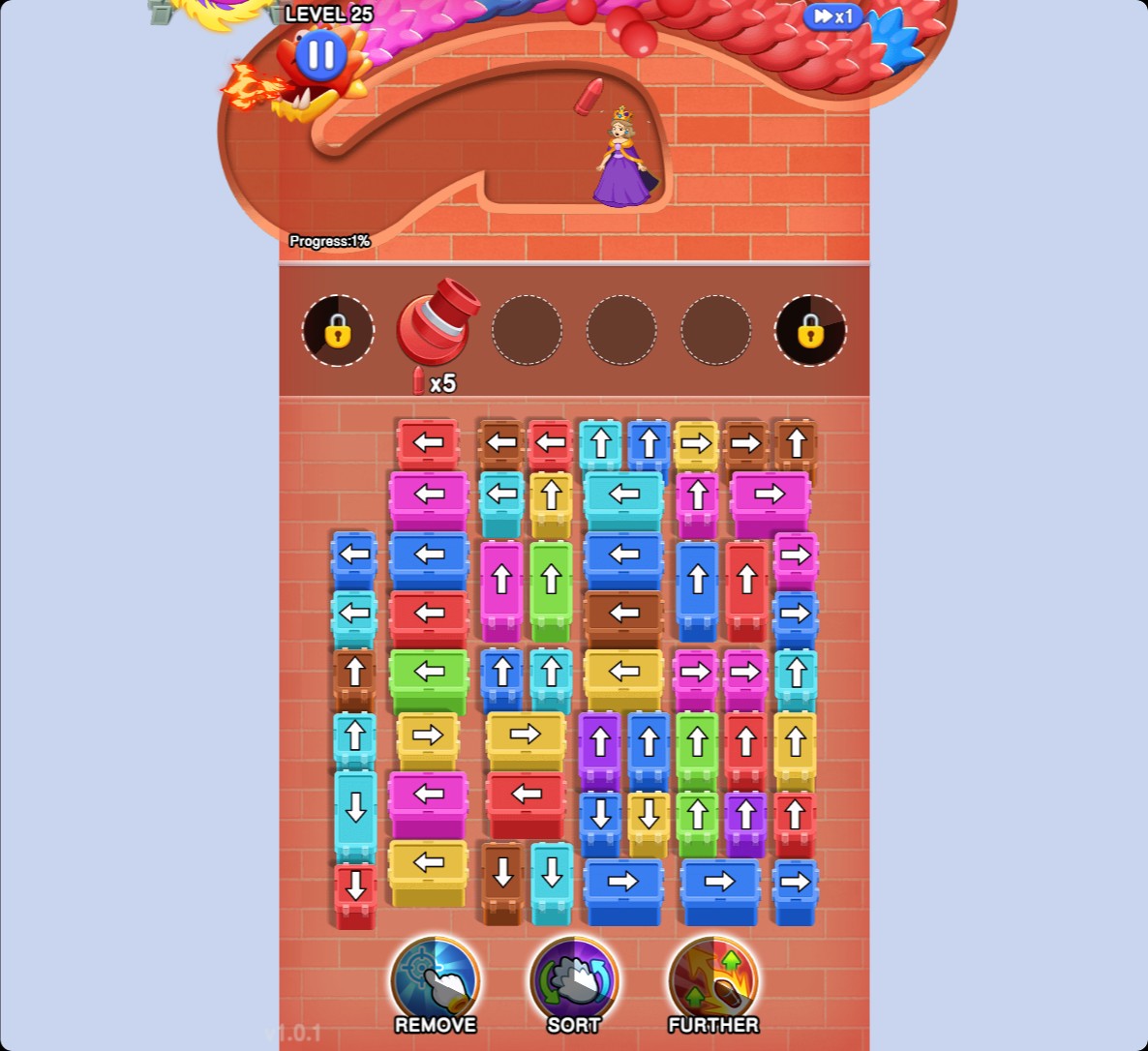
Choose a new dragon rescue challenge
Open Level 25 from the title screen and take on its brick-path board with your normal color-matching cannons.
Set your current level
Choose a whole number from 1 to 484. When the game returns to the title screen, its level button shows your chosen number.
Enter the selected board
Press the level button to start. Use the normal colored-box controls to launch cannons and work through the dragon's scales. Hard levels keep their normal challenge.
Available customisation options
LevelFree
Choose the current rescue level to open from the title screen.
Set a level number from 1 to 484, then press its level button on the title screen.
Questions about customisation options
- Where do I start the selected level?
- Press the level button on the title screen after setting your chosen number.
- Can I return to an earlier level?
- Yes. Choose an earlier level number and open it from the title screen.
Using these features
Connect your game, then open Customise in the Windows app. Choose an option, check its available values and follow its instructions. Each option lists its own requirements and limits.
Setup for Girl Rescue: Dragon Out! →