
Customise
1 optionSet a level number and open its rescue board.
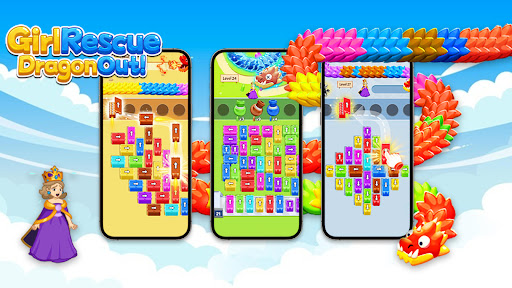
View customisation options →Choose which rescue level to open from the title screen. Line up the coloured cannons and match shots to the dragon's scales to reach the princess.
Requires the Windows app and the Bytonian Mods browser extension for Chrome or Edge. Browser setup guide
Start with free mods
Download Bytonian Mods for Windows and try these free features. Choose one to see how it works and any requirements.
Choose the current rescue level to open from the title screen.
Set a level number from 1 to 484, then press its level button on the title screen.
Choose a new dragon rescue challenge
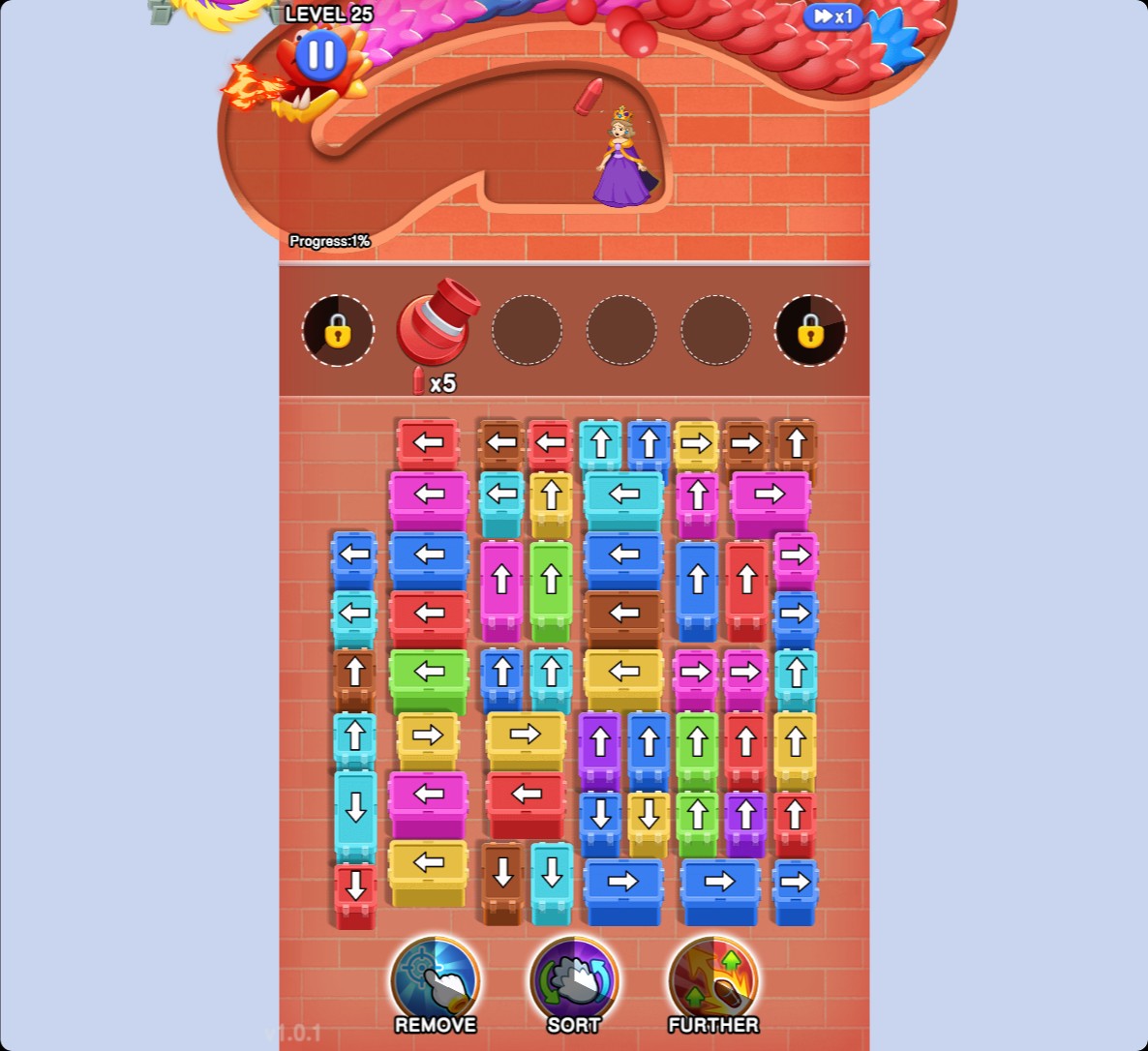
Open Level 25 from the title screen and take on its brick-path board with your normal color-matching cannons.
Choose a level from 1 to 484, then open it from the title screen. Return to an earlier puzzle for another attempt or take on a different board with new box arrangements and dragon paths.
The level selector opens the challenge you choose. Read the arrows on the colored boxes, move available boxes into firing positions and match their shots to the dragon scales.
Set a level number and open its rescue board.
View customisation options →Download the Windows app and follow the setup prompts.
Set up the browser extension in Chrome or Edge, then open the supported YouTube Playable. Follow the connection guide if the game is already running.
Open Customise in Bytonian Mods, choose an option and follow its instructions. Check the available values and any limits before making your change.