
Customise
2 optionsCoins are free to use. Unlock Tables adds access to all five local opponents for the current visit.
View customisation options →Set coins for a new card back or open all five local tables for your current visit. Choose a table, then build sets and runs from the stock or discard pile.
Requires the Windows app and the Bytonian Mods browser extension for Chrome or Edge. Browser setup guide
Start with free mods
Download Bytonian Mods for Windows and try these free features. Choose one to see how it works and any requirements.
Choose your coin balance for table access and card backs.
Set a whole-number balance, apply, then open the normal table or card-back menu.
Applying restarts the game. Bought card backs remain owned after reload; select your preferred design again in Shop.
Your hand, draws and round points still come from ordinary play. Set coins to shop for card backs and table access, or open all five tables for the current visit before choosing an opponent.
Start with Farran and a 50-point target, then try tables with higher match targets. Unlock Tables opens each choice for your current visit, including Mala's 150-point match. Table unlocks reset after a later reload; apply again before choosing a match.
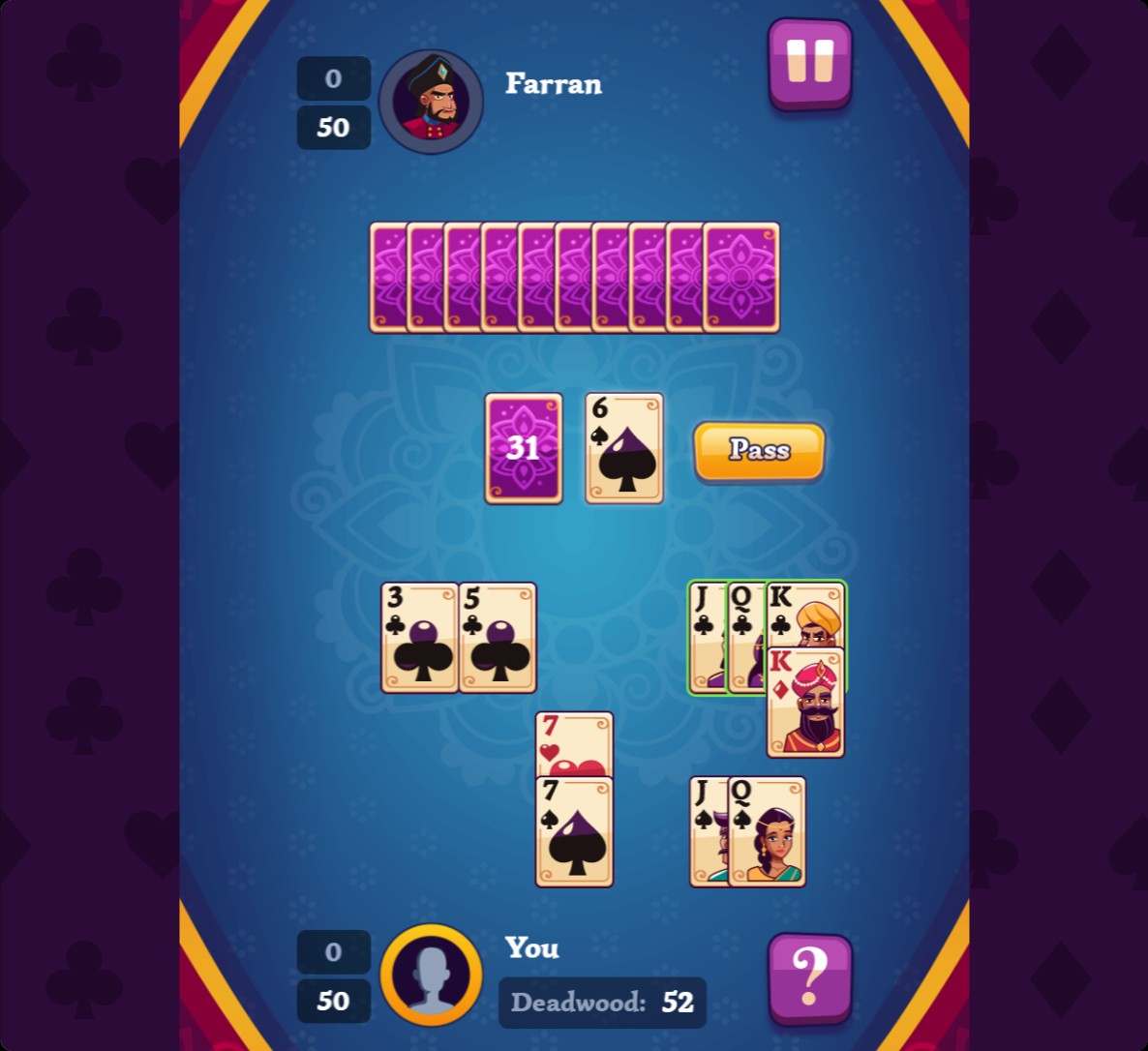
Build melds at the Gin Rummy table
Draw a card, arrange sets and runs, then discard to reduce your deadwood in a local round.
Coins are free to use. Unlock Tables adds access to all five local opponents for the current visit.
View customisation options →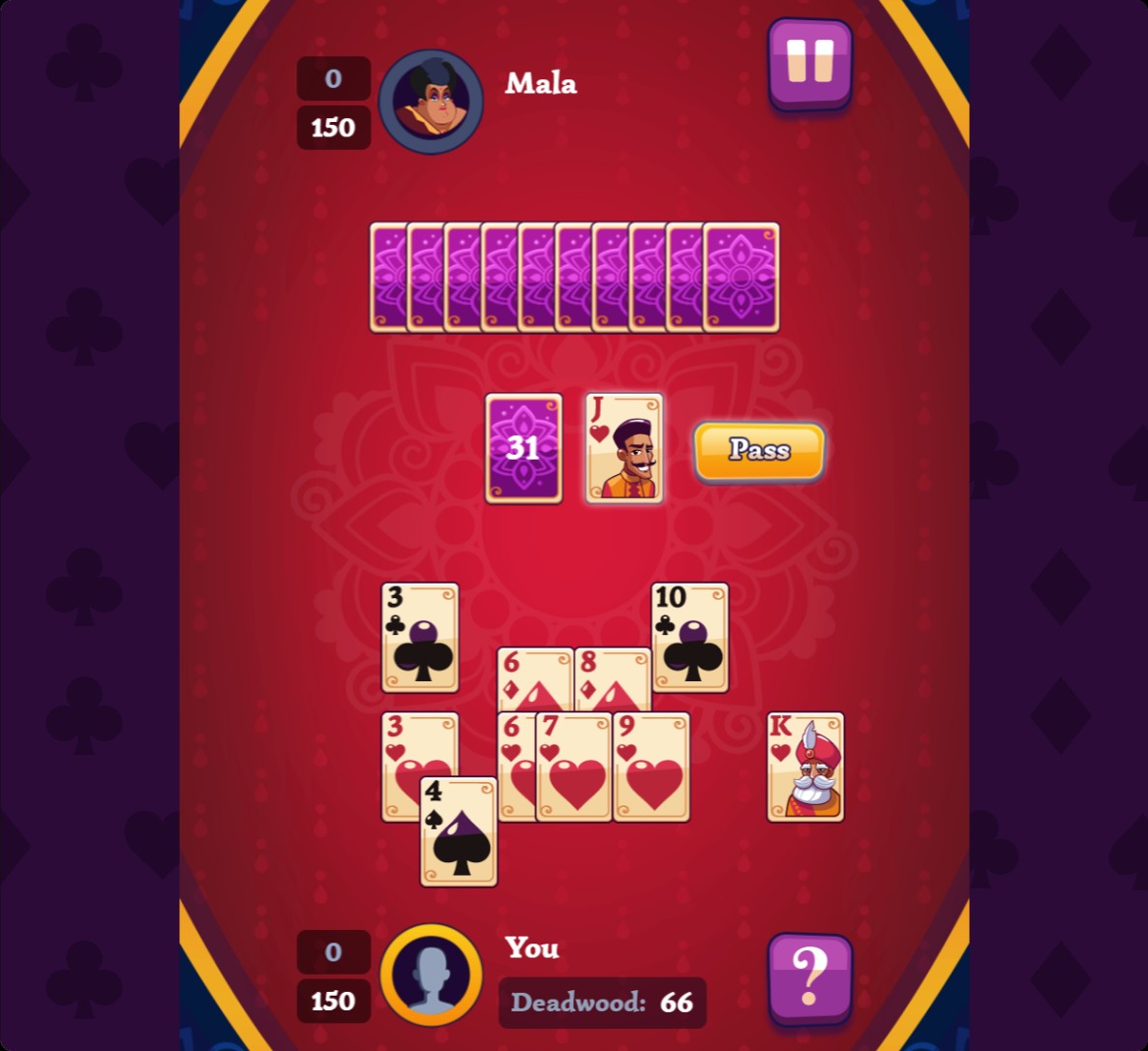
Take a seat against Mala
Select Mala from Tables to begin a local match with a 150-point target.
Download the Windows app and follow the setup prompts.
Set up the browser extension in Chrome or Edge, then open the supported YouTube Playable. Follow the connection guide if the game is already running.
Open Customise in Bytonian Mods, choose an option and follow its instructions. Check the available values and any limits before making your change.