

Restore health during your adventure
Use Restore Health after taking damage to refill your current health bar. The action adds only the health you are missing, up to your character's current maximum.

Use it between fights
Enable Restore Health and use its action when your character is alive and the game is in active play. Close the pause menu and finish any conversation or cutscene first. Using it with a full health bar leaves your health unchanged.
Available game actions
Restore HealthFree
Refill Aletheia's missing health up to her current maximum.
Enable Restore Health, return to active play and use the action. Your character must be alive, with pause menus, conversations and cutscenes closed.
Does not revive your character, increase maximum health or prevent later damage.
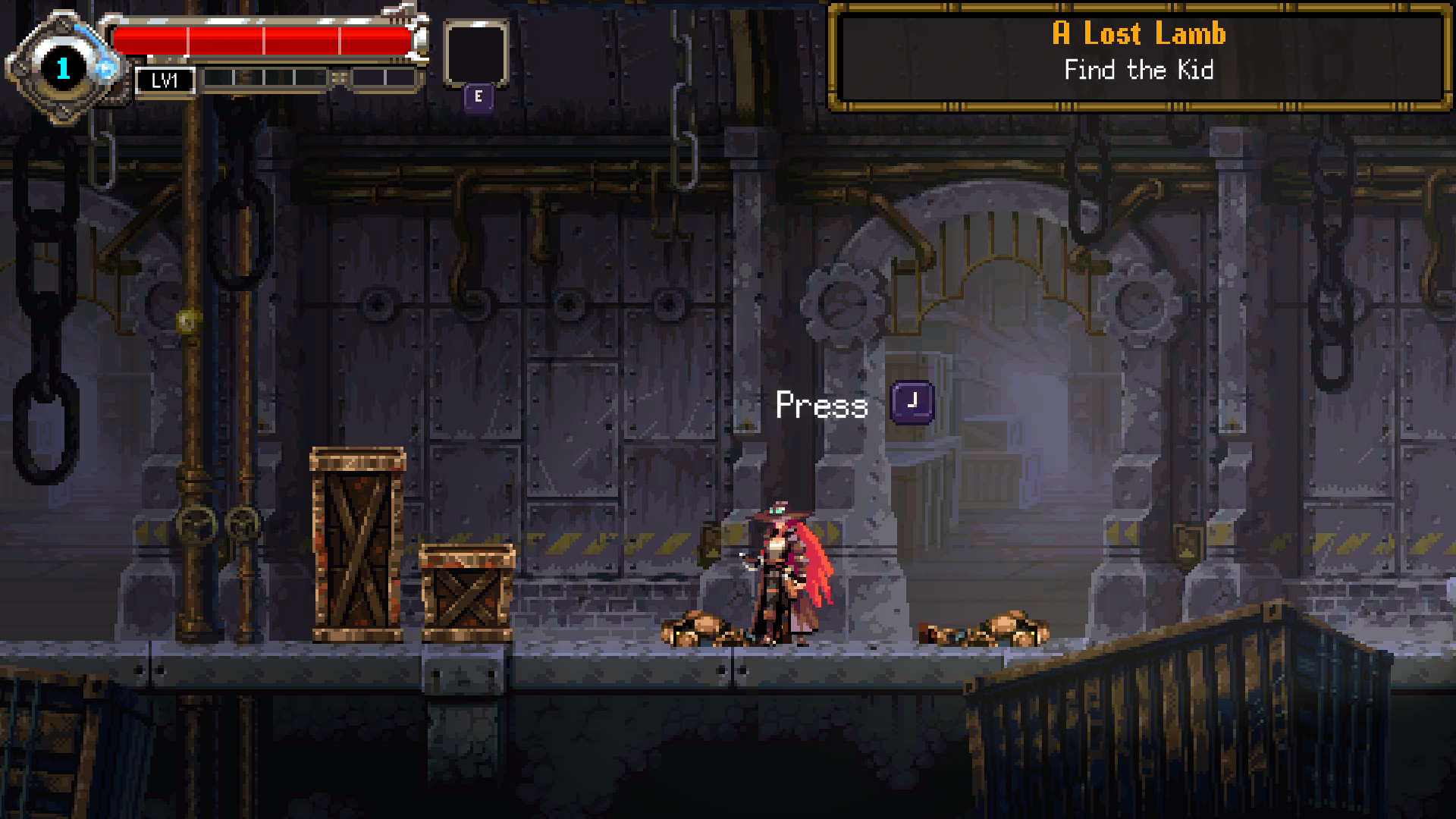
Restore Aletheia's health
Refill your missing health and keep exploring the Vaults of Portunus.
Questions about game actions
- Does the action increase maximum health?
- No. It restores your current health to the existing maximum.
Using these features
Choose the feature in the Windows app after connecting your game. Check its requirements before making a change.
Setup for Gestalt: Steam & Cinder →