

Game Actions
1 optionRecover missing HP without changing maximum health.
View game actions →Refill Aletheia's missing health during active play in Gestalt: Steam & Cinder. Use Restore Health after a fight as you explore Canaan's steam-powered streets and forgotten depths.

Start with free mods
Download Bytonian Mods for Windows and try these free features. Choose one to see how it works and any requirements.
Refill Aletheia's missing health up to her current maximum.
Enable Restore Health, return to active play and use the action. Your character must be alive, with pause menus, conversations and cutscenes closed.
Does not revive your character, increase maximum health or prevent later damage.
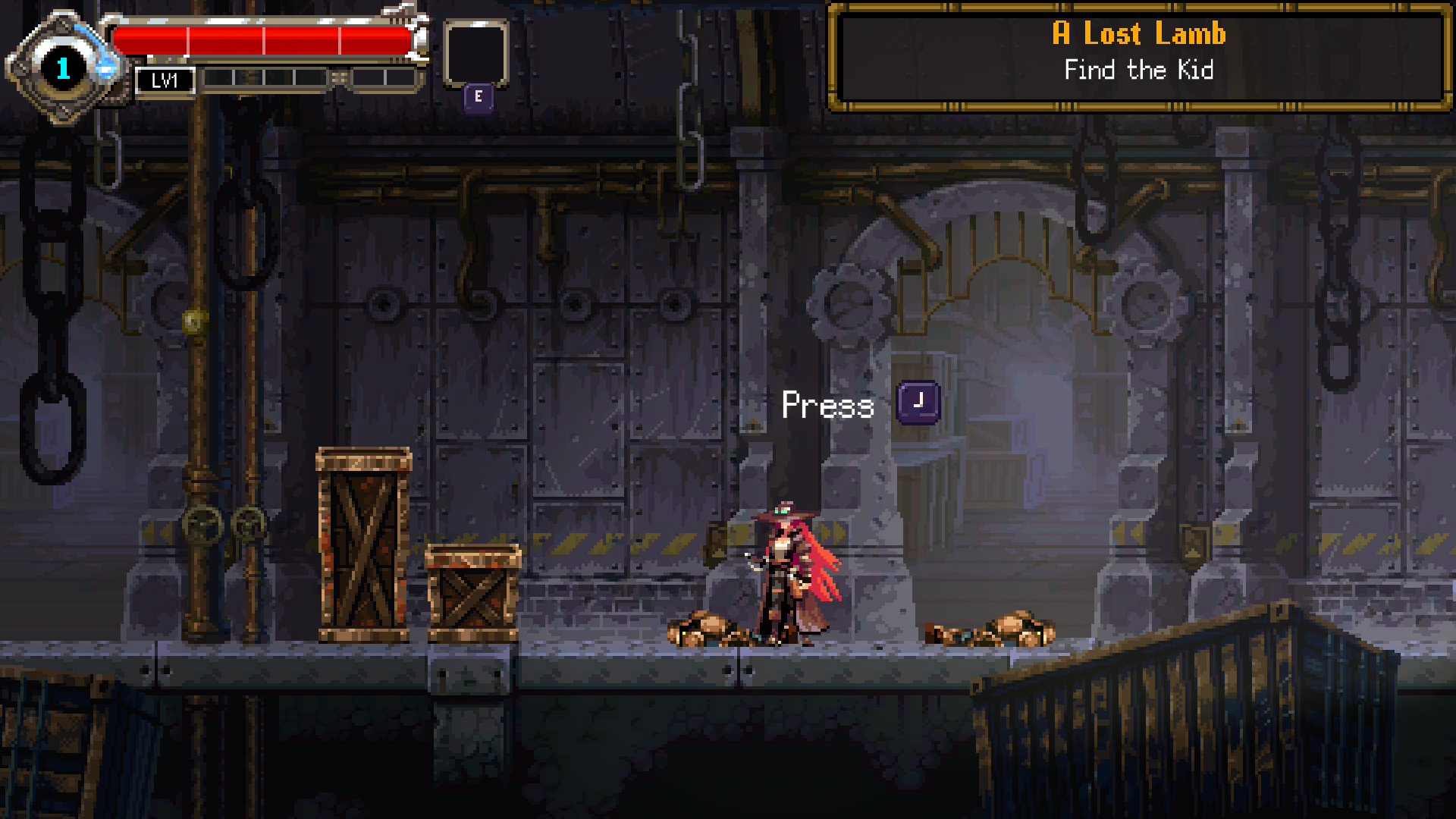
Aletheia in the Vaults of Portunus
Explore the industrial passages of the Vaults of Portunus with Aletheia, with your health and current quest in view.
Restore Health is an action you use when you want to refill your health bar. It leaves your maximum health unchanged and does not provide ongoing protection from damage.
Install Bytonian Mods for Windows, open Gestalt: Steam & Cinder and enable Restore Health. Return to active play before using the action. Your character must be alive and outside conversations or cutscenes.
Recover missing HP without changing maximum health.
View game actions →Browse the Steam achievement names and descriptions for Gestalt: Steam & Cinder. Choose and unlock achievements for free with Bytonian Mods in the Windows app.
View all achievements →Download the Windows app and follow the setup prompts.
Open Gestalt: Steam & Cinder and select it in Bytonian Mods. Follow the app’s connection prompts.
Review the available options in the app and choose the ones that suit how you play.