

Resources
5 optionsChoose your cash, diamonds, metal, steel or skill-point balance.
View all resources →Give your junkyard a little more room to grow. Choose the resources, tool changes and collection controls that suit how you want to play Gas Station: Junkyard Tycoon.
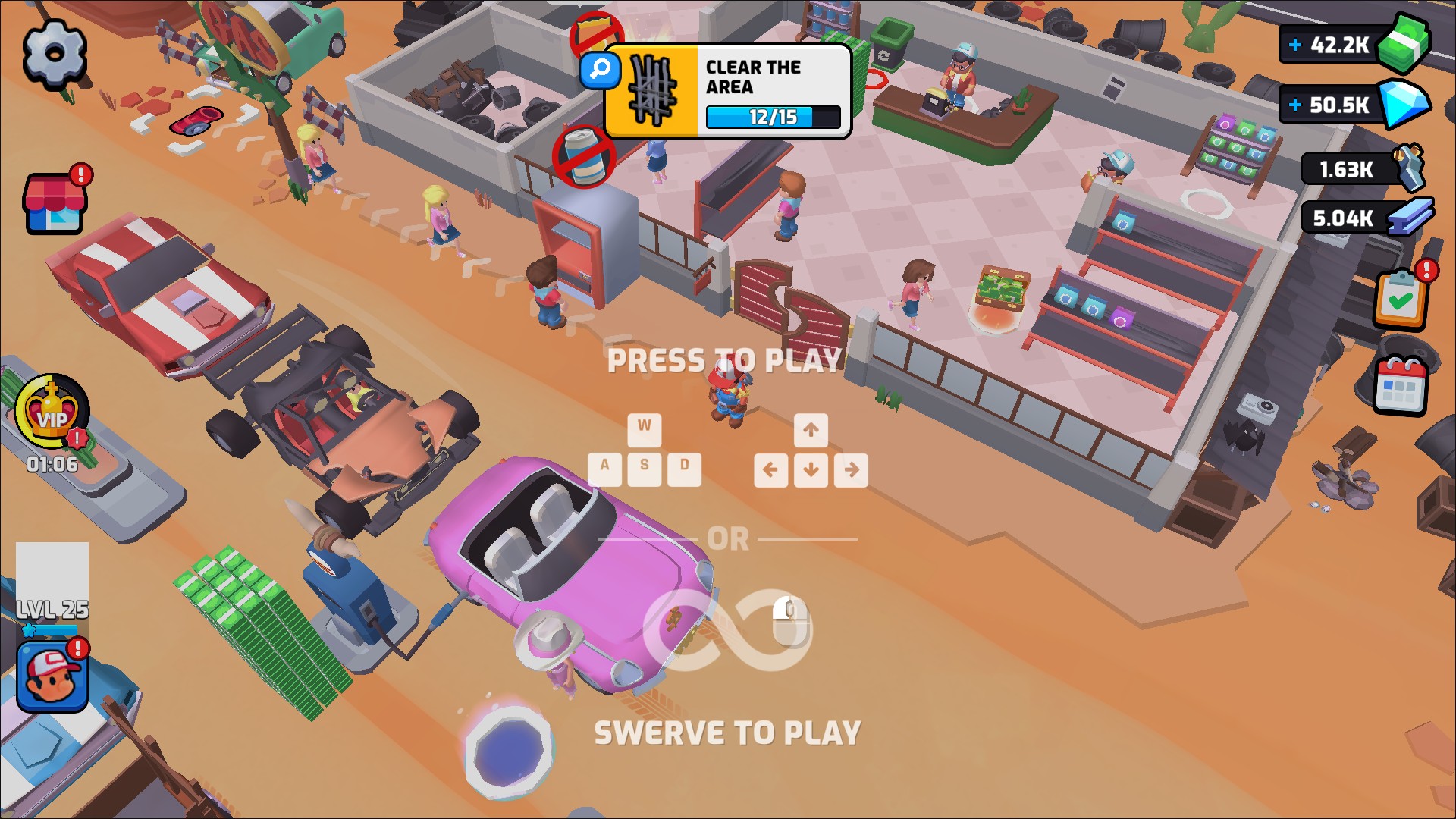
Your junkyard in Gas Station: Junkyard Tycoon
Take a look around the junkyard in Gas Station: Junkyard Tycoon, with cars to work on and workshops to explore.
Clear the scrap, work on cars and turn a rundown roadside site into a growing business. If you want more control over your next step, Bytonian Mods brings the available changes together in the Windows app.
Start with the part of the game you want to change. Resources covers your balances, Stat Modifiers covers your tool, and Progression Systems covers collection cards. Each page explains what its features do and what you need before using them.
Choose your cash, diamonds, metal, steel or skill-point balance.
View all resources →Adjust tool damage or level, with separate controls for each.
View stat modifiers →Choose your player level and current tool power.
View customise →Refresh the tool shown in the game without choosing a new level.
View game actions →Manage collected-card copies and upgrades in Collections.
View progression systems →Download the Windows app and follow the setup prompts.
Set up the browser extension in Chrome or Edge, then open the supported YouTube Playable. Follow the connection guide if the game is already running.
Review the available options in the app and choose the ones that suit how you play.