


Switch to another game mode
Open Home / Choose a Weapon before using Mode Selector. Pick the Level 50 mode and press Switch Game Mode to try the cannon.
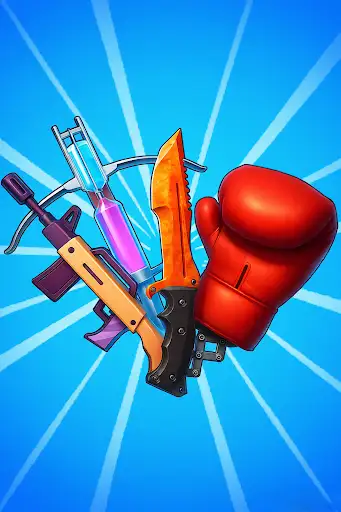
Mode labels and stage numbers
A mode's level label identifies its tile on the selection screen; it does not set your current stage to that number. Choose Level 50 for cannon mode, then aim and fire normally.
Available game actions
Switch Game ModePremium
Switch to another game mode from the Home selection screen. The Level 50 choice opens cannon gameplay.
Open Home / Choose a Weapon, choose the mode in this control, then press Switch Game Mode.
Before you use it: Select a mode from the Home selection screen. Its label does not set your current stage number.
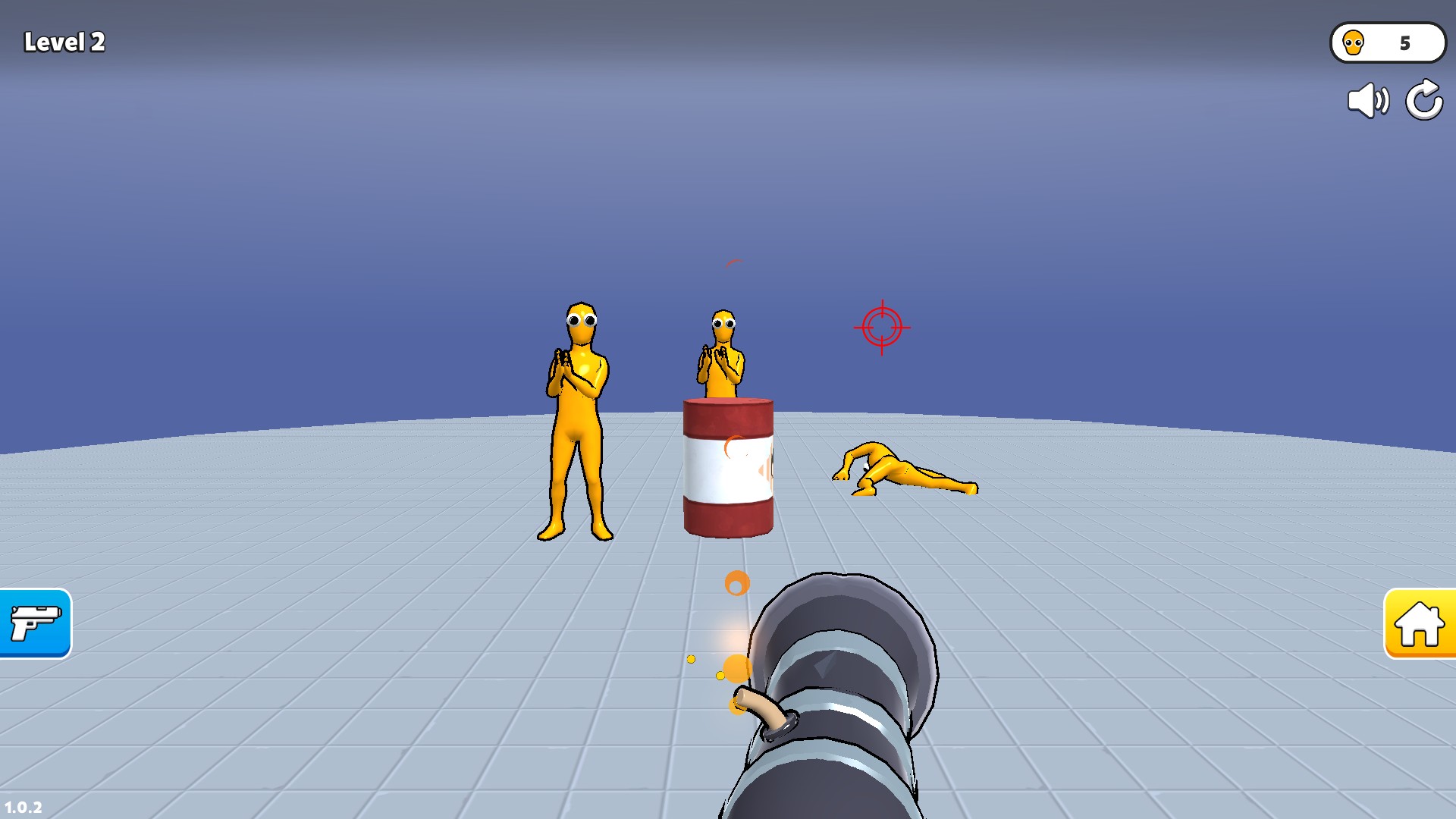
Switch to cannon mode
Open the Home selection screen and choose the Level 50 mode to try its cannon. The mode choice does not change your current level number.
More ways to customise Fun Ragdoll Challenge! Mini Games Collection!
- Fun Ragdoll Challenge! Mini Games Collection! resources
Equip a boxing variant; choice 1 adds a green sleeve and a yellow bracelet.
Using these features
Choose the feature in the Windows app after connecting your game. Check its requirements before making a change.
Setup for Fun Ragdoll Challenge! Mini Games Collection! →