


Resources
1 optionEquip a boxing variant; choice 1 adds a green sleeve and a yellow bracelet.
View resources →Aim at yellow ragdolls, throw a stretching punch and watch them tumble. Fun Ragdoll Challenge mixes short target stages with different weapons. Choose a boxing glove variant or use the mode selector to try the cannon.

Give your glove a different look with Weapon Variants, or open another game mode from the Home selection screen with Mode Selector.
Start the game with Bytonian Mods connected and open the control you want. Use Weapon Variants during boxing. For Mode Selector, first open Home / Choose a Weapon, choose a mode in the mod and press Switch Game Mode.
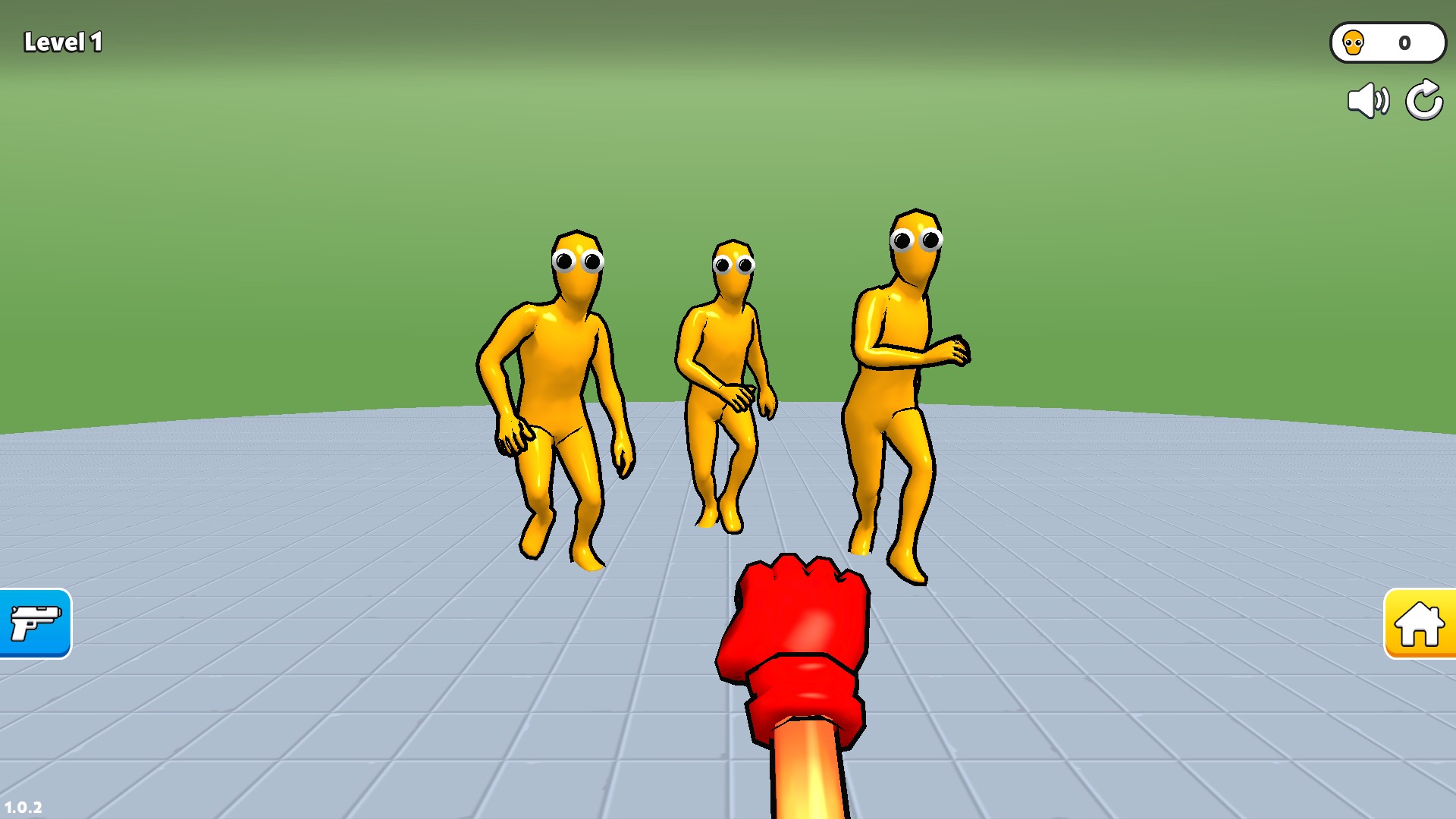
Ragdoll boxing in Fun Ragdoll Challenge
Aim the red glove at the yellow ragdolls and send them tumbling.
Equip a boxing variant; choice 1 adds a green sleeve and a yellow bracelet.
View resources →Choose a mode from the Home screen; the Level 50 choice opens cannon gameplay.
View game actions →Download the Windows app and follow the setup prompts.
Set up the browser extension in Chrome or Edge, then open the supported YouTube Playable. Follow the connection guide if the game is already running.
Review the available options in the app and choose the ones that suit how you play.