

Choose coins and player level
Use Coins when you want to afford a tool during a run. Use Player level when you want to move further into the game's level-based access and fruit progression. Each control changes a different part of your progress.
Coins: buy through the normal game controls
Choose a coin balance, apply the change and use the game's purchase buttons. A hammer costs 100 coins in the Adventure setup shown here and removes a fruit you select. Keep an eye on the displayed price when buying tools.
Player level: open Adventure access
Choose your player level and apply the change. Level 15 opens Adventure access and expands fruit progression. Enter Adventure from the home menu, then play its missions normally. Other tool unlocks and stages still have their own requirements.
Available customise
CoinsFree
Set your coin balance to afford normal purchases, including hammers.
Choose a balance and apply it, then buy a tool through the game's usual button.
Before you use it: Purchases still follow their normal unlock requirements.
Player levelPremium
Choose a player level from 1 to 15 for level-based access and fruit progression.
Set level 15 and apply it to open Adventure access, then enter Adventure from the home menu.
Before you use it: Other boosters and Adventure stages keep their own progression requirements.
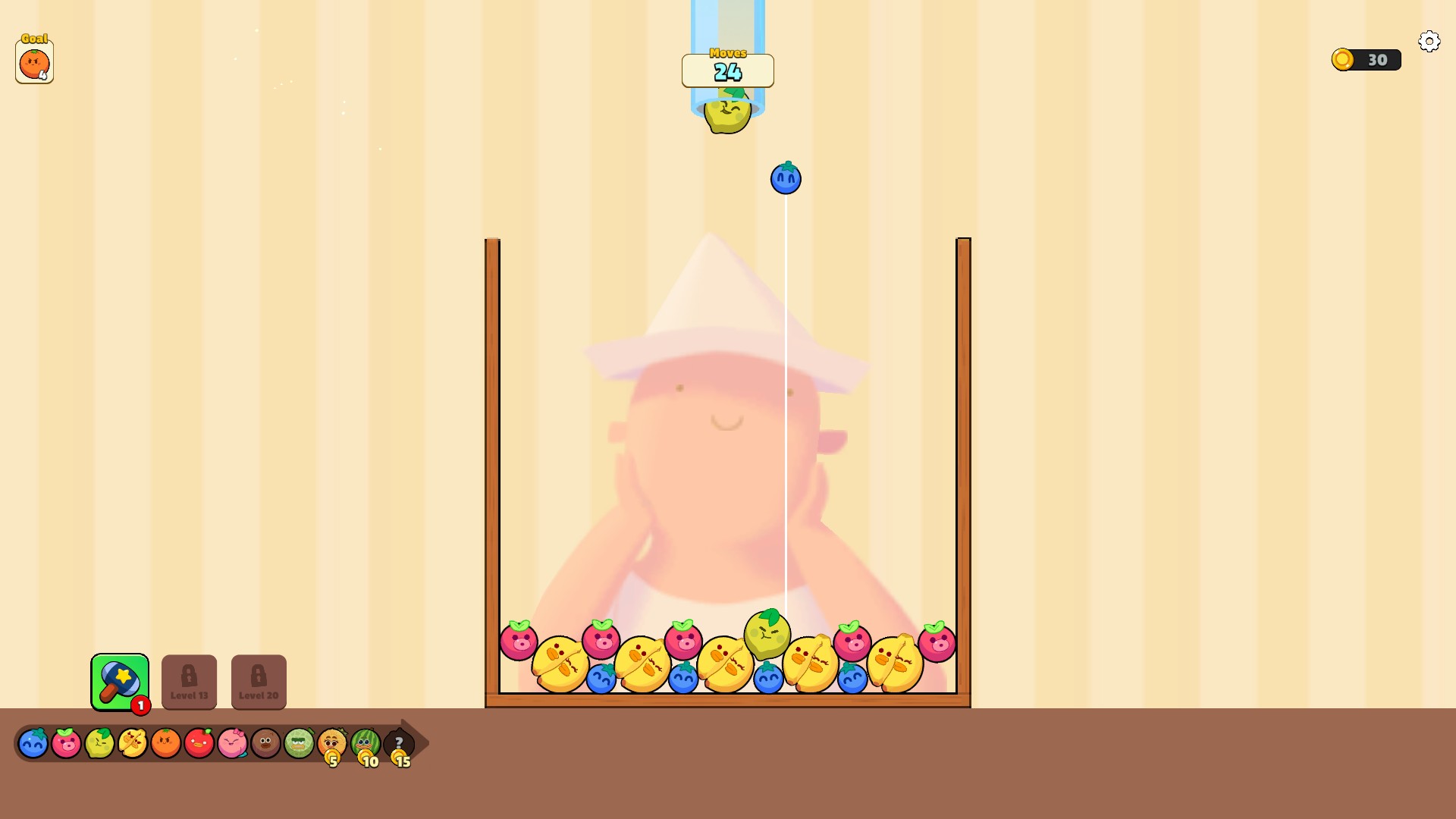
Open Adventure with a higher player level
Raise your player level and head into Adventure for fruit-merging missions. Other boosters and stages keep their own progression requirements.
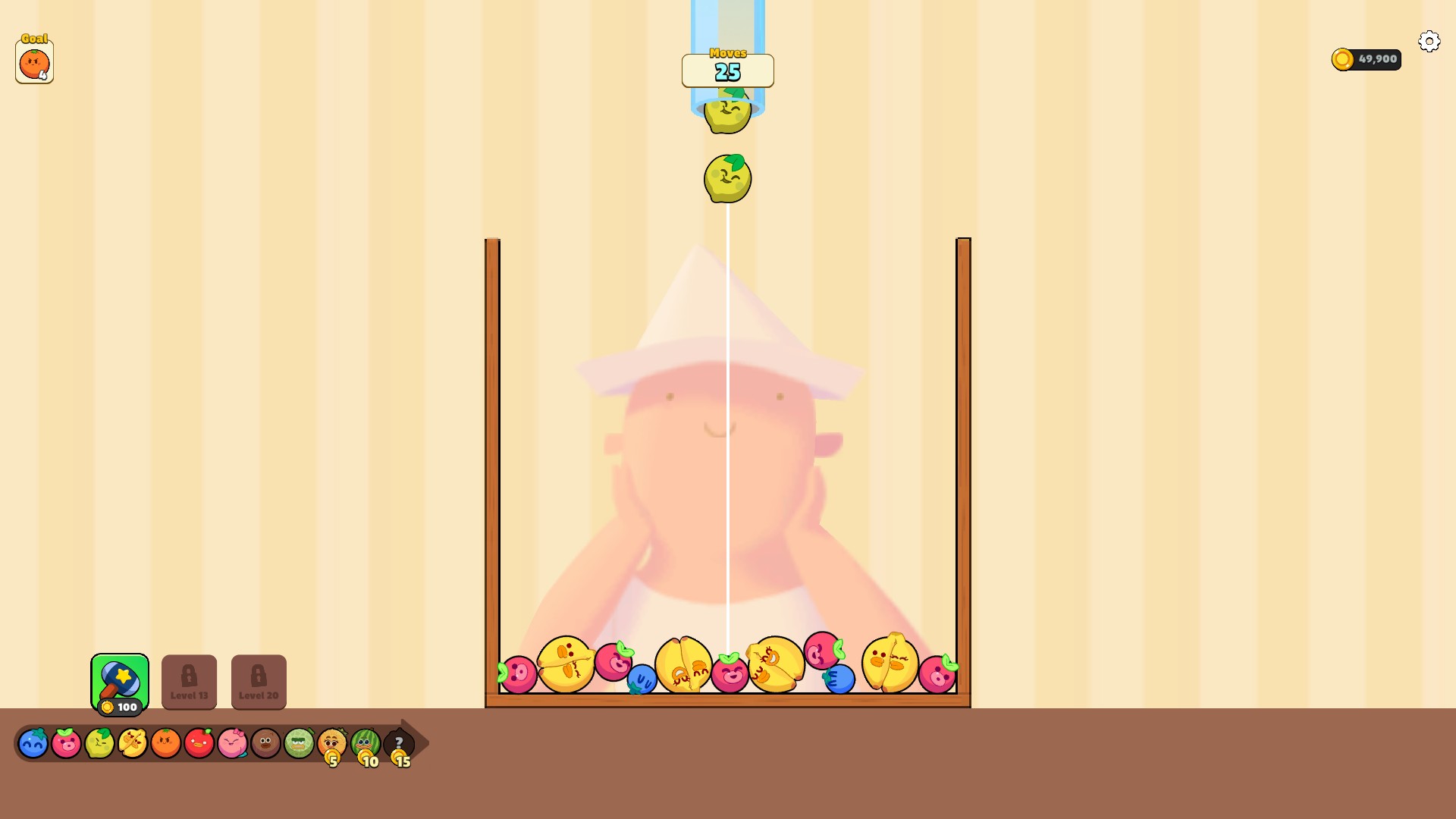
More coins for hammer purchases
Set your coin balance and buy useful tools during a run. Here, a 100 coin hammer purchase leaves 49,900 coins after starting with 50,000.
Questions about customise
- Are extra lives and separate booster-stock cheats included?
- This version includes Coins and Player level. Buy available tools through the game's normal purchase controls.
Using these features
Choose the feature in the Windows app after connecting your game. Check its requirements before making a change.
Setup for Fruit Clash →