

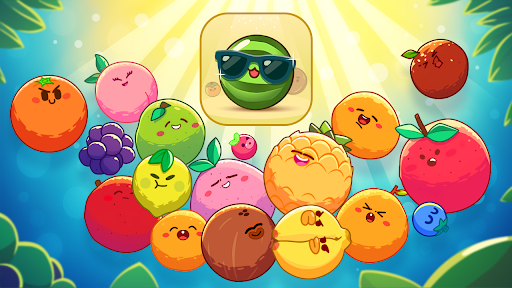
Customise
2 optionsSet up to 1,000,000 coins and choose a player level from 1 to 15.
View customise →Aim your drop, match two fruits of the same kind and make room for the next merge. Fruit Clash mixes the steady challenge of Classic mode with Adventure missions that ask you to reach a goal within a move limit. These controls help you afford useful tools and open more of the game's progression.
The free Coins control lets you choose your balance. Spend coins through the game's normal buttons, such as buying a hammer to remove a fruit that is in the way. Purchases still follow their own unlock requirements.
The Player level control lets you choose a level from 1 to 15. Raising it to 15 opens Adventure access and more fruit progression. Adventure stages and other boosters retain their own requirements, so this is not a complete-unlock button.
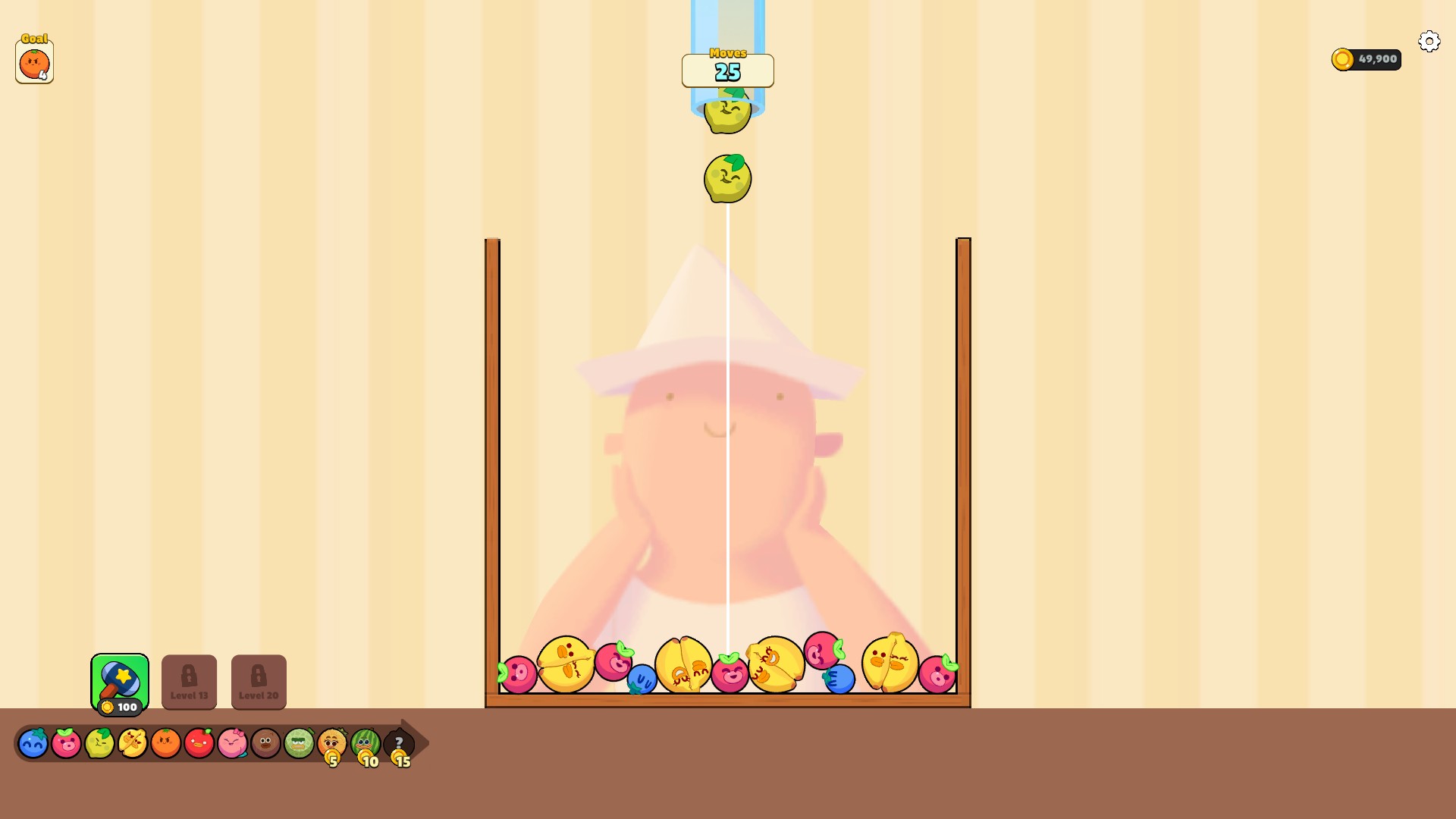
Fruit Clash tools for your next run
Merge fruit in Classic or work toward Adventure goals. Set coins for normal tool purchases and choose your player level for more progression access.
Set up to 1,000,000 coins and choose a player level from 1 to 15.
View customise →Download the Windows app and follow the setup prompts.
Set up the browser extension in Chrome or Edge, then open the supported YouTube Playable. Follow the connection guide if the game is already running.
Review the available options in the app and choose the ones that suit how you play.