

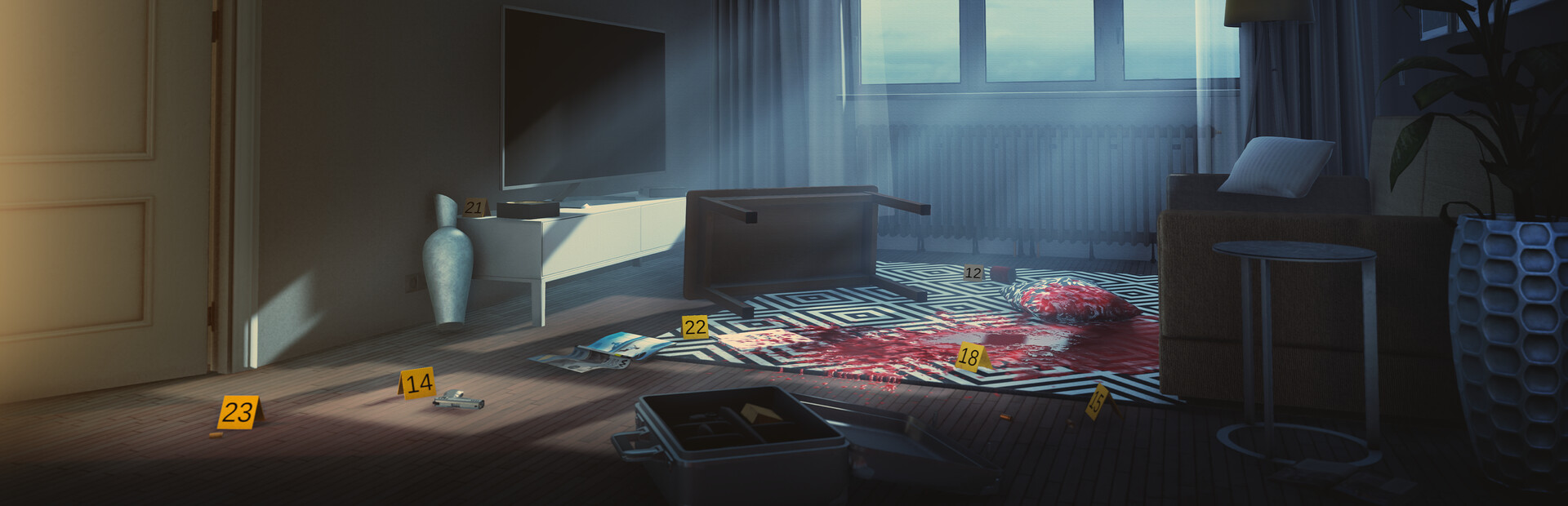
Change how you move through a scene
Walking speed helps you cross a scene more quickly while keeping normal walking controls. Fly gives you direct control over height as well as sideways movement, so you can hover and view a room from higher up.

Adjust walking speed
Enable Walking speed and expand its percentage setting. The default is 200%, with a range from 100% to 400%. Turn it off to return to your normal walking pace.
Rise and hover with Fly
Use V to toggle Fly. Move with WASD, rise with Space, descend with Ctrl and hold Shift for faster flight. Expand the mod to change the speeds or bind different keys. Walls and ceilings remain in place, so indoor headroom limits how high you can rise.
Available ability modifiers
FlyPremium
Rise, hover and move through the available space during exploration.
Toggle with V. Use WASD to move, Space and Ctrl to change height, and Shift for faster flight. Expand to change speeds and keys.
Before you use it: Walls and ceilings still limit movement. Descend to a safe floor before turning Fly off.
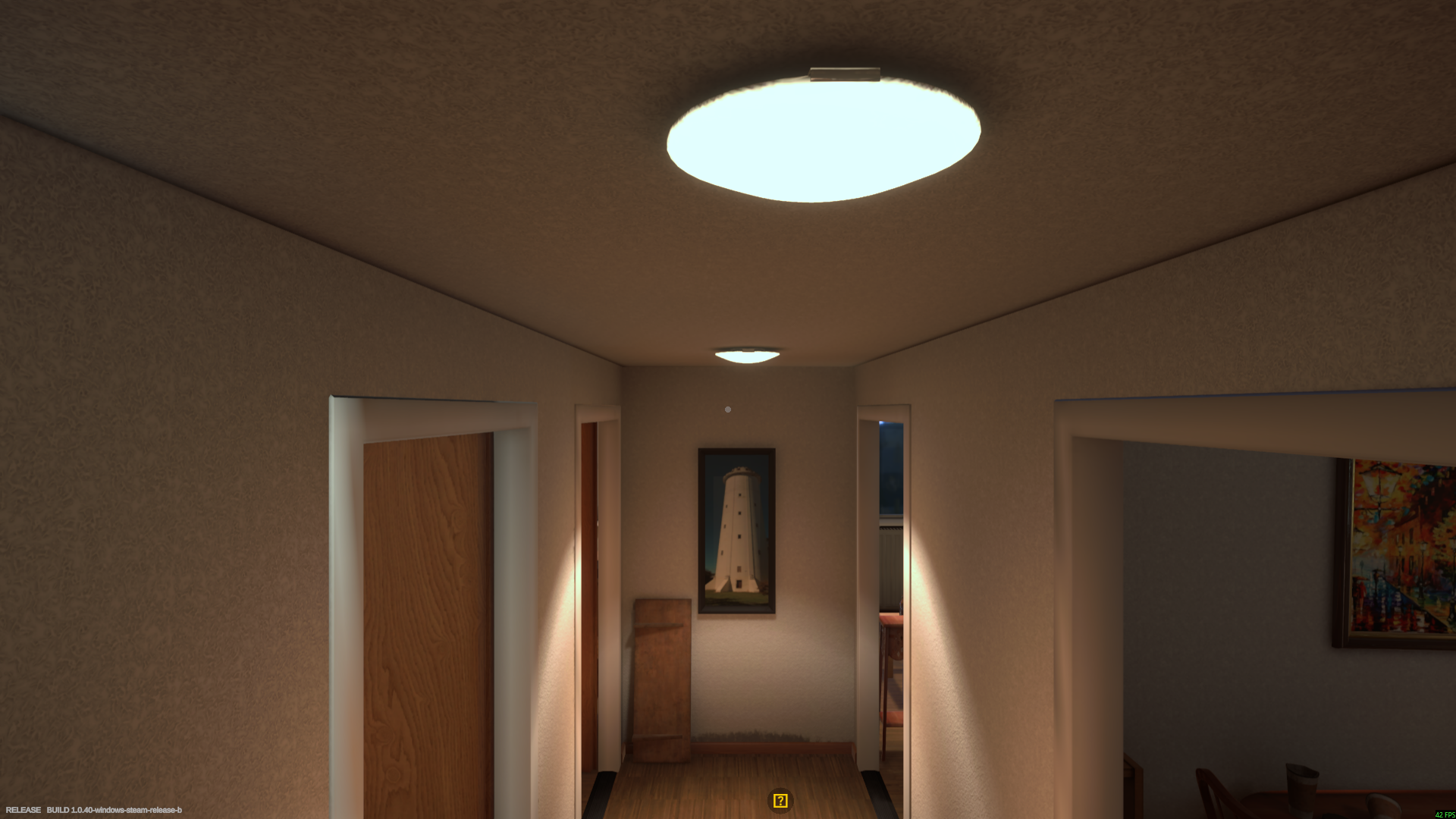
Hover above the training hallway
Rise and hover to explore the training apartment from a higher viewpoint.
Walking speedPremium
Adjust your walking pace while exploring a scene.
Enable the mod and expand the percentage control. Choose 100% to 400%; the default is 200%.
More ways to customise Forensics: Crime Scene Detective
- Forensics: Crime Scene Detective rule modifiers
Shorten the viewing delay for eligible nearby evidence.
Questions about ability modifiers
- How do I return to walking?
- Descend to a safe floor, then toggle Fly off. Normal gravity and walking controls return.
Using these features
Choose the feature in the Windows app after connecting your game. Check its requirements before making a change.
Setup for Forensics: Crime Scene Detective →