


Rule Modifiers
1 optionShorten the viewing delay for eligible nearby evidence.
View rule modifiers →Forensics: Crime Scene Detective puts you in the role of an investigator, searching scenes for clues and examining evidence in the laboratory. These mods help you change the pace of exploration and spend less time waiting for nearby evidence to be recognised.

Movement controls let you adjust walking speed or use Fly for a higher viewpoint. Quick evidence discovery reduces the wait while you look at eligible nearby evidence. It does not find hidden clues for you.
Open the game in Bytonian Mods and enable the feature you want during exploration. Expand a mod to adjust its settings. With Fly, use WASD to move, Space to rise, Ctrl to descend and Shift for faster movement. Descend to a safe floor before turning it off.
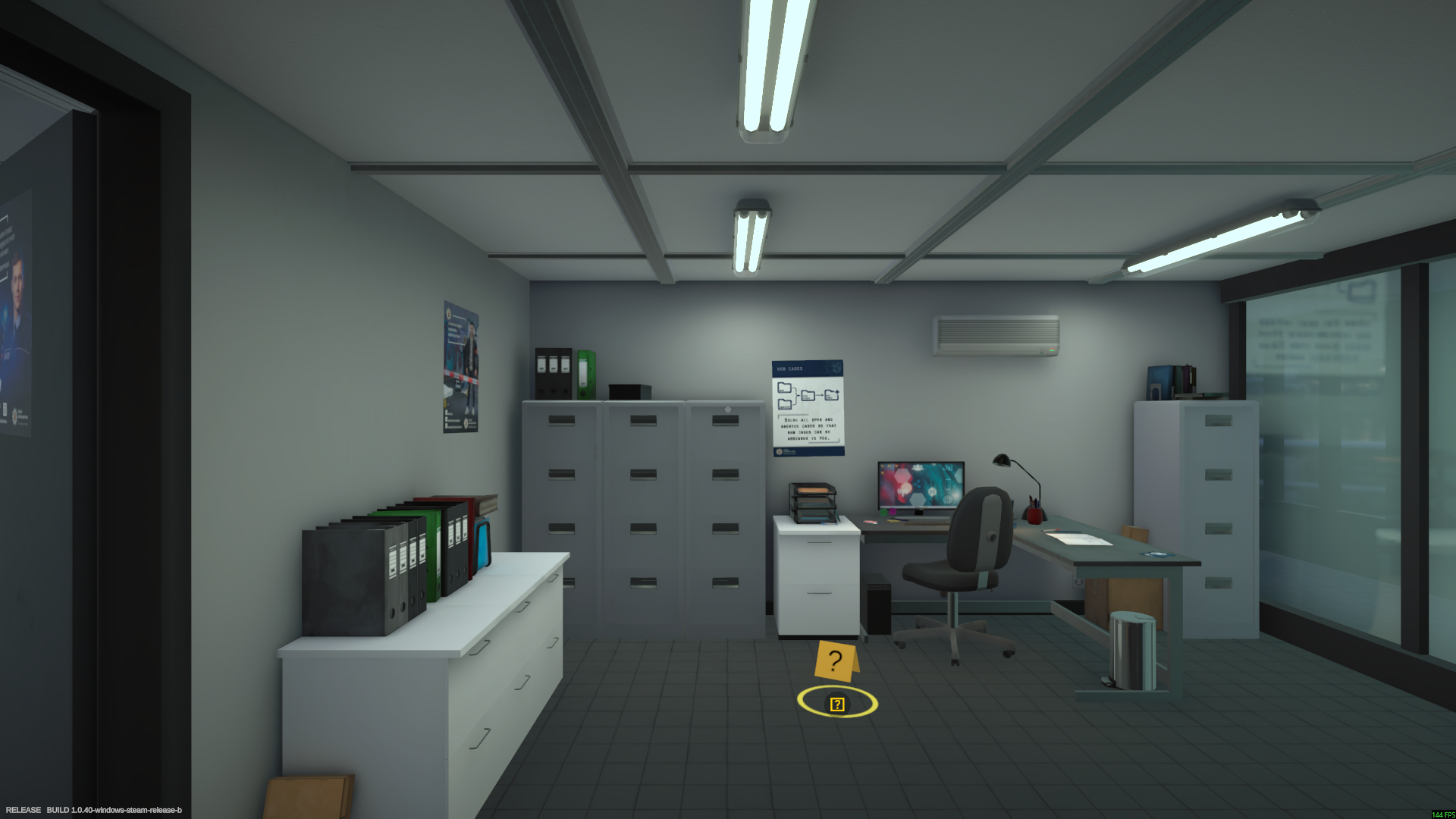
Inside the LKA laboratory
Explore the laboratory and select your next case from the file cabinets.
Shorten the viewing delay for eligible nearby evidence.
View rule modifiers →Set your walking pace or control your height with Fly.
View ability modifiers →Browse the Steam achievement names and descriptions for Forensics: Crime Scene Detective. Choose and unlock achievements for free with Bytonian Mods in the Windows app.
View all achievements →Download the Windows app and follow the setup prompts.
Open Forensics: Crime Scene Detective and select it in Bytonian Mods. Follow the app’s connection prompts.
Review the available options in the app and choose the ones that suit how you play.