

Add cash during the Fly Corp Demo tutorial
Set a cash amount and apply it directly to your tutorial balance. The amount setting lets you choose a small top-up or a larger grant.
Works with the Steam version of the game.

Choose an amount, then add it
Expand Add tutorial cash to choose an amount from 1 to 100,000. Changing the amount prepares your next grant; use the action button to add it.
Available game actions
Add tutorial cashFree
Add the selected amount to your tutorial cash balance.
Start the tutorial, choose an amount, then use Add tutorial cash.
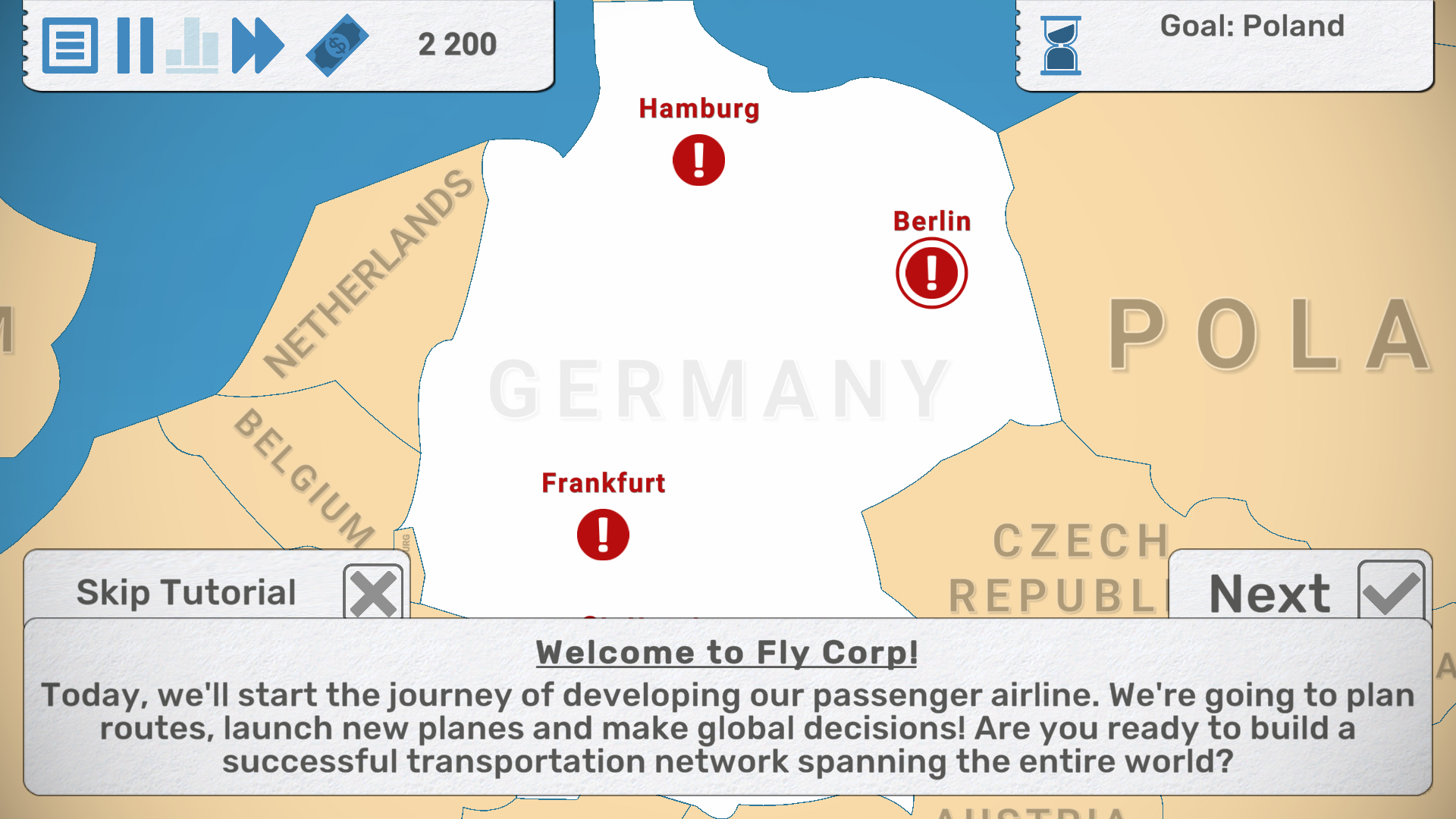
Add cash to your tutorial balance
Choose an amount and add cash while playing the Fly Corp Demo tutorial.
More ways to customise Fly Corp Demo
- Fly Corp Demo system modifiers
Set a custom tutorial fast-forward multiplier.
Using these features
Choose the feature in the Windows app after connecting your game. Check its requirements before making a change.
Setup for Fly Corp Demo →