

System Modifiers
1 optionSet a custom tutorial fast-forward multiplier.
View system modifiers →Give your airline network a boost while learning Fly Corp Demo. Add a chosen amount of tutorial cash or set your own fast-forward pace as you plan routes between airports.

Start with free mods
Download Bytonian Mods for Windows and try these free features. Choose one to see how it works and any requirements.
Add the selected amount to your tutorial cash balance.
Start the tutorial, choose an amount, then use Add tutorial cash.
Add tutorial cash is free and gives your balance a chosen top-up. Fast-forward speed requires Premium and lets you choose a multiplier while keeping the game's pause and normal-speed buttons available.
Install the Bytonian Mods Windows app and open Fly Corp Demo. Start the tutorial, then choose the controls you want to use. These mods apply to the demo tutorial.
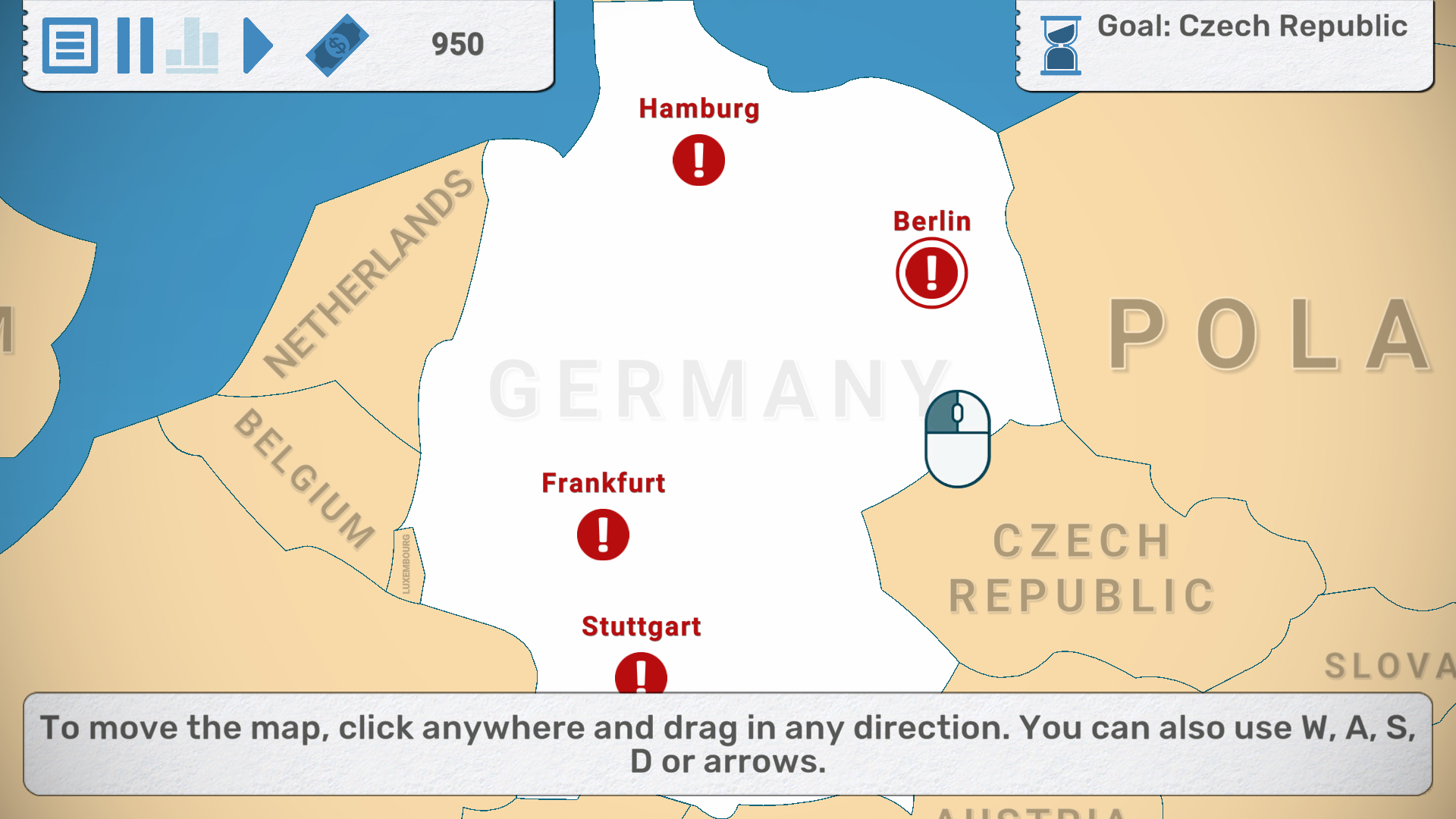
Fly Corp Demo tutorial map
Start planning your airline network in the Fly Corp Demo tutorial.
Set a custom tutorial fast-forward multiplier.
View system modifiers →Add a chosen amount to your tutorial cash balance.
View game actions →Download the Windows app and follow the setup prompts.
Open Fly Corp Demo and select it in Bytonian Mods. Follow the app’s connection prompts.
Review the available options in the app and choose the ones that suit how you play.