

Unlocks
2 optionsAdvance challenge progress, Unlock all skins.
View unlocks →Keep your winged basketball in the air and line up each hoop with carefully timed taps. These Flappy Dunk controls let you explore new ball styles, move your challenge collection forward and switch the court to a bold black and yellow design.
Line up your next hoop
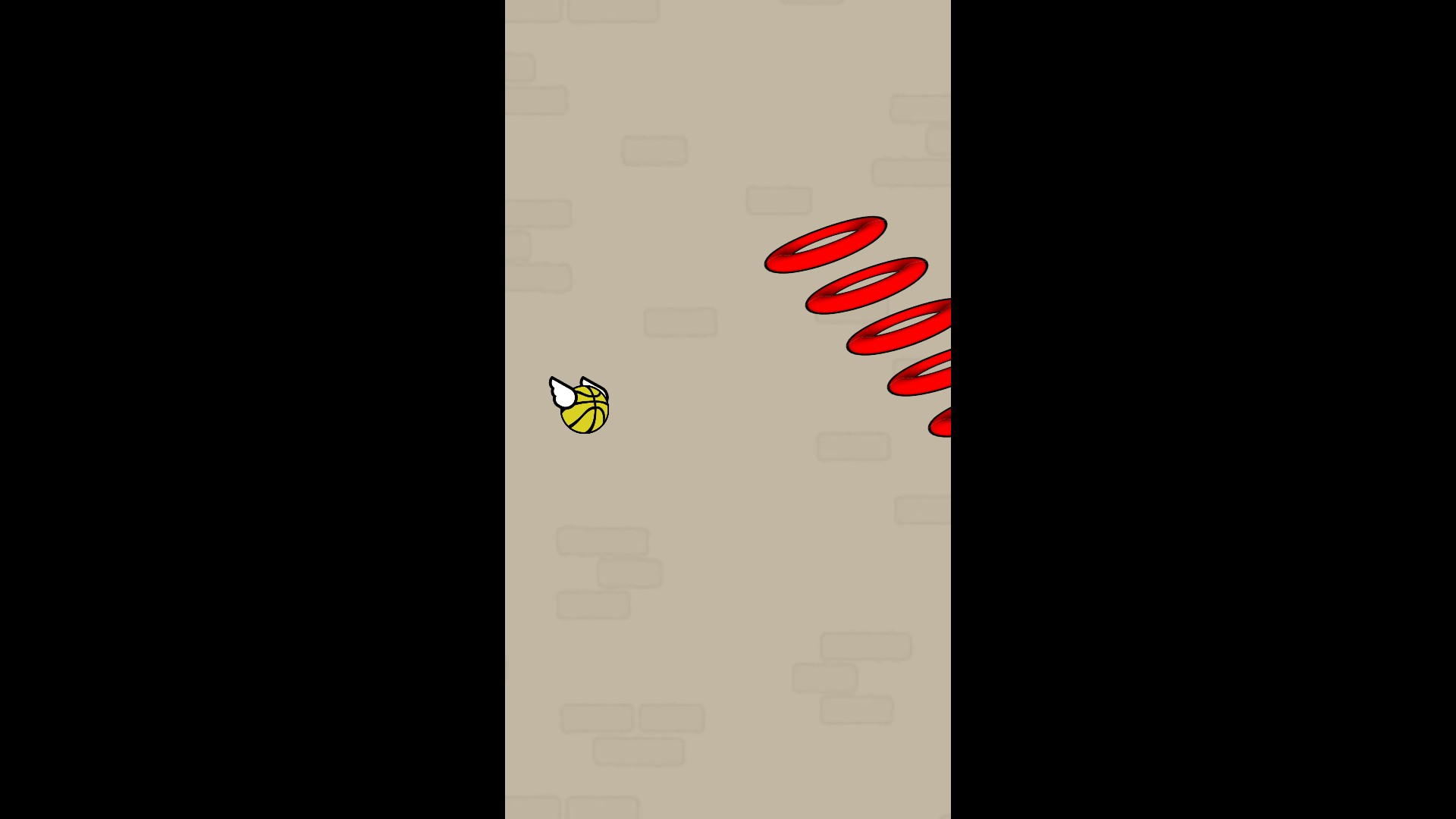
Take on a slanted hoop course in Flappy Dunk with a fresh basketball look.
Unlock the skin collection, then choose a favourite from the game’s normal Skins menu. Pick a colourful basketball to carry your new look onto the court.
Advance challenge progress, then revisit the Normal and Mirror collections at your own pace. Finish any remaining challenges through normal play.
The Free court theme adds a bright yellow background and a black-and-yellow ball design. Choose Classic and apply it when you want the original court back.
Advance challenge progress, Unlock all skins.
View unlocks →Black and yellow theme.
View presentation modifiers →Download the Windows app and follow the setup prompts.
Set up the browser extension in Chrome or Edge, then open the supported YouTube Playable. Follow the connection guide if the game is already running.
Review the available options in the app and choose the ones that suit how you play.