

Restart or complete a vampire hunt
Use Restart Level to begin the current scene again, or Complete Level to bring up its completion screen when you want to move past the hunt.
Retry the current level
Activate Restart Level, then press Start in the game to begin the current level again.
Finish the current hunt
Complete Level displays the game's completion screen. It does not promise extra rewards or a separate kill for every vampire.
Available game actions
Complete levelPremium
Display the current level's completion screen.
Activate during a hunt.
Before you use it: Completes the active level; use Continue to move on.
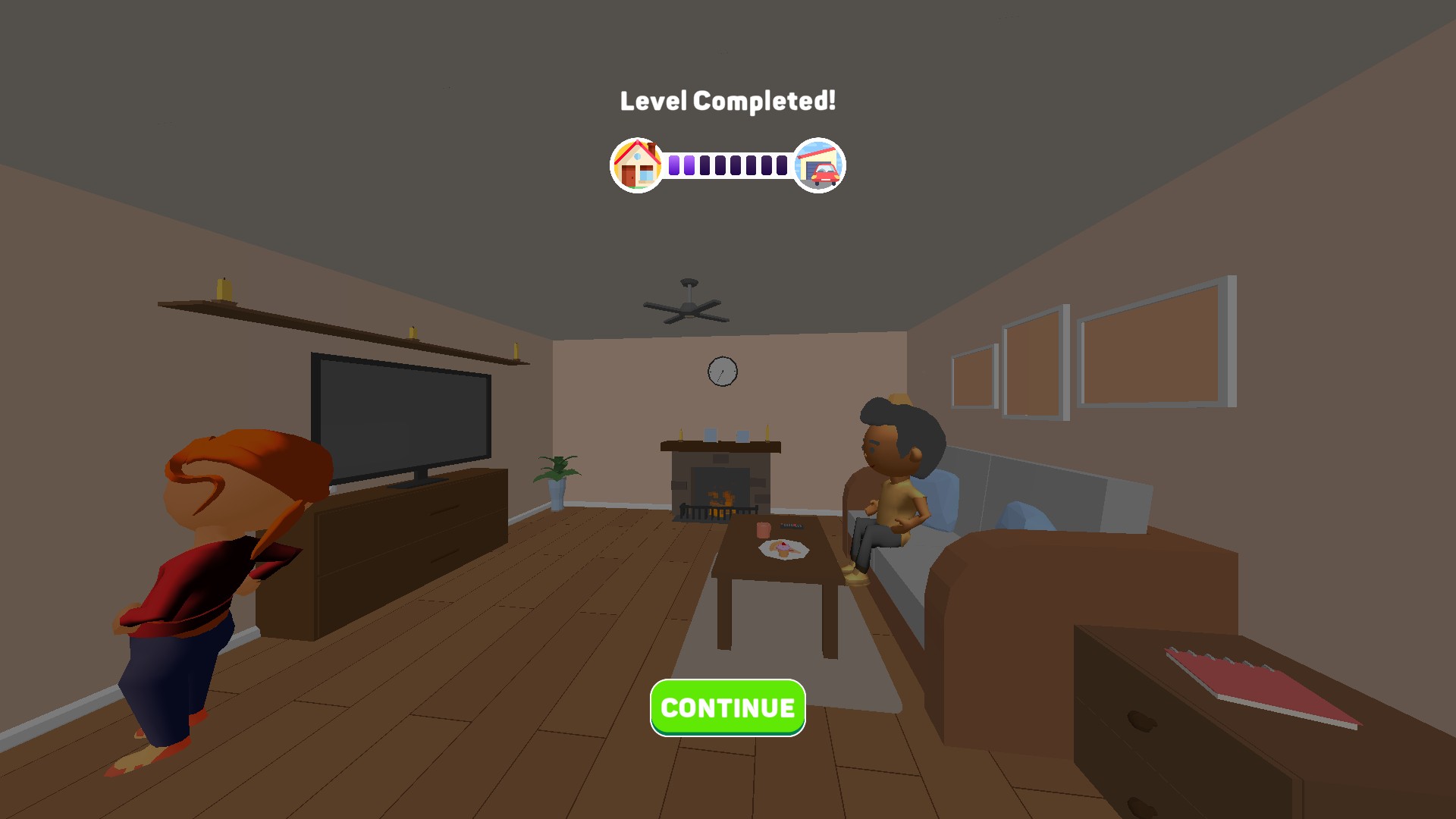
Finish the current level
Reach the level-completed screen with one completion action.
Restart levelFree
Restart the current level for another attempt.
Activate, then press the game's Start button.
Before you use it: Press the game's Start button after restarting.
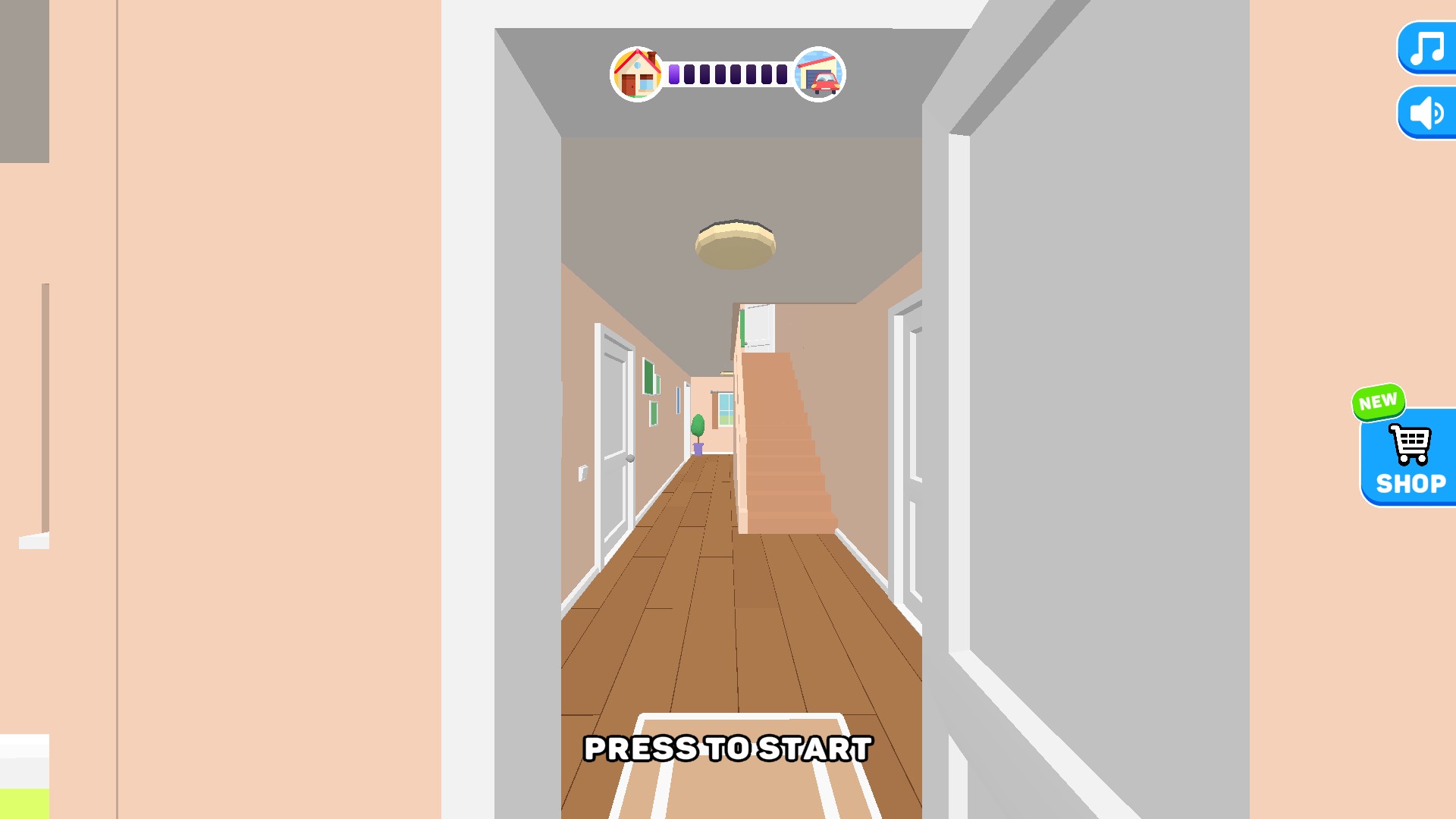
Start your level again
Return to the current level's start screen, then begin again when ready.
More ways to customise Find the Vampire
- Find the Vampire progression systems
Choose a starting level in Find the Vampire, activate the control and press Start to enter the selected scene.
Using these features
Choose the feature in the Windows app after connecting your game. Check its requirements before making a change.
Setup for Find the Vampire →