

Game Actions
2 optionsRestart the current Find the Vampire scene for free or use Complete Level to reach its completion screen.
View game actions →Scan the people in the room to find the hidden vampire, then switch to your weapon and take your shot. These controls help you retry a scene, finish a level or choose where to start.
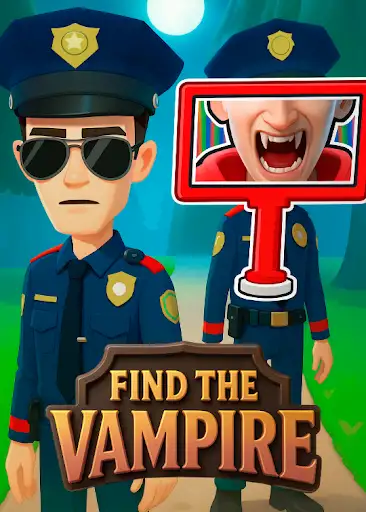
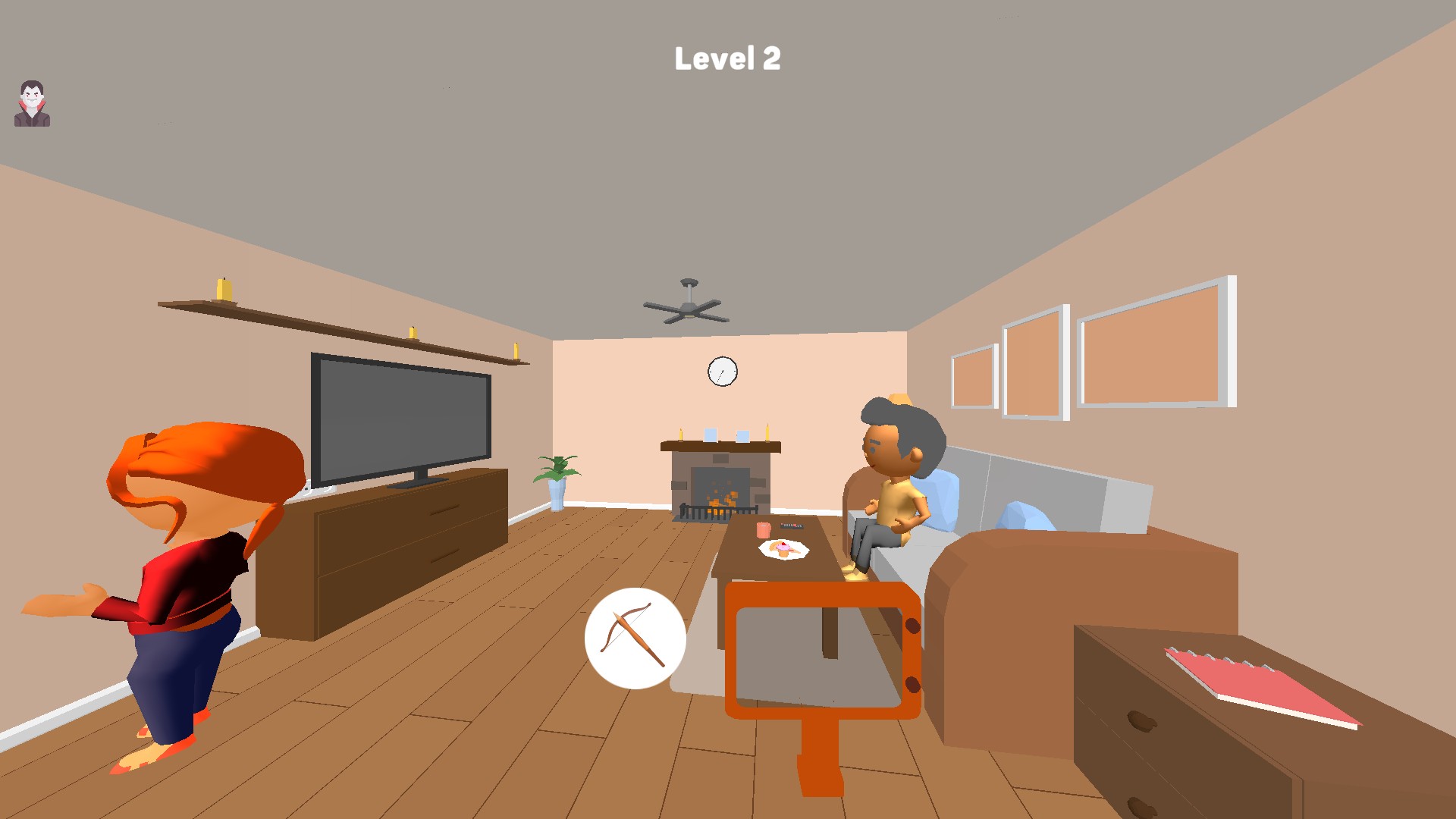
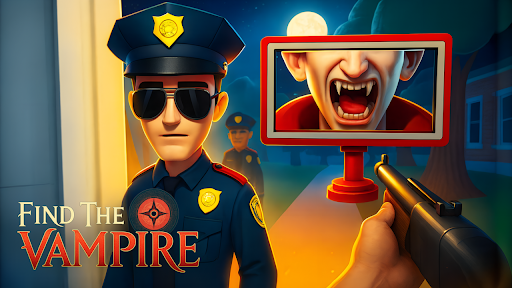
Look for vampires in Find the Vampire
Move the scanner around the room and inspect the residents before choosing a target.
Restart Level is free. Complete Level and Choose Starting Level are premium controls. After a restart or level selection, press the game's normal Start button to enter the scene.
Restart the current Find the Vampire scene for free or use Complete Level to reach its completion screen.
View game actions →Choose a starting level in Find the Vampire, activate the control and press Start to enter the selected scene.
View progression systems →Download the Windows app and follow the setup prompts.
Set up the browser extension in Chrome or Edge, then open the supported YouTube Playable. Follow the connection guide if the game is already running.
Review the available options in the app and choose the ones that suit how you play.