

Return to an early alien search
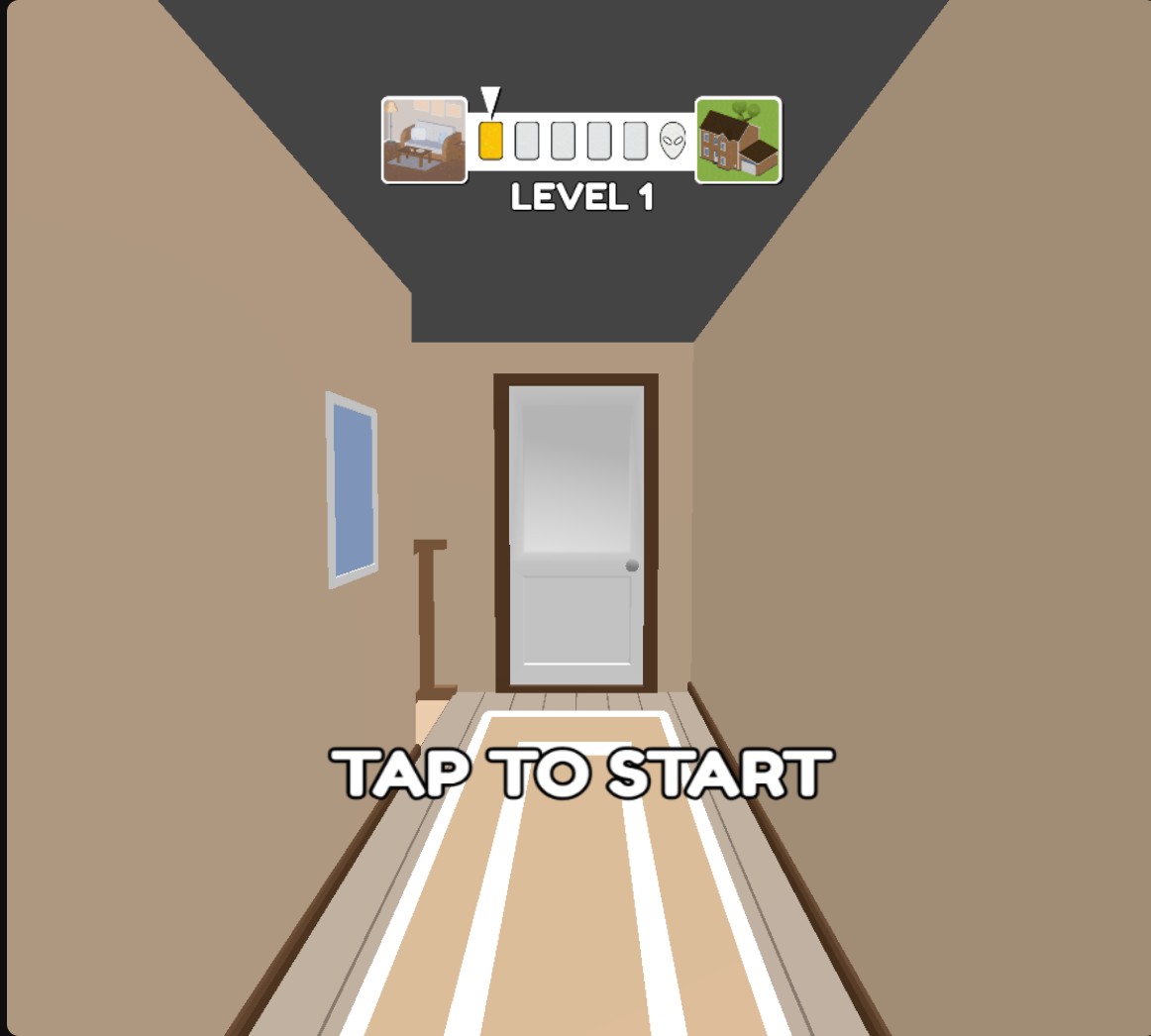
Use Level to choose one of the first two searches. Apply your choice, wait for the level screen and tap to start the room.

Return to an early alien search
Choose level 1 or 2, then use the scanner and zap the aliens with the normal controls.
Choose your next search
Select level 1 or 2 and apply the change before starting. The level screen shows your selected number.
Once inside, drag the scanner over the characters. Switch to the blaster when you have identified an alien, then aim and tap to zap it.
Keep the normal room objectives
Choosing a level does not solve the room for you. The normal scanner, aiming and alien-search objectives still apply.
Available customise
LevelFree
Choose level 1 or 2 to revisit an early alien search.
Pick your level and apply it. When the level screen appears, tap to start, then use the normal scanner and blaster controls.
Before you use it: Covers levels 1–2. Normal scanning, aiming and room objectives still apply.
Questions about customise
- Can I choose later levels?
- This selector covers levels 1–2.
Using these features
Choose the feature in the Windows app after connecting your game. Check its requirements before making a change.
Setup for Find the Alien →