

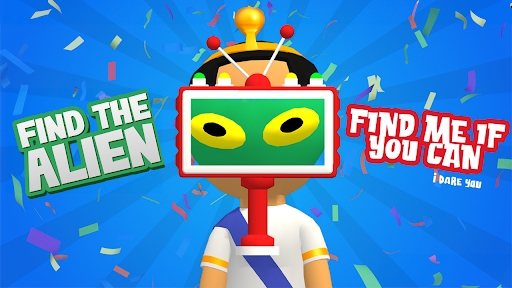
Customise
1 optionRevisit levels 1–2 and play their normal scanning and zapping objectives.
View customise →The people in the room are not always who they seem. Move your scanner over each character, spot the alien disguise and switch to your blaster when you have found your target. The Level selector lets you return to either of the first two searches.
Return to level 1 or 2 when you want another early search. You still inspect the characters yourself and aim the blaster at the alien.
Revisit levels 1–2 and play their normal scanning and zapping objectives.
View customise →Download the Windows app and follow the setup prompts.
Set up the browser extension in Chrome or Edge, then open the supported YouTube Playable. Follow the connection guide if the game is already running.
Review the available options in the app and choose the ones that suit how you play.