

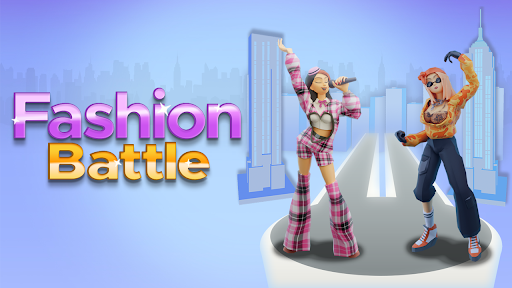
Set your Fashion Battle gems
Choose the gem value you want to see before your next runway battle. This free control loads the selected amount into the game's gem counter after Apply & reload.

Choose your value
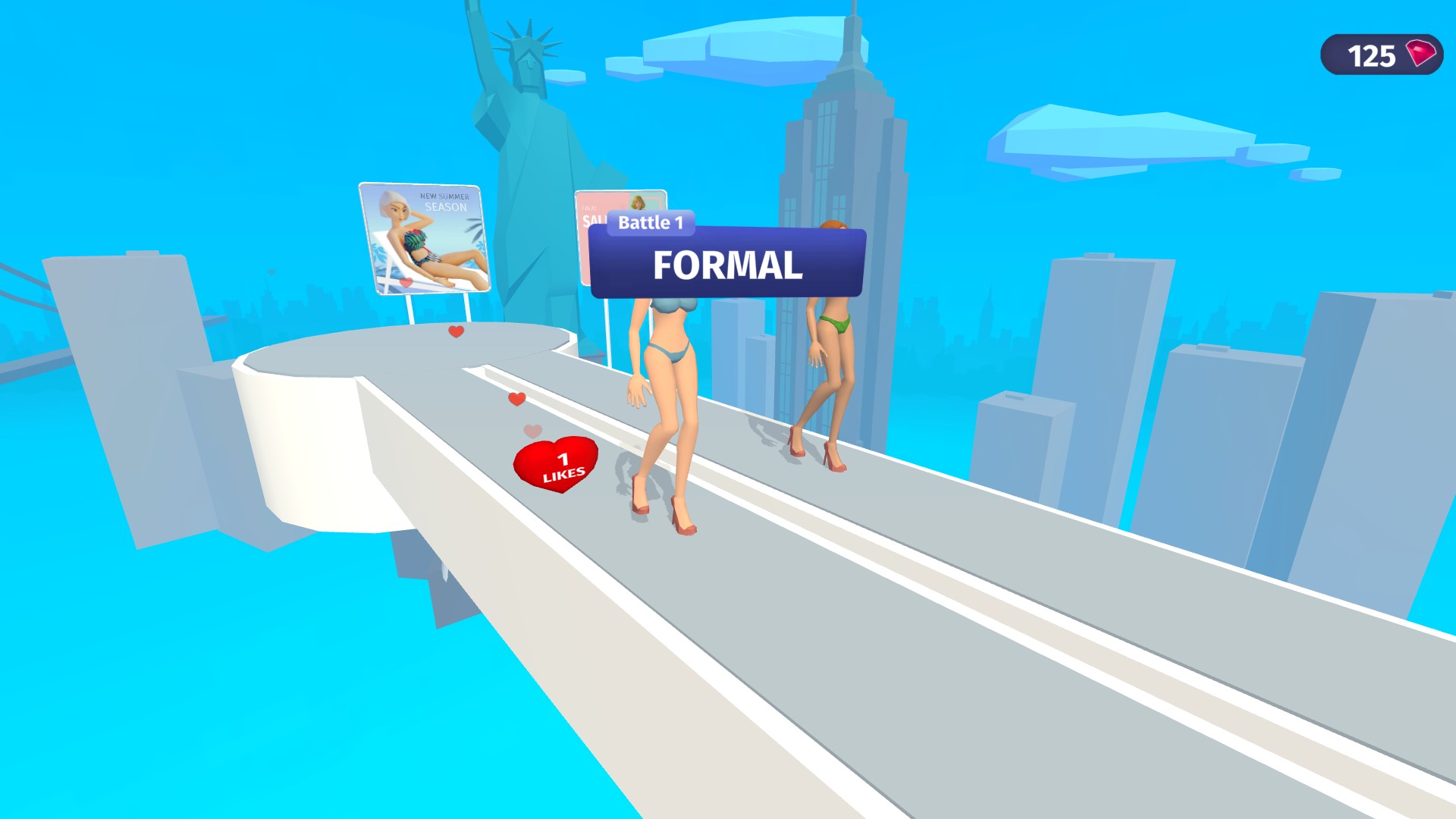
Enter a whole number from the available range, apply the change, and wait for the game to reload. The gem counter in the top-right corner should show your selection.
Keep the change practical
Use a sensible amount for the way you want to play. The control sets the visible counter in the current reloaded game; it does not promise a purchase, reward, cross-session save or maximum supported by the game.
Available customise
GemsFree
Choose the gem value shown in the current game after Fashion Battle reloads.
Enter a whole number, select Apply & reload, then check the top-right gem counter.
Before you use it: The value was visible in the current reloaded game but did not survive a separate browser-session check. Shop spending, outfit unlocks, progression changes and the game's true maximum are not claimed.
Start with more gems
Set your gem balance before the next fashion battle. This look starts with 125 gems ready in the top-right corner.
Questions about customise
- Is the Gems control free?
- Yes. The Fashion Battle Gems control is available as the free customization option.
- Does it unlock outfits or themes?
- No. It changes the gem counter only and does not directly unlock outfits, themes or progress.
Using these features
Choose the feature in the Windows app after connecting your game. Check its requirements before making a change.
Setup for Fashion Battle →