

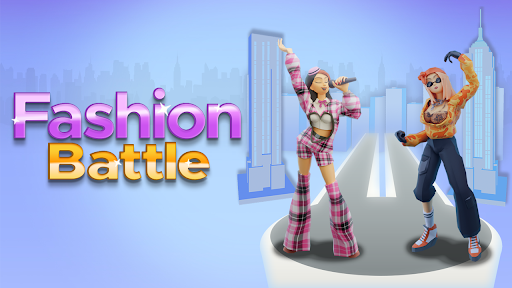
Customise
1 optionEnter a whole-number gem value and use Apply & reload to load it into the current Fashion Battle game.
View customise →Fashion Battle puts each look to the test on a themed runway. Choose clothes and accessories, face a rival, and watch the crowd score both styles. Bytonian Mods adds a simple gem counter control for the current reloaded game.

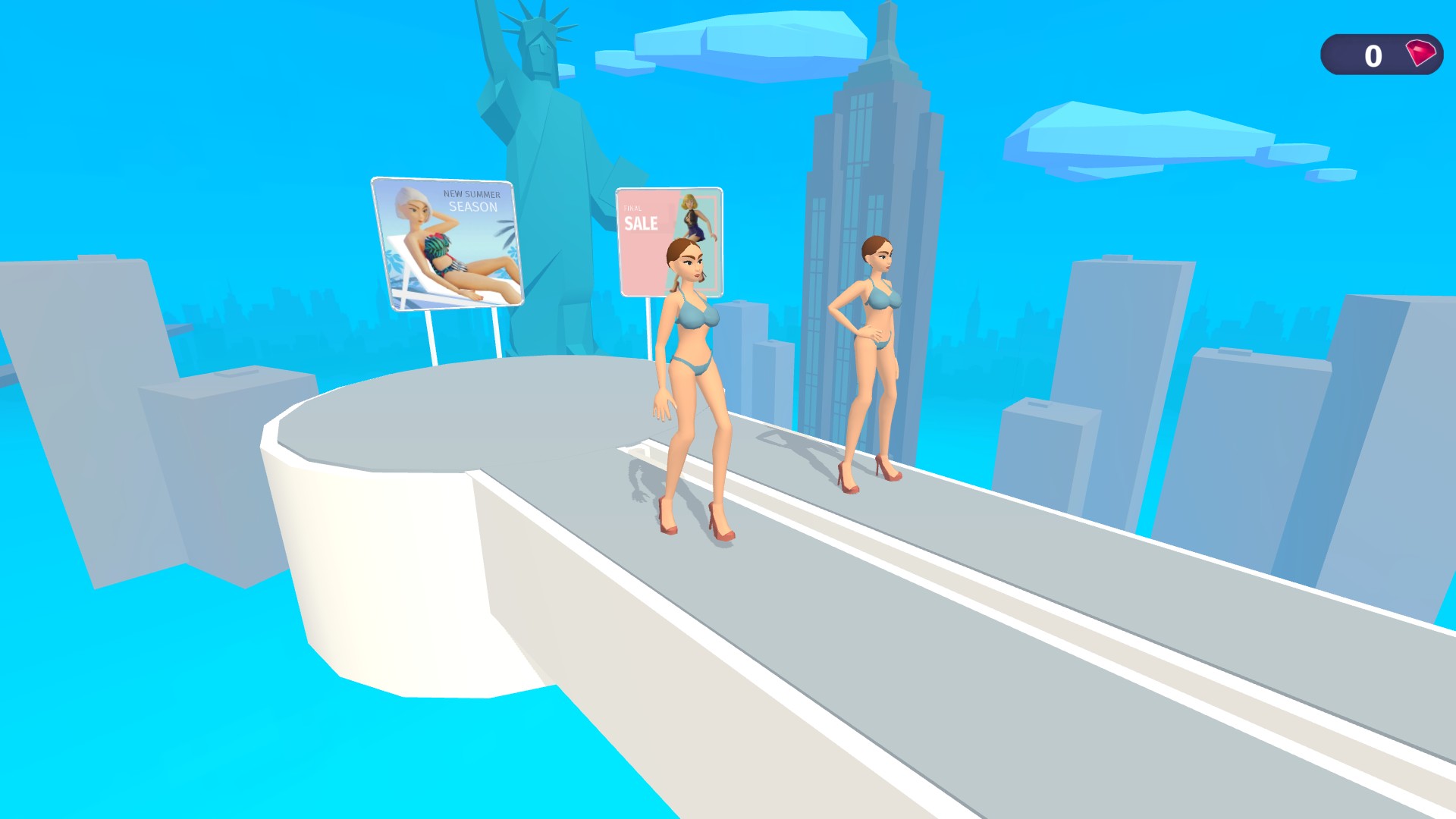
Step onto the Fashion Battle runway
Pick each part of your look, face a rival and see how the crowd scores your style.
Each battle presents a theme and a series of outfit choices. Pick the pieces that suit the brief, then compare your final look with your rival's score.
The Gems control lets you choose a whole-number value before reloading the game. The selected amount appears in the top-right counter when the battle loads.
Open Customise, enter your gem amount, then choose Apply & reload. Return to the game and check the gem counter before continuing the runway battle.
Enter a whole-number gem value and use Apply & reload to load it into the current Fashion Battle game.
View customise →Download the Windows app and follow the setup prompts.
Set up the browser extension in Chrome or Edge, then open the supported YouTube Playable. Follow the connection guide if the game is already running.
Review the available options in the app and choose the ones that suit how you play.