

Choose your farm budget
Your balance shapes the plans you can make for the farm. Set it higher when you want more spending room, or lower it when you want to work within a smaller budget.

Set the balance you want
Enter a balance from 0 to 999999999. The inventory shows the game's current amount. If that amount changes while you are editing it, refresh the balance before trying again.
Use the Custom Mode setup described on the overview page before changing money.
Available resources
MoneyPremium
Set your current balance for a larger project or a smaller farm budget.
Enter a balance from 0 to 999999999. Refresh the value if your balance changes while editing it.
Custom Mode required.
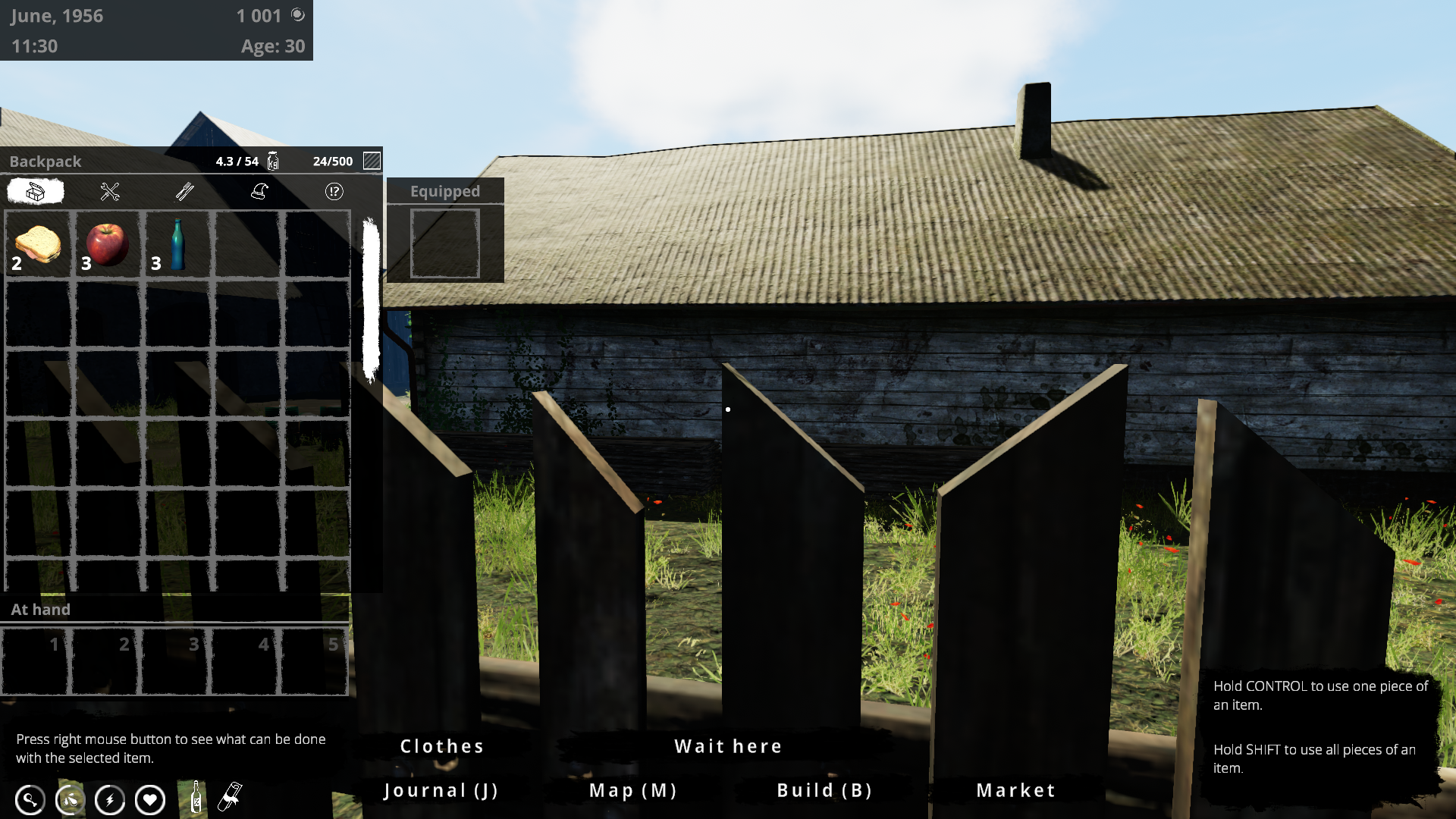
Choose your farm budget
Your chosen balance appears in the inventory. Set it in Custom Mode to suit your farming plans.
More ways to customise Farmer's Life
- Farmer's Life unlocks
Separate actions for available kitchen recipes and hidden map points.
- Farmer's Life ability modifiers
Three movement styles for the active player on foot in Custom Mode.
- Farmer's Life game actions
A separate action for switching the game's affected player state.
Using these features
Choose the feature in the Windows app after connecting your game. Check its requirements before making a change.
Setup for Farmer's Life →