

Explore your farm from a new angle
Choose Fly to rise above the farm, Free Walk for movement along the ground or Board for a rolling style. One movement card holds the style, speed and direction controls.

Choose a movement style
Fly uses your view direction and separate up and down controls. Free Walk and Board use physical ground movement. Start in an open area while getting used to the board.
Use the grouped direction controls to move and adjust the speed to suit the space around you. Board has separate acceleration, carving, braking and jump-strength settings.
Return to ordinary farm activities
Disable the Movement card to return to normal movement. The custom controller also releases when a menu, loading screen, vehicle or other activity takes control.
Movement is for your active player on foot in Custom Mode. It pauses when the game loses focus. See the overview for the game's Custom Mode setup.
Available ability modifiers
MovementPremium
Choose Fly, Free Walk or Board for your active player on foot.
Disable this card to return to normal movement. Use open ground while learning the board controls.
Custom Mode required. Menus, vehicles, loading and other activities release movement.
Supported movement styles: Fly, Free Walk, Board
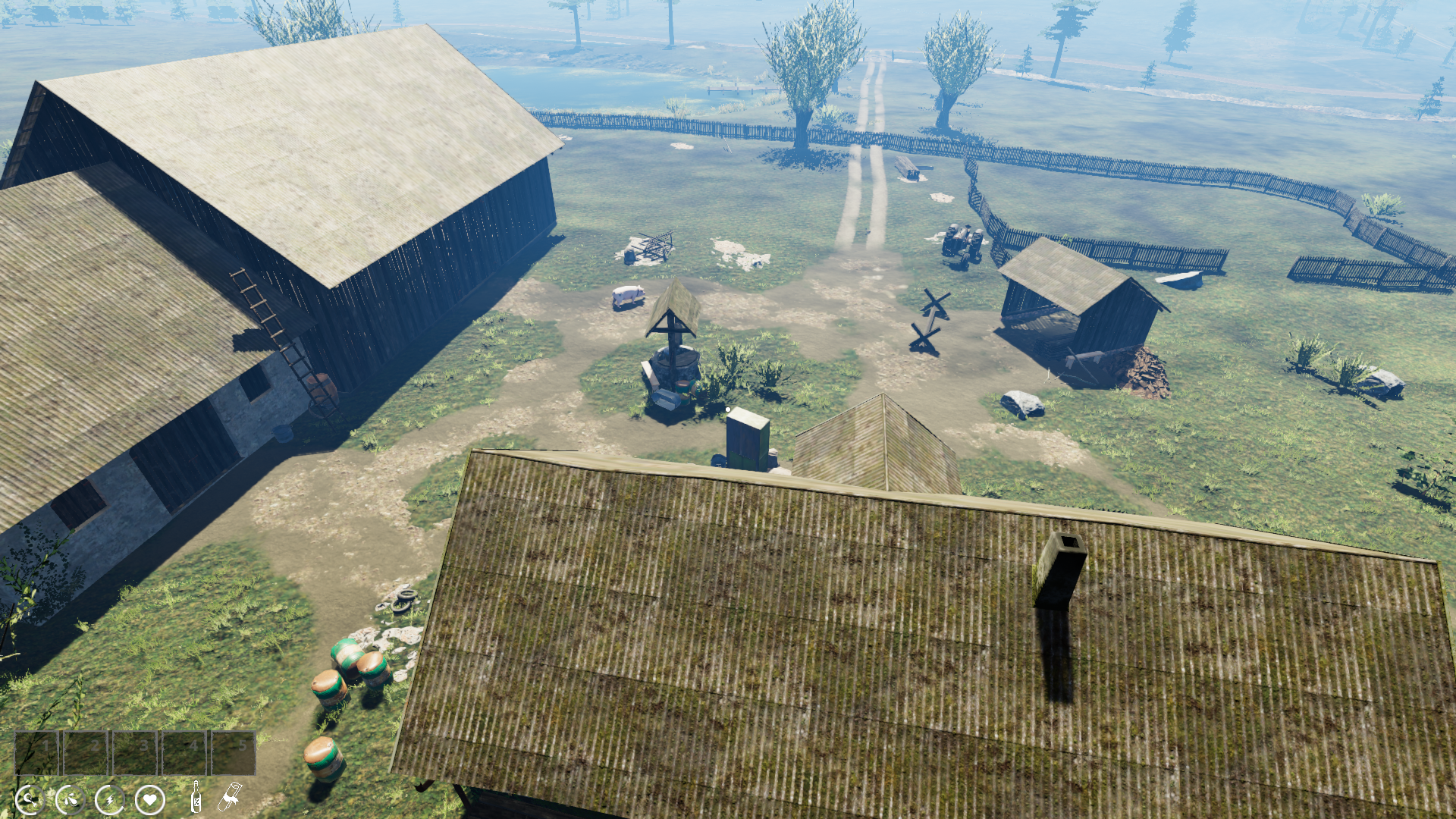
See your farm from above
Use Fly in Custom Mode to explore above the farm and choose a new view of the valley.
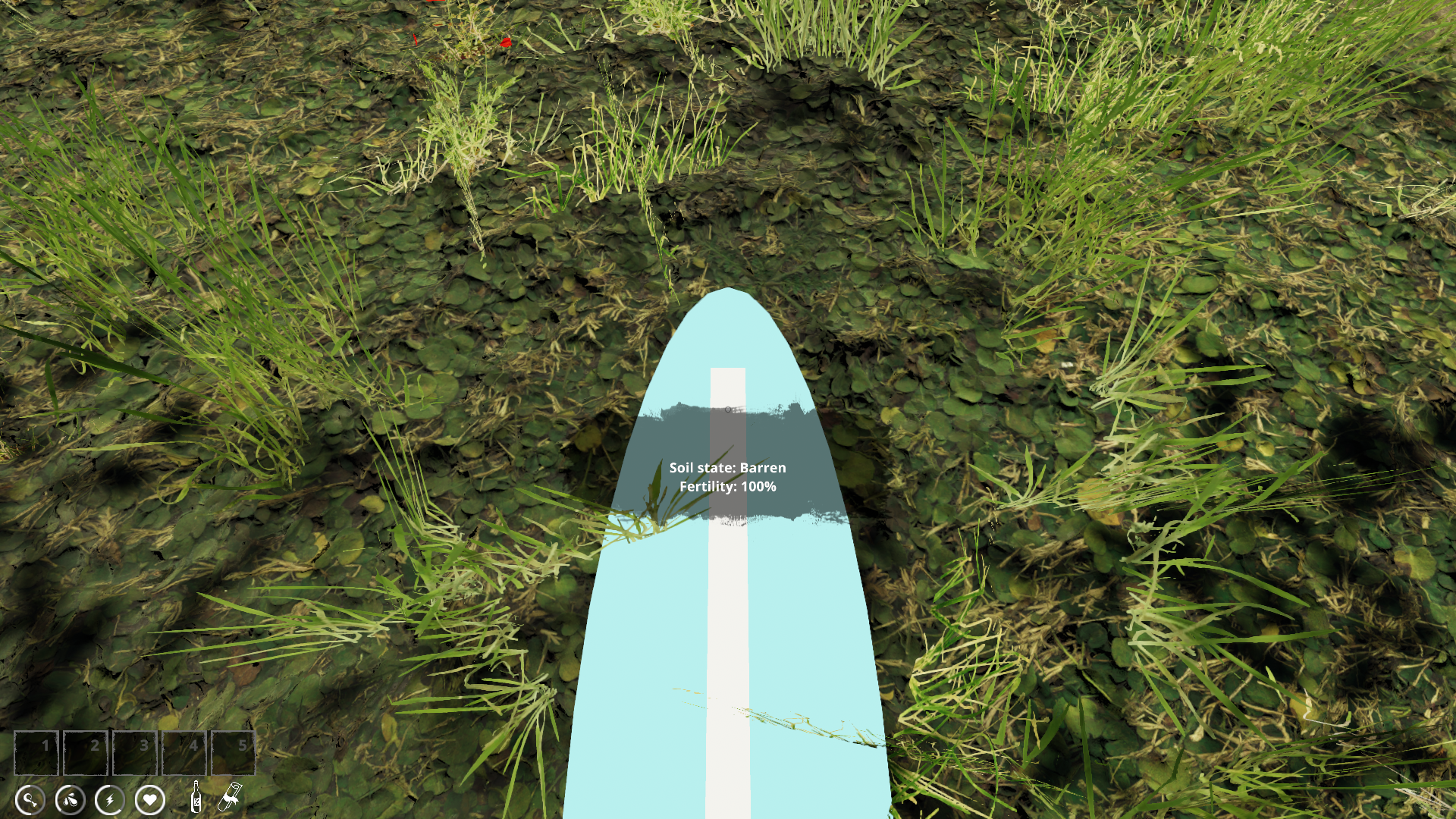
Try the board movement style
Switch to Board for a different way to move around your farm in Custom Mode.
1 / 2
More ways to customise Farmer's Life
- Farmer's Life resources
Set the current balance in your Custom Mode farm.
- Farmer's Life unlocks
Separate actions for available kitchen recipes and hidden map points.
- Farmer's Life game actions
A separate action for switching the game's affected player state.
Using these features
Choose the feature in the Windows app after connecting your game. Check its requirements before making a change.
Setup for Farmer's Life →