

Choose your engine energy
Top up the engine when you want to get moving again, or choose a lower amount for your next stretch. The energy control lets you set an exact value or add and subtract an amount.

An energy top-up when you need it
Resume gameplay, refresh the displayed amount and choose your adjustment. The control changes the current energy supply; ordinary engine use still consumes it.
Available resources
Engine energyFree
Set, add or subtract engine energy between 0 and 100.
Resume gameplay and refresh the amount before making an adjustment.
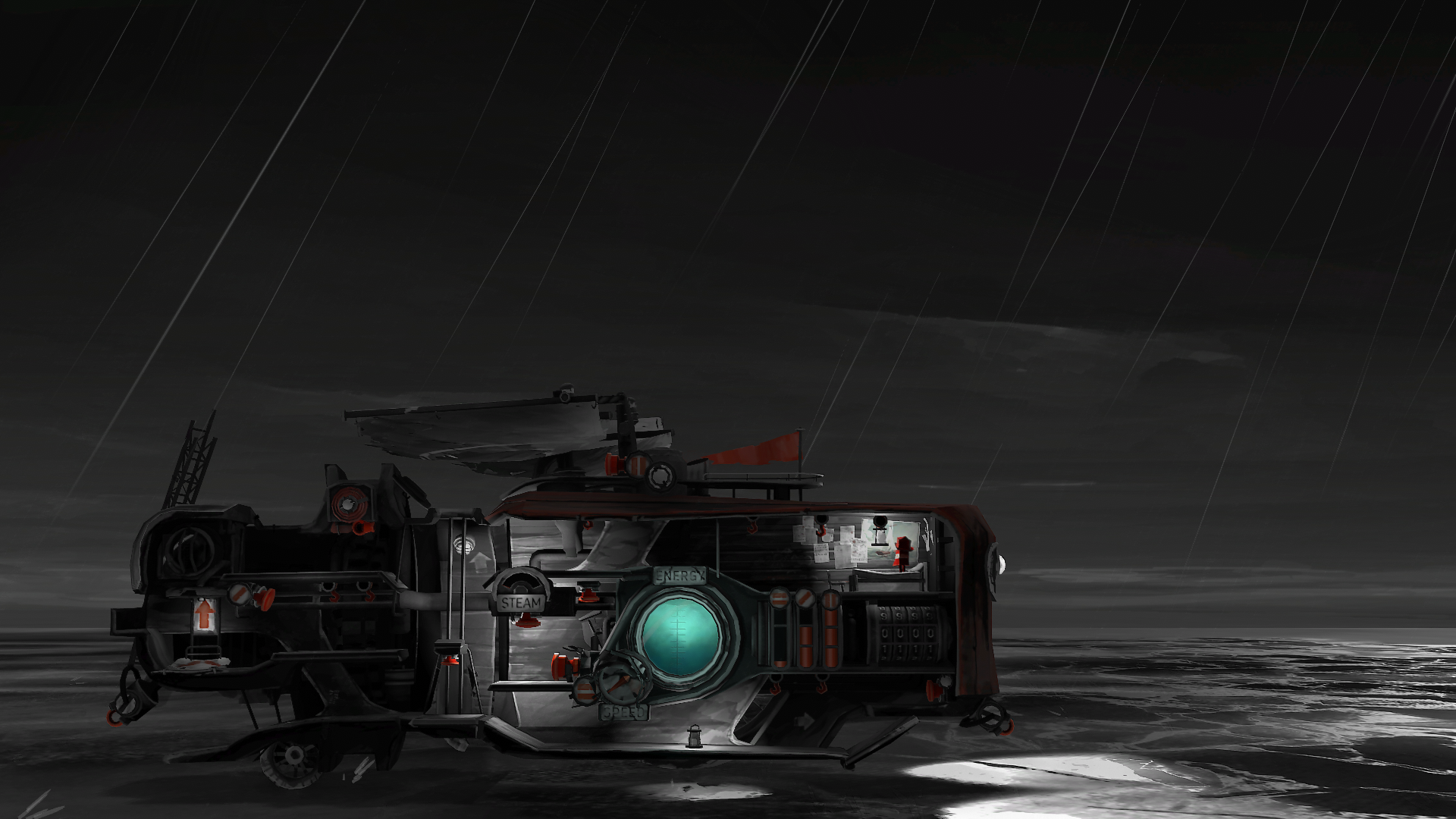
Top up engine energy
Set the engine's energy to 100 and keep the journey going. Normal engine use can still reduce the balance.
More ways to customise FAR: Lone Sails
- FAR: Lone Sails stat modifiers
Adjust walking speed from 50% to 300%.
- FAR: Lone Sails game actions
One-action repairs and a free catalog of carryable items.
Using these features
Choose the feature in the Windows app after connecting your game. Check its requirements before making a change.
Setup for FAR: Lone Sails →