
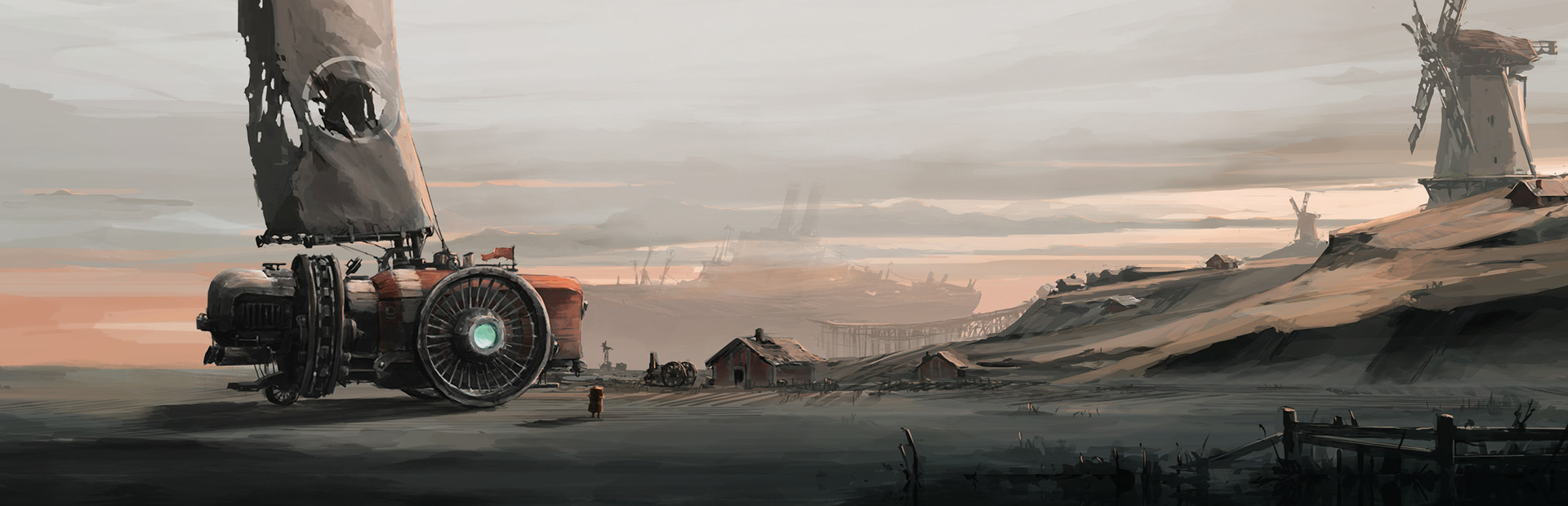
Repair your landship and bring items into reach
Restore damaged active vehicle components with Repair Vehicle, or use the free Spawn Items catalog to place a useful object beside your character.

Repair active vehicle components
Use Repair Vehicle during gameplay to restore the active components of your current landship. It repairs when you press the action, so you choose when to use it.
Spawn one item at a time
Step outside the vehicle, resume gameplay and choose an item from the catalog. Pick it up and carry it using the normal game controls. Spawn supports up to 100 active items; item previews are unavailable.
Available game actions
ItemsFree
Choose from 23 carryable items and place one beside your character.
Step outside the vehicle and resume gameplay before spawning. Pick up the item with the normal game controls.
One item per request, with up to 100 active items. Previews are unavailable.
What you can spawn
- Items (23)
- Including Rolling, Books, Chair, Crate, Mailbox.
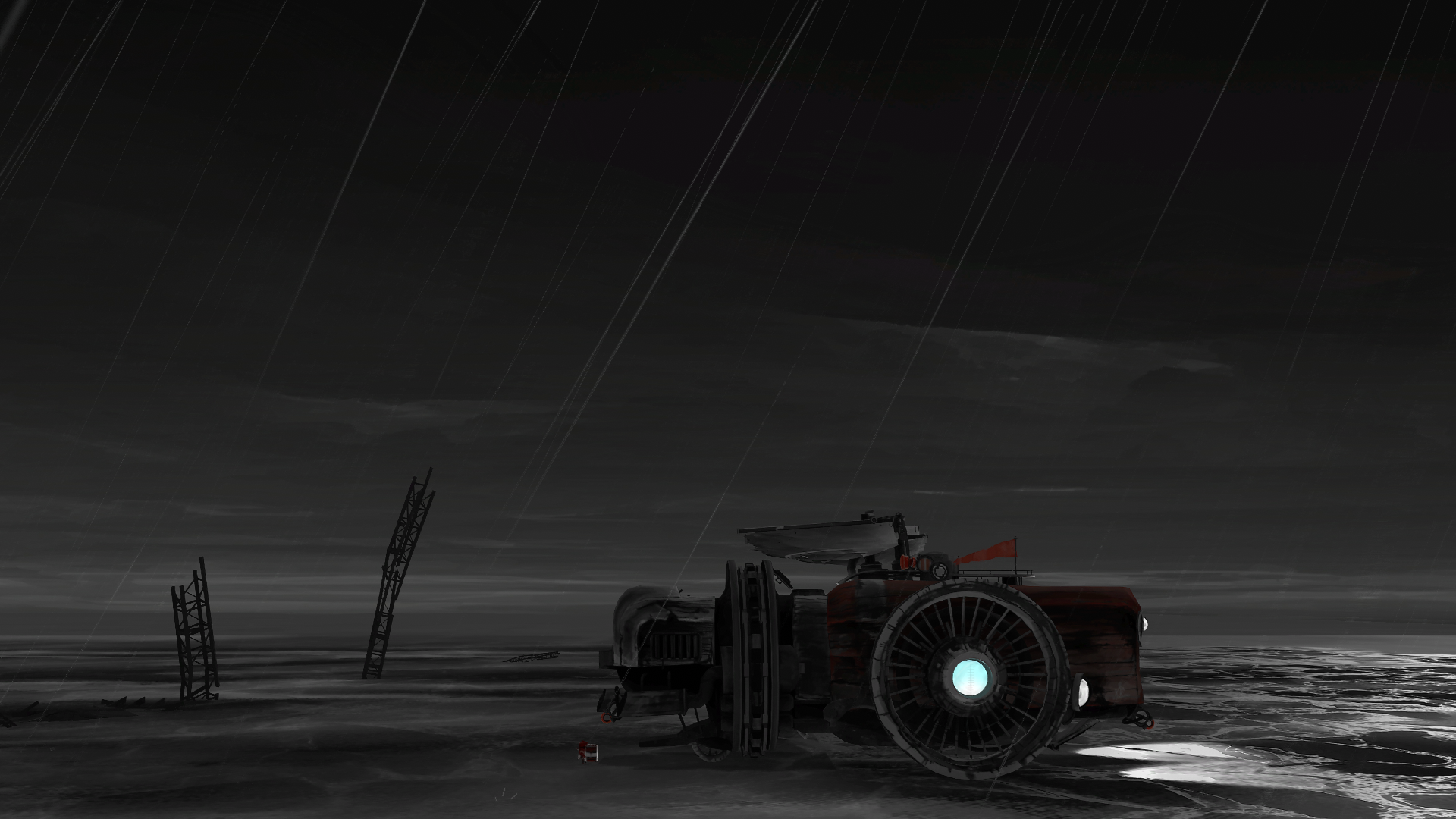
Carry spawned fuel
Spawn a fuel container outside your vehicle, then pick it up and carry it where you need it.
Repair vehiclePremium
Restore the active components of your current vehicle with one repair action.
Resume gameplay, then press Repair Vehicle when you need it.
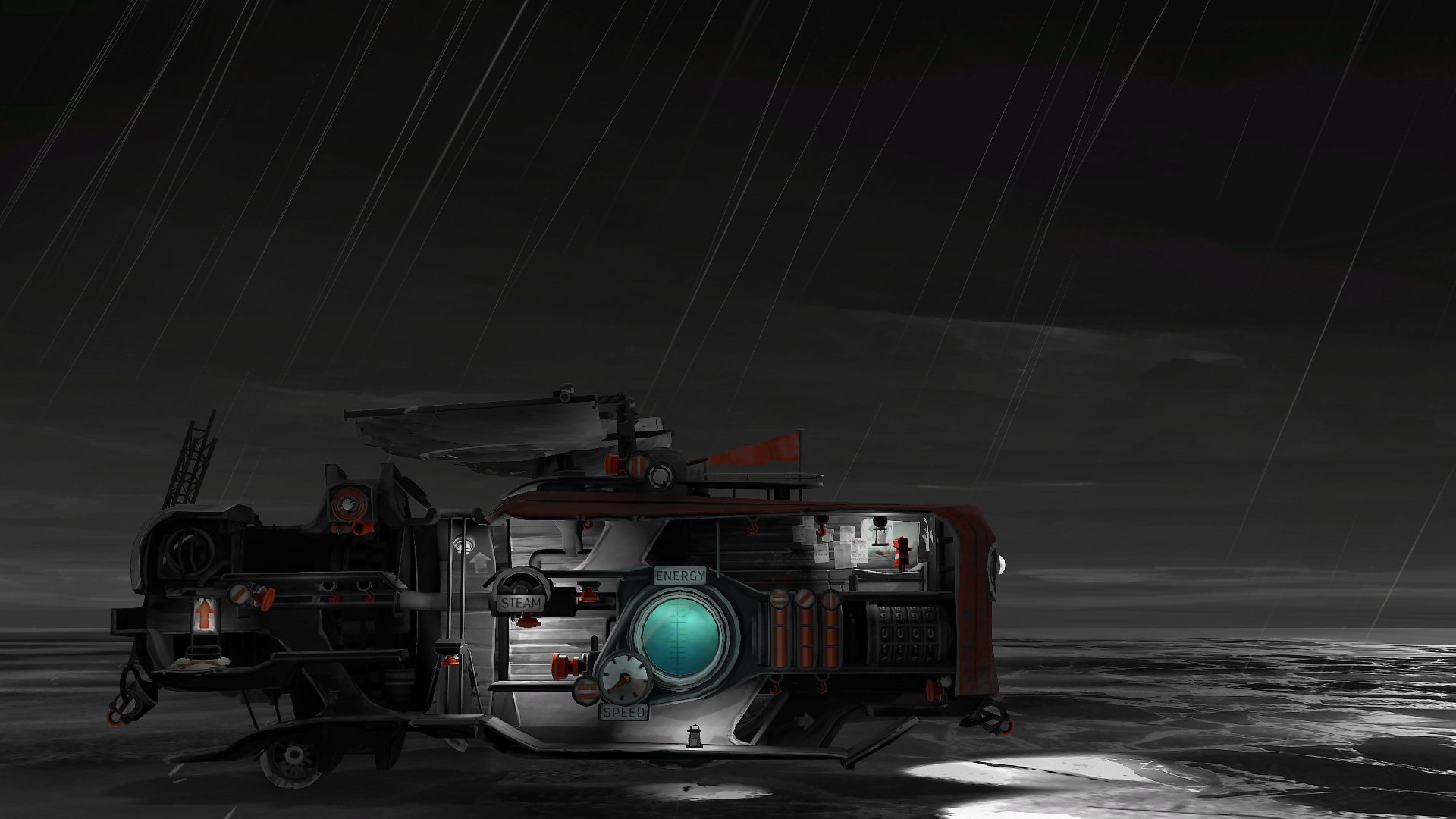
Repair your vehicle
Restore the health of installed vehicle modules and keep your journey moving.
More ways to customise FAR: Lone Sails
- FAR: Lone Sails resources
Set engine energy between 0 and 100.
- FAR: Lone Sails stat modifiers
Adjust walking speed from 50% to 300%.
Using these features
Choose the feature in the Windows app after connecting your game. Check its requirements before making a change.
Setup for FAR: Lone Sails →