


Bring the cheat menu into view
Load or continue your family, then use Open cheat menu. Its buttons appear over the family screen so you can choose a normal menu control.

Use the menu's controls
Press +100 Life Point to add 100 Life Points. Opening the menu itself leaves the choice of which button to use with you.
Available game actions
Open cheat menuFree
Open Family Life's built-in cheat menu.
Continue an active family game, then press Open cheat menu and choose a normal menu button.
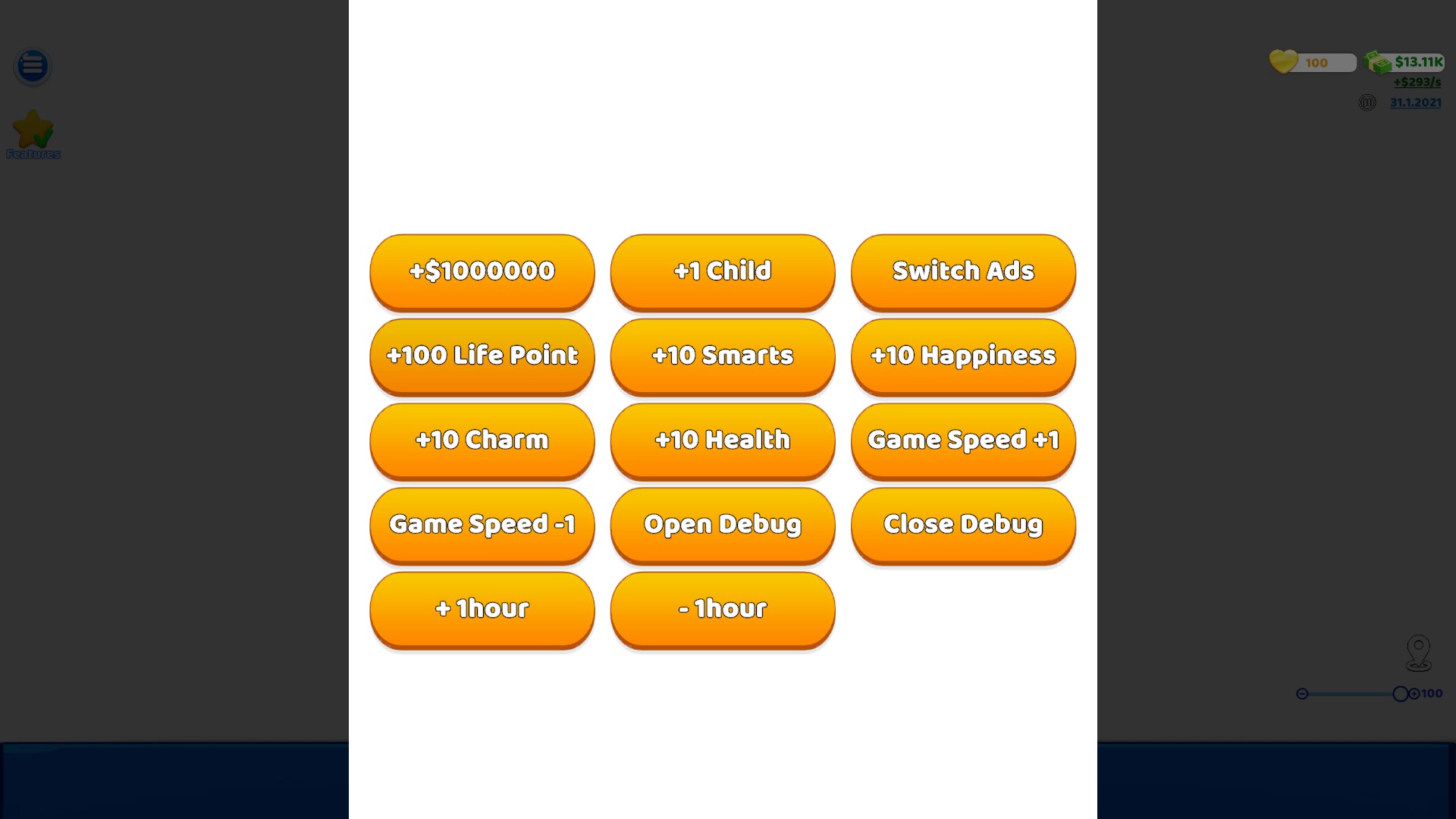
Open the built-in cheat menu
Bring up Family Life's cheat menu from your active family game. Choose its normal controls, including the +100 Life Point button.
Using these features
Choose the feature in the Windows app after connecting your game. Check its requirements before making a change.
Setup for Family Life →