


Control your flight through ENA's world
Fly replaces ordinary movement while enabled, letting you move vertically and pass through walls. Direction follows where you look, and the separate speed settings help you switch between close inspection and longer trips.

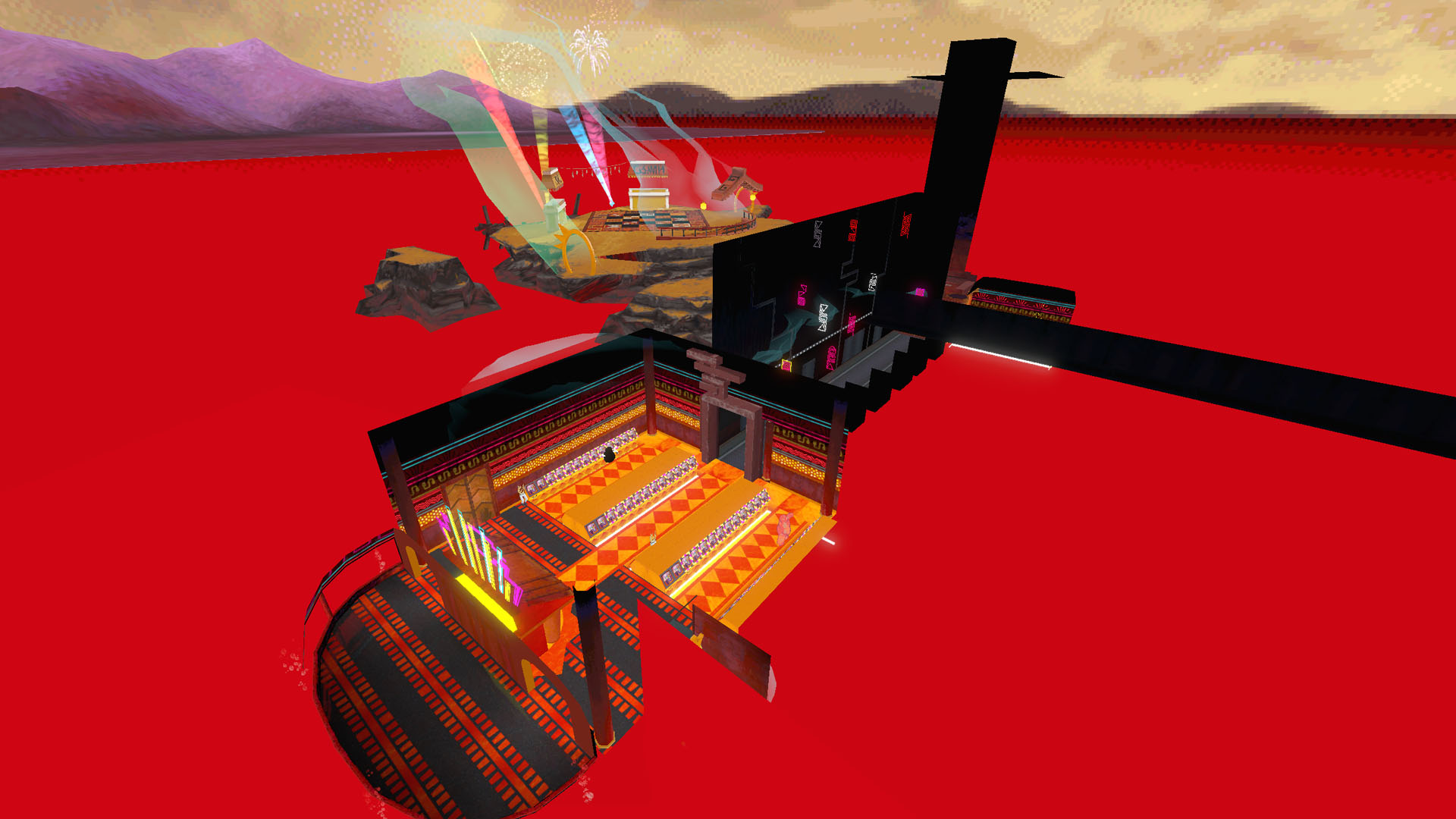
Explore beyond the usual route
Use Fly to rise above the scenery and explore ENA: Dream BBQ from a different angle.
Default movement keys
Use W, A, S and D to move, Space to rise and Ctrl to descend. Hold Shift to use Fast Fly Speed. Check the app for your current bindings, since these keys can be changed.
Set a comfortable speed
Fly Speed starts at 5 and Fast Fly Speed at 20. Adjust the settings to suit the space you are exploring. Return to a clear, walkable position before disabling Fly to resume normal movement.
Exploration and progression
Flight changes movement; it does not promise to complete jobs, puzzles or story events. Passing through scenery can take you beyond the usual route, so return to the playable area when you want to continue normal exploration.
Available ability modifiers
FlyPremium
Fly above the scenery and pass through walls to explore ENA: Dream BBQ from new positions.
Enable Fly. By default, use WASD to move, Space to rise, Ctrl to descend and Shift for faster flight. Adjust both speeds or change the bindings in the app.
Before you use it: Changes movement rather than completing puzzles or story events. Move to a clear, walkable place before turning Fly off.
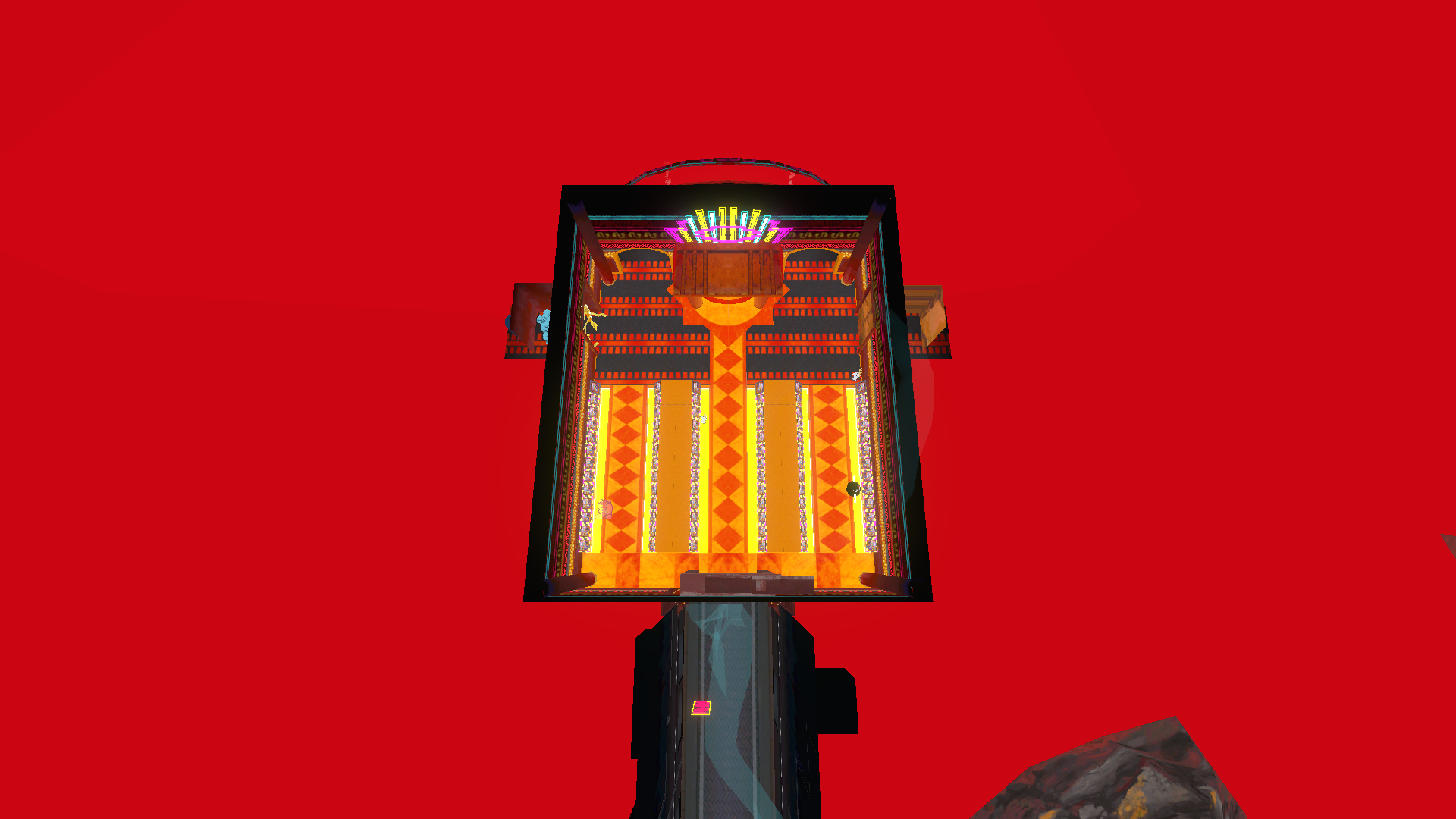
Fly above the Hub
Leave the normal route and look down on the Hub's room and connecting corridor.
Using these features
Choose the feature in the Windows app after connecting your game. Check its requirements before making a change.
Setup for ENA: Dream BBQ →