


Ability Modifiers
1 optionConfigurable flight controls with normal and fast speed settings.
View ability modifiers →ENA: Dream BBQ's surreal places invite a closer look. The Premium Fly option gives you another way to explore them: rise above the scenery, move through walls and view familiar spaces from a new direction.

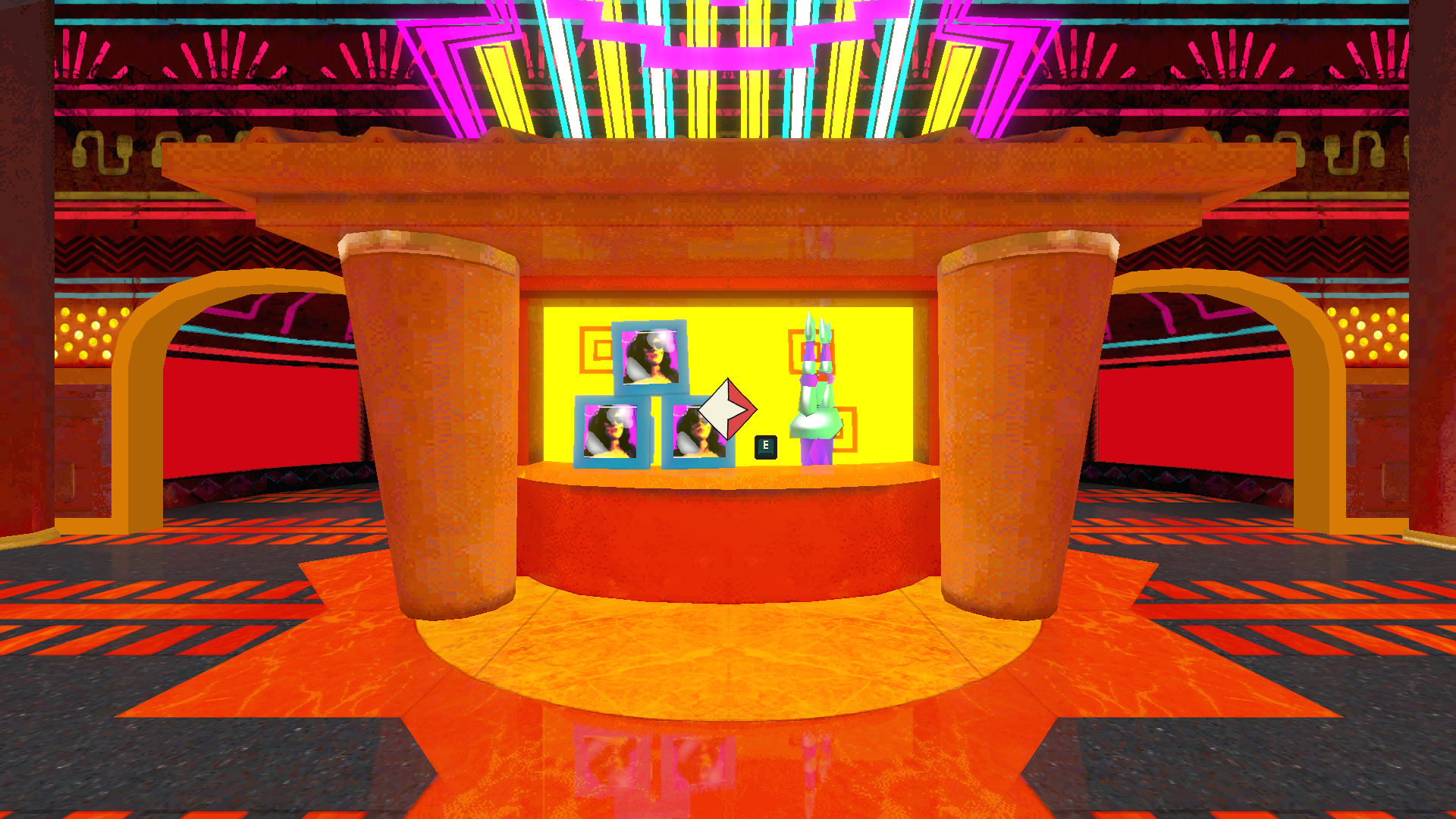
Inside the Hub
Explore the Hub's bright displays and unusual surroundings in ENA: Dream BBQ.
Ability Modifiers contains the Fly toggle, along with movement keys and separate normal and fast flight speeds. Use a slower setting for a close look or hold the faster-flight key to cover more ground.
Install Bytonian Mods, open ENA: Dream BBQ and select the game in the Windows app. Follow the connection prompts, enter an area where you can move, then review the Fly controls before enabling it.
Configurable flight controls with normal and fast speed settings.
View ability modifiers →Browse the Steam achievement names and descriptions for ENA: Dream BBQ. Choose and unlock achievements for free with Bytonian Mods in the Windows app.
View all achievements →Download the Windows app and follow the setup prompts.
Open ENA: Dream BBQ and select it in Bytonian Mods. Follow the app’s connection prompts.
Review the available options in the app and choose the ones that suit how you play.