

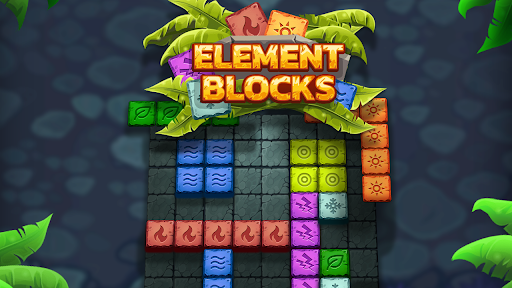
Stars for power-up purchases
Choose how many stars you want available before returning to your Element Blocks board. You can then use the normal shop to buy a bomb when you need space.
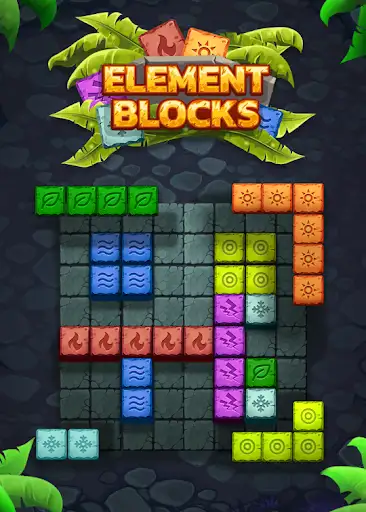
Stars for a bomb purchase
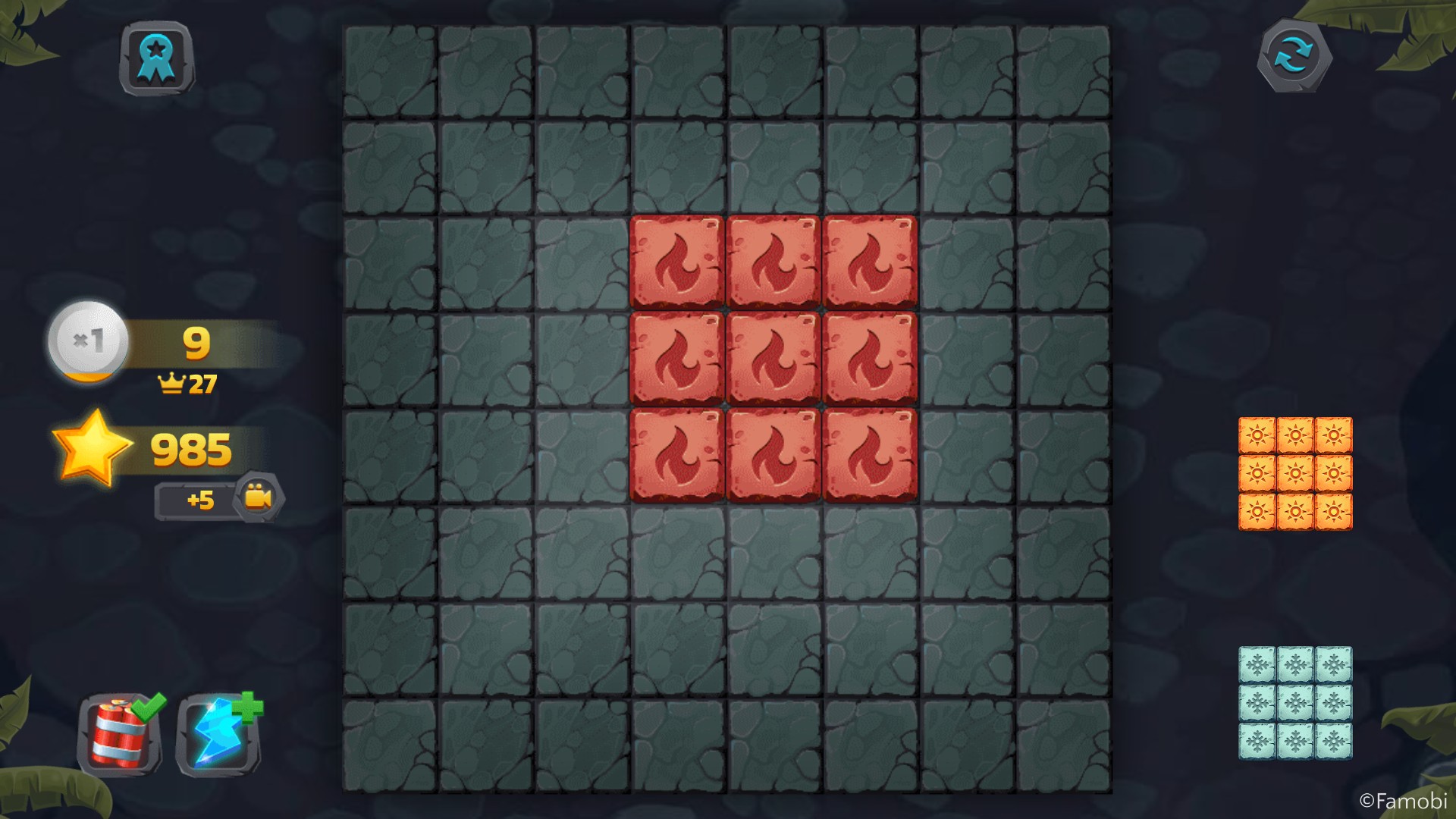
A bomb bought from the power-up shop, with 985 stars left after the 15-star purchase.
Spend stars in the bomb shop
Select a stars amount and apply it. Back in the game, open the bomb button to see its star price and confirm the purchase.
Once the bomb is ready, drag it onto the blocks you want to remove. Stars pay for the purchase; you choose where to use the power-up.
Available customise
StarsFree
Set stars for normal power-up purchases.
Choose an amount and apply it, then open the bomb shop, buy a bomb and drag it onto the board.
Questions about customise
- Does setting stars buy a bomb automatically?
- No. Open the normal bomb shop and confirm the purchase after setting your stars.
- Is the Stars option free?
- Yes. The Stars customization is Free.
Using these features
Choose the feature in the Windows app after connecting your game. Check its requirements before making a change.
Setup for Element Blocks →