

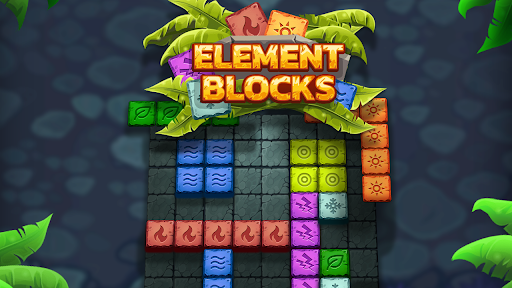
Customise
1 optionSet a stars amount, buy a bomb and place it on the board.
View customise →Element Blocks asks you to fit shapes onto a square board and complete rows or columns to make room for the next pieces. When a tight board needs some help, stars let you buy power-ups.
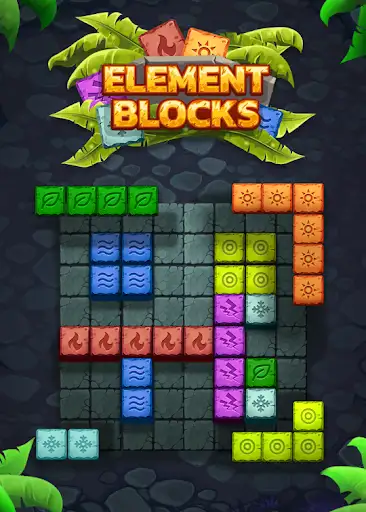
The Stars customization gives you a balance to spend through the normal shop. Buy a bomb, then drag it onto blocks you want to clear.
Keep choosing where to place each shape. Your stars give you access to a helpful power-up while the board remains yours to solve.
Set a stars amount, buy a bomb and place it on the board.
View customise →Download the Windows app and follow the setup prompts.
Set up the browser extension in Chrome or Edge, then open the supported YouTube Playable. Follow the connection guide if the game is already running.
Review the available options in the app and choose the ones that suit how you play.