

Set coins and choose your course
Use Coins to enter the balance you want shown in the HUD. Level Selection gives you a separate choice of level 1, 2 or 3, using the same level numbers shown in the game menu.
Choose your coin balance
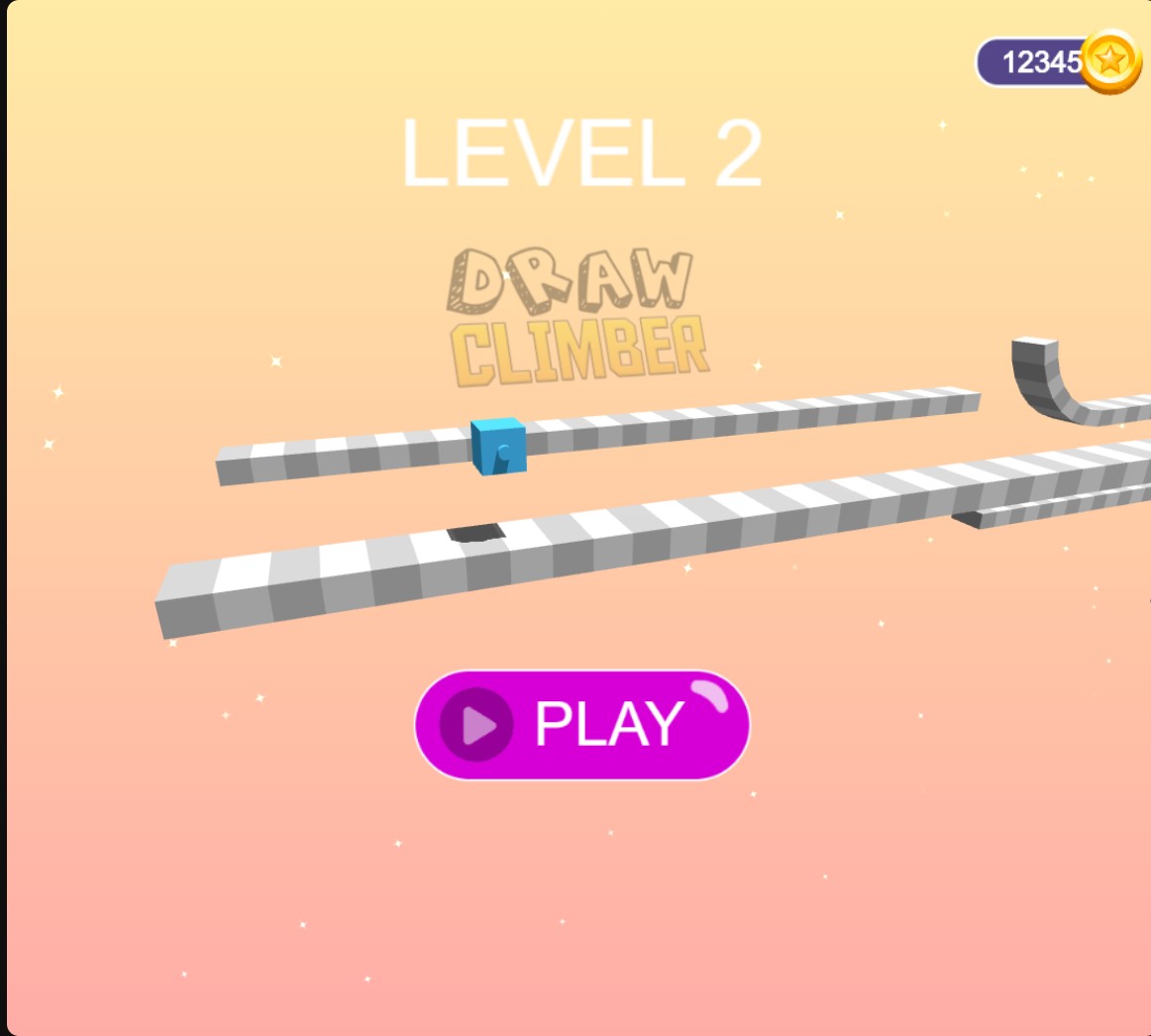
Set the coin balance shown in Draw Climber. This menu shows 12,345 coins before starting level 2.
Choose your next level
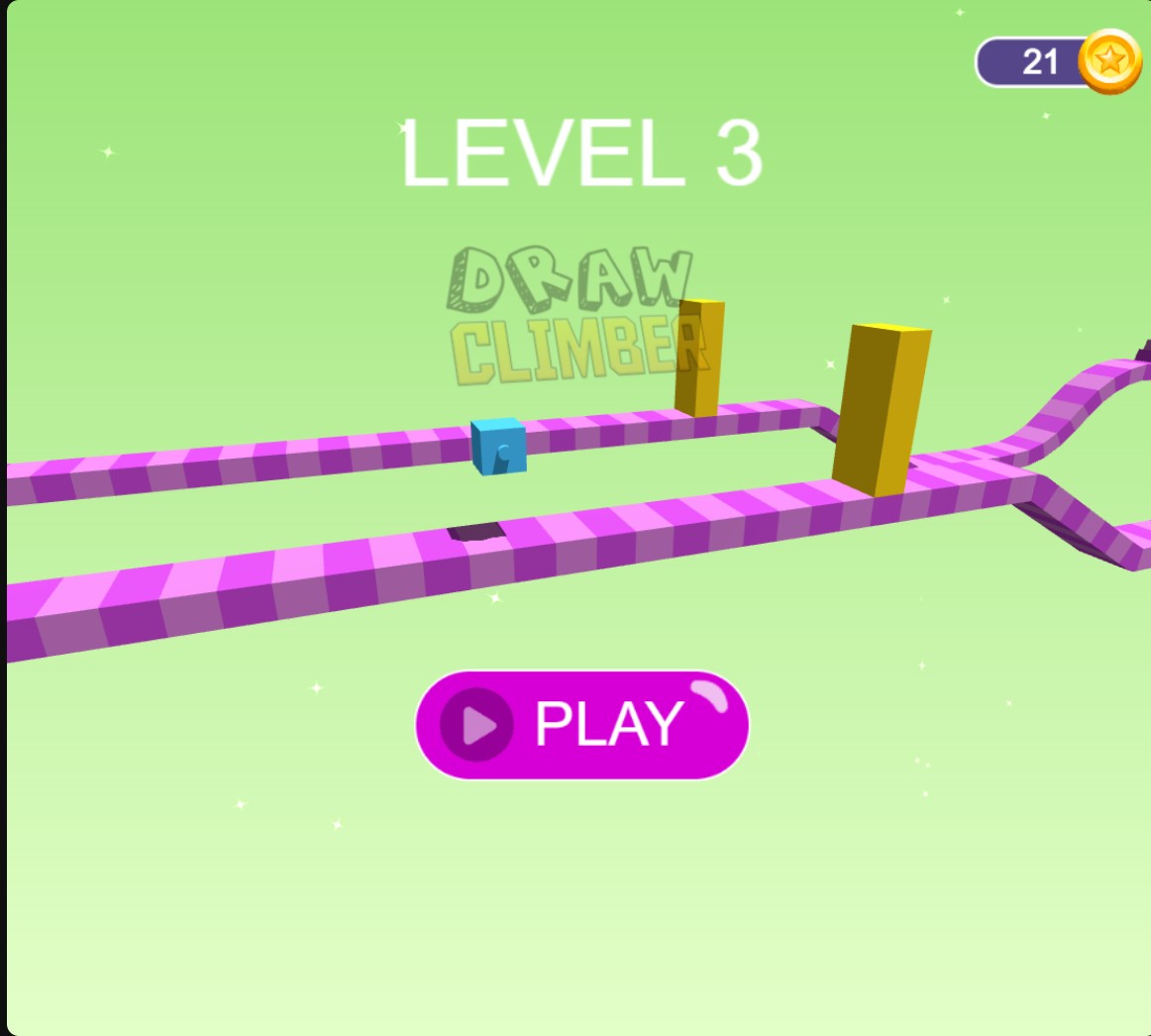
Select a level from 1 to 3 before drawing your climber's legs. This menu shows level 3 and its obstacle course.
Pick a level before the race
Choose a number from 1 to 3 and apply it. The menu changes to that level and its course; press Play when you are ready to draw your climber's legs.
Change your coin balance
Enter your chosen coin balance and apply it, then check the coin HUD in the upper-right corner of the loaded menu.
Available customise
CoinsPremium
Set the coin balance displayed in Draw Climber.
Enter a balance, apply it and check the coin HUD in the loaded menu.
Level selectionFree
Choose level 1, 2 or 3 before starting a race.
Select the level number shown in the game, apply it, then press Play from that level's menu.
Before you use it: Supports levels 1–3.
Questions about customise
- Can I select levels beyond 3?
- This level selector supports levels 1–3.
- Is level selection Free?
- Yes. Level Selection is Free, while Coins is Premium.
Using these features
Choose the feature in the Windows app after connecting your game. Check its requirements before making a change.
Setup for Draw Climber →