

Customise
2 optionsEdit Coins or select one of the first three levels.
View customise →Draw legs for your cube, then watch it race along ramps, gaps and raised obstacles. A shape that works on one part of the course can struggle on the next, so changing your drawing is part of the challenge.
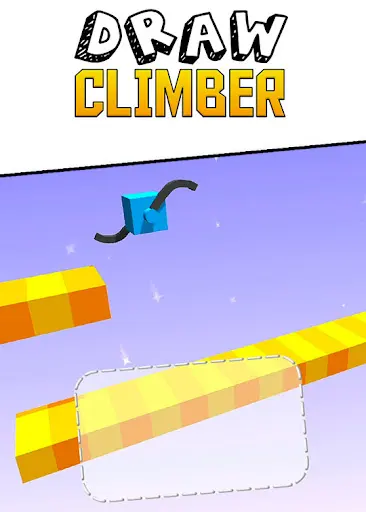
Draw legs to tackle the course
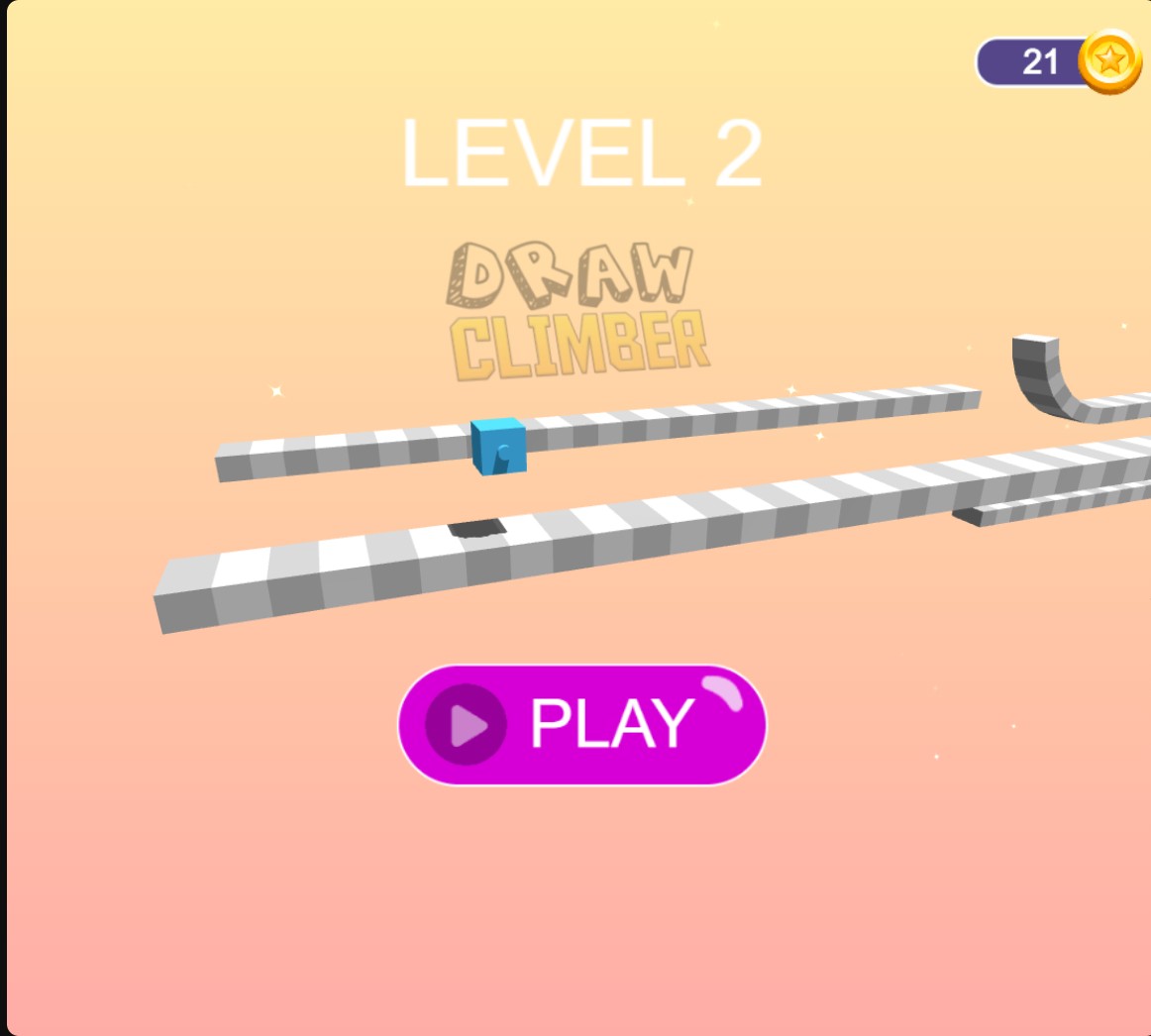
Draw Climber sends your cube along obstacle courses using the legs you sketch. This is the level 2 menu before the race begins.
Coins lets you set the balance shown in the game. The Free Level Selection control lets you choose levels 1–3 and load that course from the menu.
Start the race when you are ready, then sketch legs in the drawing area. Longer legs can help at a ramp, while a different shape may suit the next stretch.
Edit Coins or select one of the first three levels.
View customise →Download the Windows app and follow the setup prompts.
Set up the browser extension in Chrome or Edge, then open the supported YouTube Playable. Follow the connection guide if the game is already running.
Review the available options in the app and choose the ones that suit how you play.