


Choose your coin and gem balances
Set the coin and gem balances that Downhill Racer loads and displays. These Premium controls give each currency its own value so you can change one without having to change the other.

Apply and check the wallet
Enter a whole-number balance for the currency you want, then apply it. Look at the wallet balance rather than the separate coins-earned figure for the race.
What the balance controls cover
Choose Coins and Gems separately. Each control changes its own balance shown by the game.
Available customise
CoinsPremium
Sets the coins balance loaded and displayed by Downhill Racer.
Enter a whole-number balance and apply the customization.
Before you use it: Changes Coins separately from Gems.
GemsPremium
Sets the gems balance loaded and displayed by Downhill Racer.
Enter a whole-number balance and apply the customization.
Before you use it: Changes Gems separately from Coins.
More ways to customise Downhill Racer
- Downhill Racer game actions
Finish the current race, recover your rider or activate the assigned skill during a run.
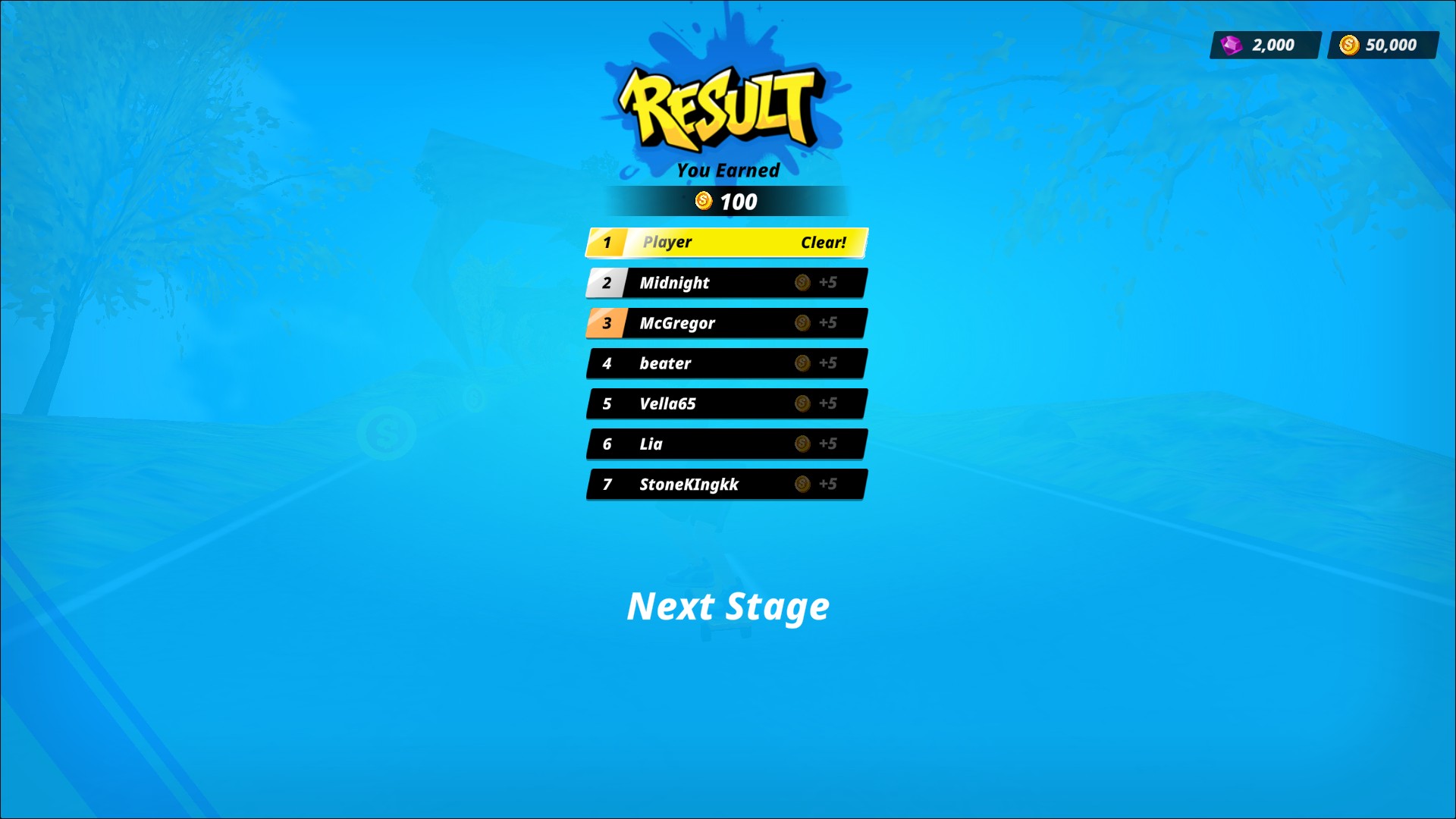
Set your coin and gem balances
The result screen shows the customized balances of 50,000 coins and 2,000 gems.
Using these features
Choose the feature in the Windows app after connecting your game. Check its requirements before making a change.
Setup for Downhill Racer →