

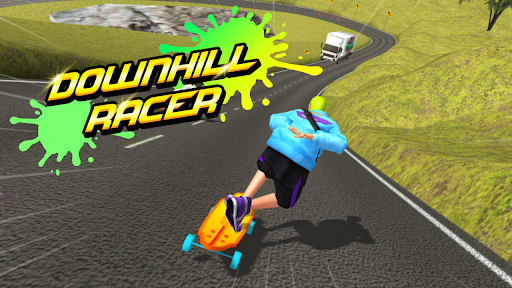
Customise
2 optionsSeparate Premium controls for the coin and gem balances shown in the game.
View customise →Downhill Racer sends your rider down a road course with other racers, obstacles and coins to collect. Choose a race action when you want to end the current run or recover your rider, or adjust the coin and gem balances shown by the game.
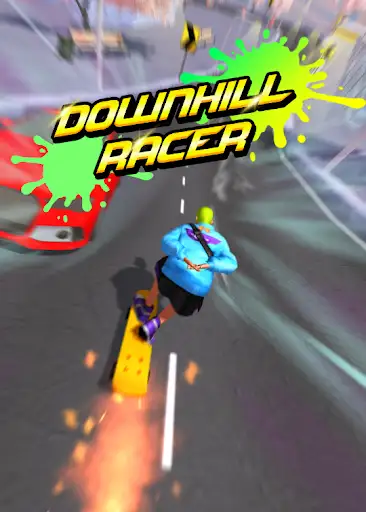
Race Actions includes free Finish Race and Respawn Rider controls. Premium options activate the rider's assigned skill or trigger the Experimental growth effect. Customize lets you choose coin and gem balances. Each option explains its requirements and limits.
Open Downhill Racer in YouTube Playables with Bytonian Mods connected. Select the control you want and follow its instructions. Use race actions while a race is active. For balance changes, enter the value and apply the customization before checking the game's wallet.
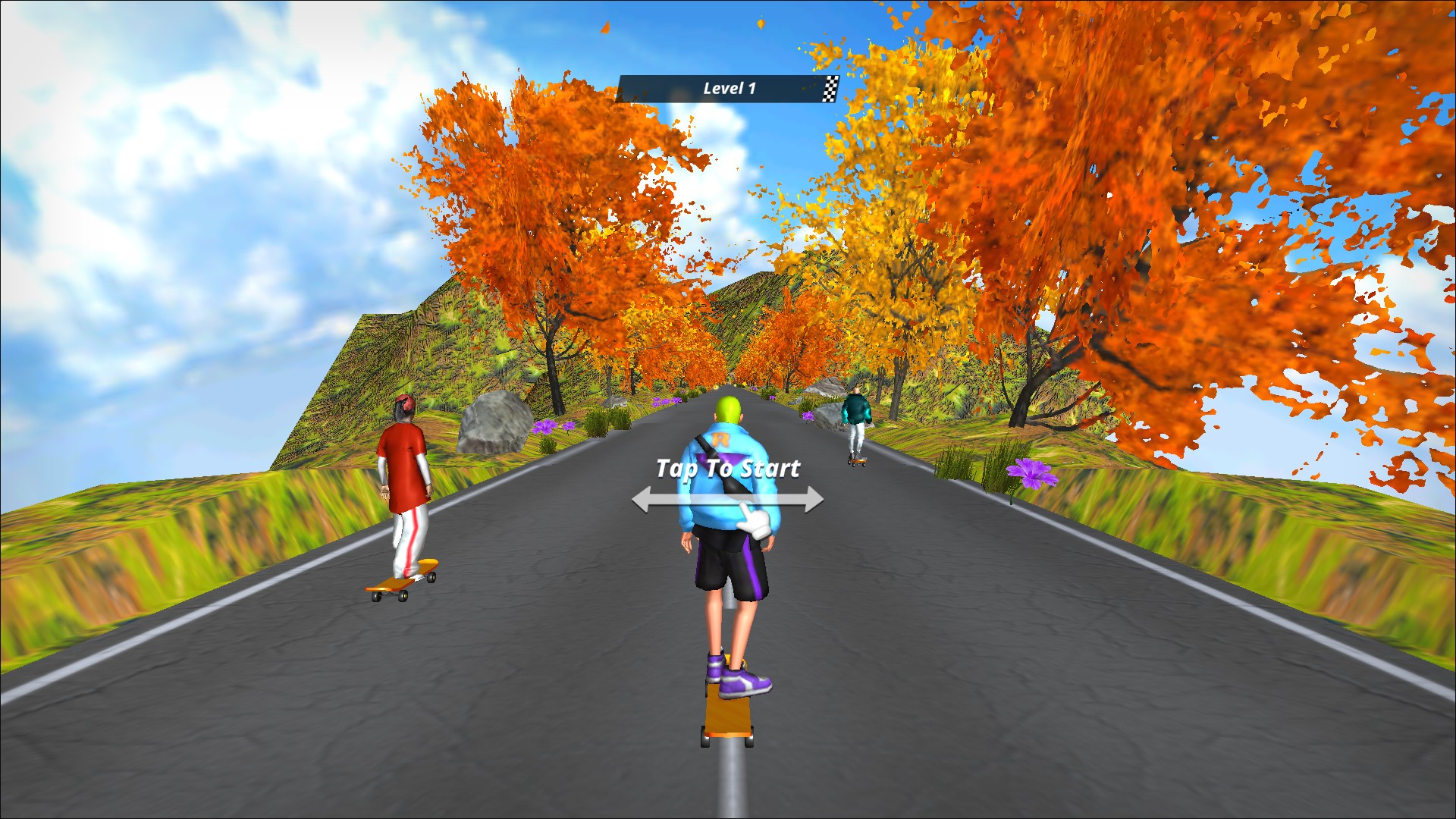
Ride the downhill course
Line up with the other riders on Downhill Racer's autumn road course.
Separate Premium controls for the coin and gem balances shown in the game.
View customise →Finish the current race, recover your rider or activate the assigned skill during a run.
View all game actions →Download the Windows app and follow the setup prompts.
Set up the browser extension in Chrome or Edge, then open the supported YouTube Playable. Follow the connection guide if the game is already running.
Review the available options in the app and choose the ones that suit how you play.