

Customise
1 optionPick a puzzle from 1 to 100 with the free Picture number control.
View customise →A chair needs a leg, a cutter needs a wheel, and a ladybird needs its body. DOP 4 asks you to spot the missing part and draw it into the picture. These controls help you choose a puzzle or move past a picture that has you stuck.
Find the missing part
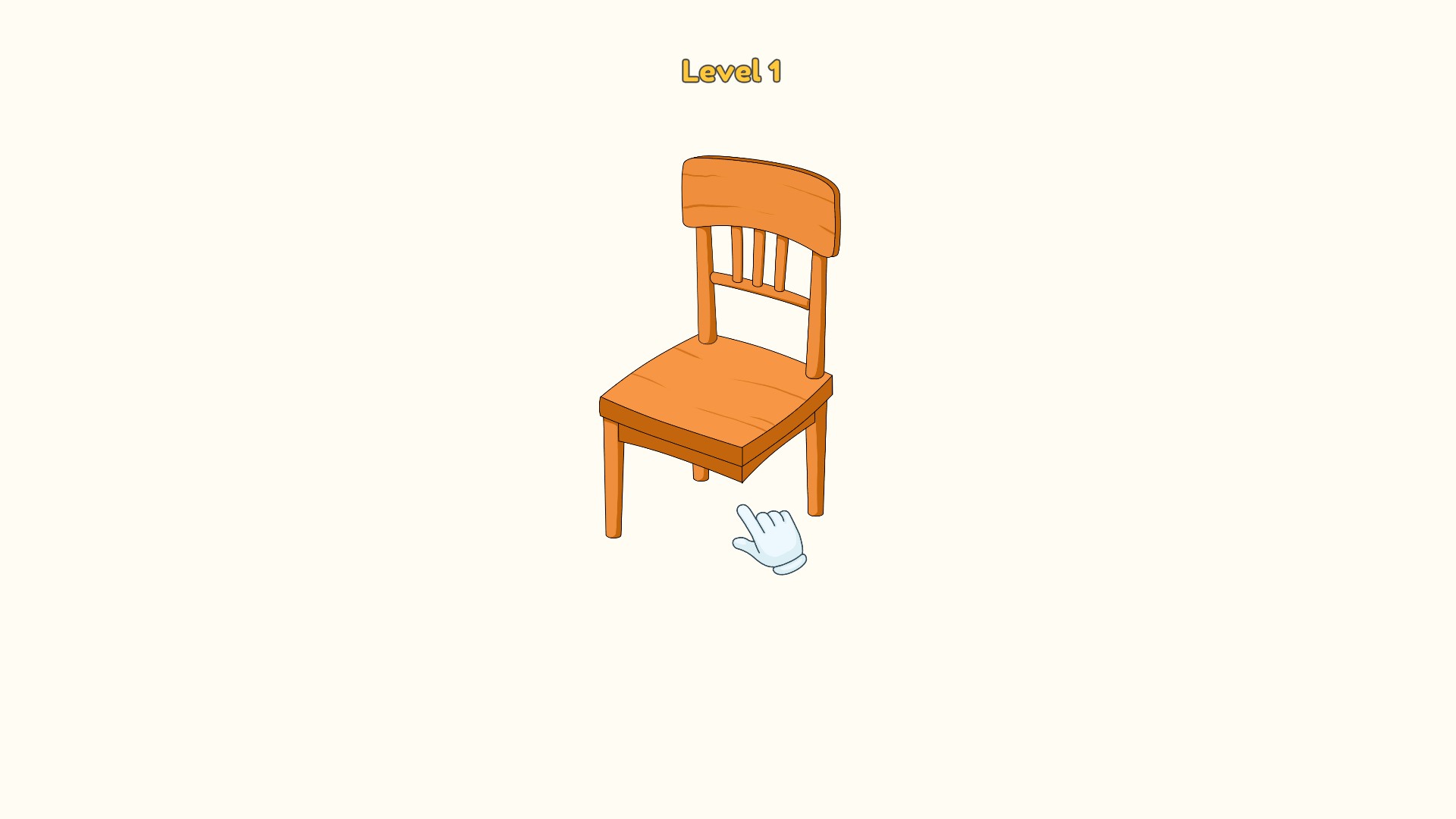
A chair needs one more leg. Spot what is missing and draw it to complete the picture.
Customise offers a free Picture number control. Game Actions includes free puzzle completion and a Premium hint guide for players who want to keep drawing the answer themselves.
Open DOP 4 in YouTube Playables and wait for a puzzle to load. Use the Bytonian Mods controls alongside the game. For Picture number, finish the first puzzle, choose a number and select Apply & reload. Complete the selected puzzle and press Next before leaving so the game keeps your progress.
Pick a puzzle from 1 to 100 with the free Picture number control.
View customise →Finish a stuck puzzle or reveal a dotted guide for the shape you need to draw.
View game actions →Download the Windows app and follow the setup prompts.
Set up the browser extension in Chrome or Edge, then open the supported YouTube Playable. Follow the connection guide if the game is already running.
Review the available options in the app and choose the ones that suit how you play.