

Prepare your Divineko Lite story
Choose the chapter access and resource balances you want before your next run. Coins, chest keys and each booster supply have their own control, so you can adjust just what you need.
Requires the Windows app and the Bytonian Mods browser extension for Chrome or Edge. Browser setup guide
Explore later chapters
Choose how far you want the story menu to open, apply the change and pick a chapter from the game's normal menu. Take on the chapter yourself when you are ready.
Choose your resource balances
Set a coin balance and a chest-key supply. Health, cooldown and coin boosters have separate amounts, making it easy to prepare a different mix for your next run.
Health boosters give your cat more maximum health for story play. Set the supply you want, then start your level normally.
Available customisation options
CoinsPremium
Choose how many coins you have ready for your next run.
Enter the coin balance you want and apply the change before playing.
Story level accessPremium
Open later story chapters and choose where you want to play.
Choose your chapter access, apply the change and use the game's normal chapter menu.
Chest keysPremium
Choose how many chest keys you have ready.
Set your key balance and apply the change before playing.
Health boostersPremium
Stock up on health boosters for story play.
Choose your booster supply, apply the change and start a story level normally.
Cooldown boostersPremium
Choose your supply of cooldown boosters.
Set the number you want in your inventory and apply the change.
Coin boostersPremium
Choose your supply of coin boosters.
Set the number you want in your inventory and apply the change.
More ways to customise Divineko Lite
- Divineko Lite game actions
A free health refill for your living cat during story levels.
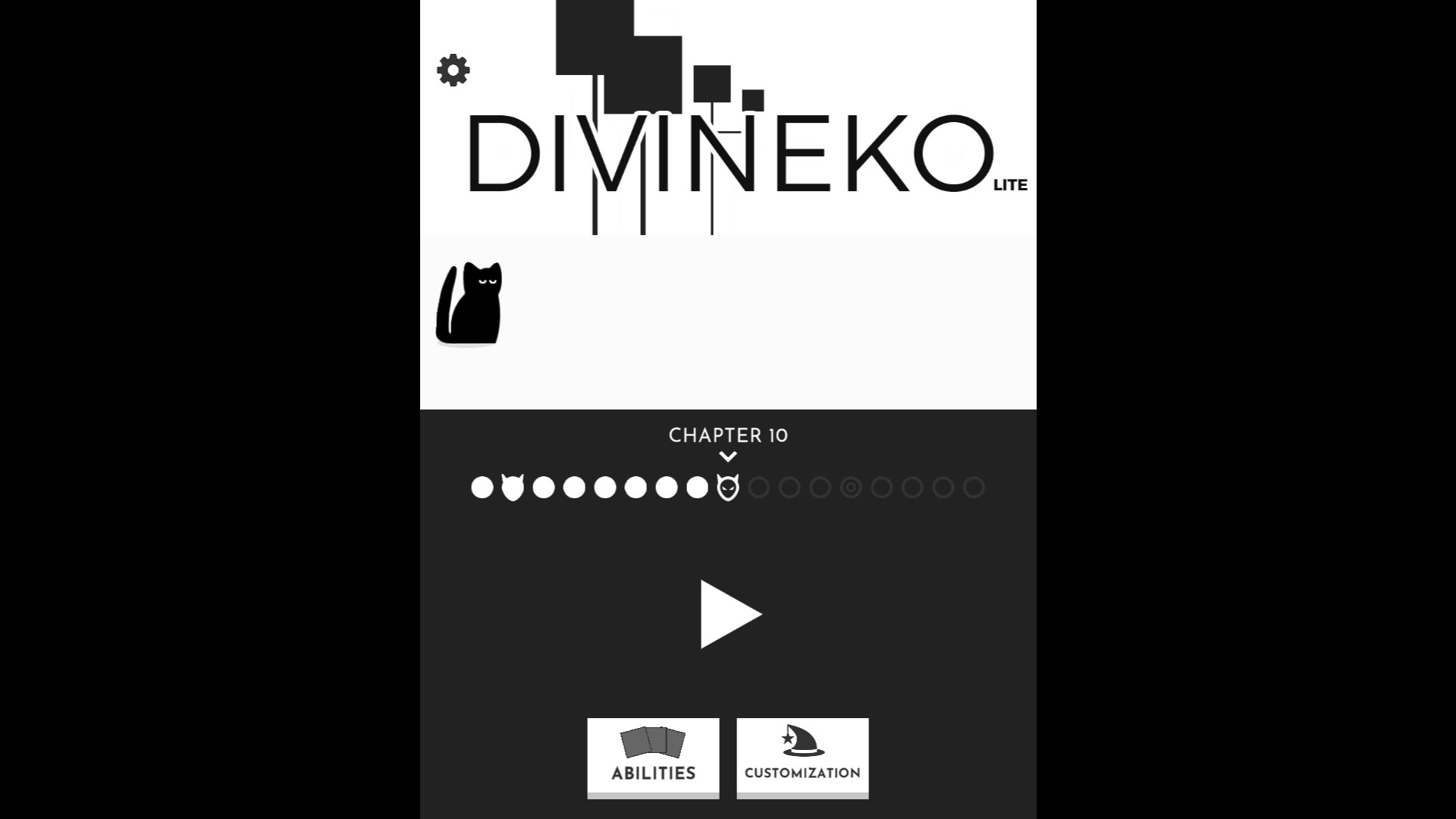
Explore more Divineko Lite chapters
Open up your story choices and jump to a later chapter from the normal chapter menu.
Questions about customisation options
- Can I change just one resource?
- Yes. Coins, chest keys and each booster supply are separate choices. Select only the changes you want to apply.
- Where do I choose a later chapter?
- After applying chapter access, use the chapter markers in Divineko Lite's story menu to choose where to play.
Using these features
Connect your game, then open Customise in the Windows app. Choose an option, check its available values and follow its instructions. Each option lists its own requirements and limits.
Setup for Divineko Lite →